
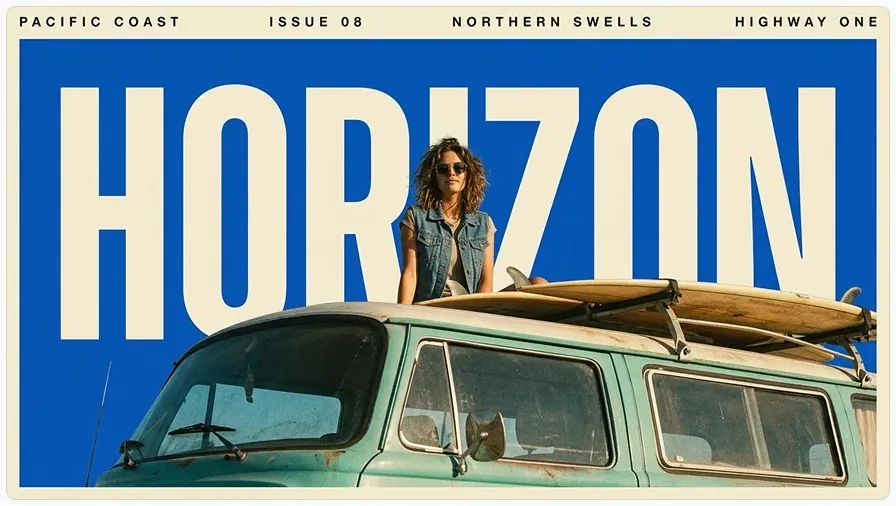
Assign typography a fixed zone before describing the scene
Most AI posters fail because the prompt treats text as an afterthought. When you ask for a busy illustration first and append a title at the end, the model squeezes distorted letters over cluttered details.
Nano Banana 2.1 handles visual design best when you define the print grid upfront: reserve an upper sky or clean margin for the headline, lock the exact wording inside quotation marks, and limit your poster to two or three deliberate color blocks.
1. Lock the poster format and color palette first
Open your prompt with the print medium, aspect ratio mood and palette — for example, a mid-century screen-printed travel poster using cobalt blue, warm cream and muted terracotta. Limiting the palette keeps both the background and lettering unified.
Tip: Use 2:3 or 3:4 in the aspect ratio selector so vertical headlines have room to breathe.
2. Quote every word and specify hierarchy
Place each visible string in exact quotation marks and state its role: large bold condensed sans-serif headline at the top, plus at most one short subtitle or date line below. Avoid long paragraphs or dense fine print in a single generation.
Tip: Short, high-contrast words (1–4 words per line) achieve far higher spelling accuracy at 1K.
3. Draft at 1K, then upscale the winning layout
Start at 1K (30 credits) to test framing, letter spacing and visual balance. Once the hierarchy and spelling look right, re-run the same prompt at 2K (40 credits) or 4K (60 credits) for crisp print-ready edges.
Reuse the exact generation prompt
Copy this text-to-image prompt as-is, or swap the quoted headline, palette and central subject for your own event or campaign.
"A vertical mid-century editorial travel poster in clean screen-print style. Cobalt blue sky occupying the upper third with large bold cream uppercase lettering reading "HORIZON" centered cleanly across the top margin, and smaller crisp subhead text reading "COASTAL EDITION 2026" directly beneath it. Lower two-thirds features a vintage cream camper van parked on a coastal cliff with two surfboards on the roof, warm sunset lighting, flat geometric shadows, subtle matte paper grain, balanced negative space, crisp vector-like print edges."
- Model
- Nano Banana 2.1
- Mode
- Text to Image (no reference required)
- Aspect Ratio
- 2:3 or 3:4 (vertical poster)
- Credits
- 30 cr (1K) · 40 cr (2K) · 60 cr (4K)
Inspect the result before reusing it
Before downloading or sending a poster into production, check these four details at 100% zoom:
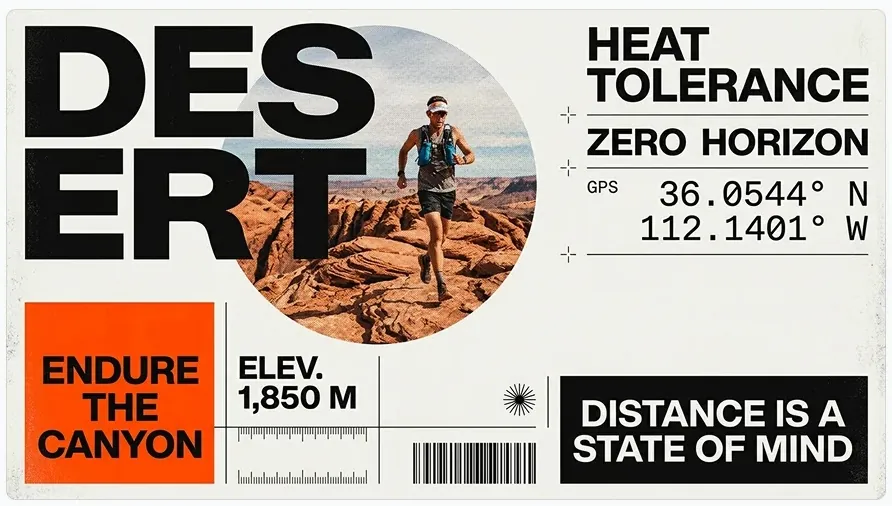
Exact letter count and spelling
Verify double letters, numbers and small subhead glyphs — minor kerning slips are easy to miss at thumbnail size.
Contrast between type and backdrop
Confirm headline strokes sit cleanly over solid negative space rather than crossing busy edges or clouds.
Margin symmetry
Check left, right and top margins so headlines are not clipped near the frame border when cropped for social feeds.
Print texture consistency
Ensure paper grain and color blocking apply uniformly across both the typography and the illustration.
Try this workflow with your own brief
Open the Nano Banana 2.1 workspace with this poster prompt pre-filled, swap the quoted words for your own title, and generate a 1K draft for 30 credits.
Frequently Asked Questions
No. It is a pure text-to-image workflow designed to produce a finished poster layout directly from a structured prompt in Nano Banana 2.1.
A bold headline of 1–3 words plus one short subhead or date line renders most reliably. For dense body copy, generate the artwork with an empty margin and add fine print in Figma or Canva.
On TurnVideo, Nano Banana 2.1 costs 30 credits at 1K, 40 credits at 2K, and 60 credits at 4K. Failed runs are refunded automatically.
More Workflow Guides
All solutions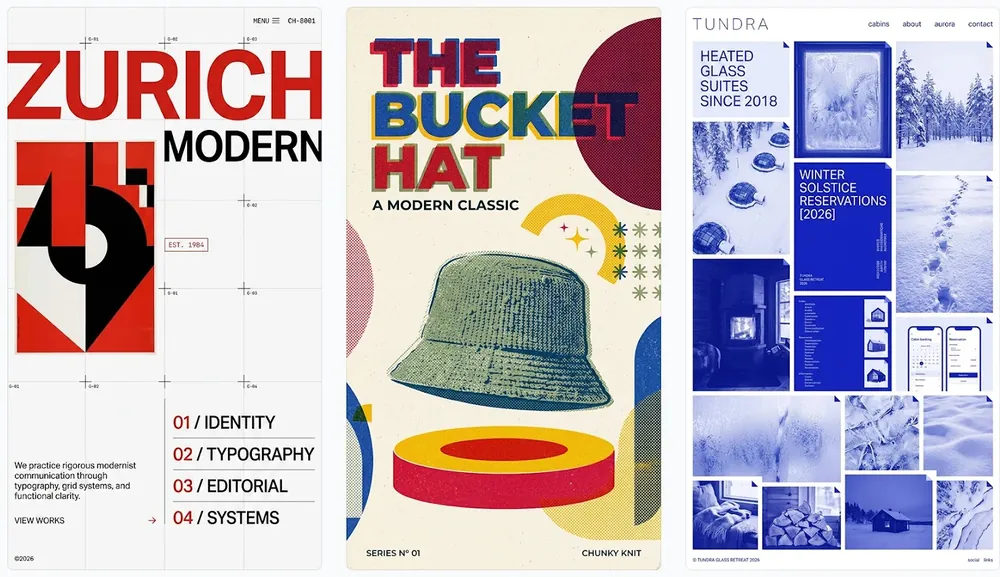
Design Grid-Based Brand Visuals with Nano Banana 2.1
Move beyond single centered pictures: direct Nano Banana 2.1 to compose structured grid layouts, deliberate whitespace and cohesive brand identity frames.
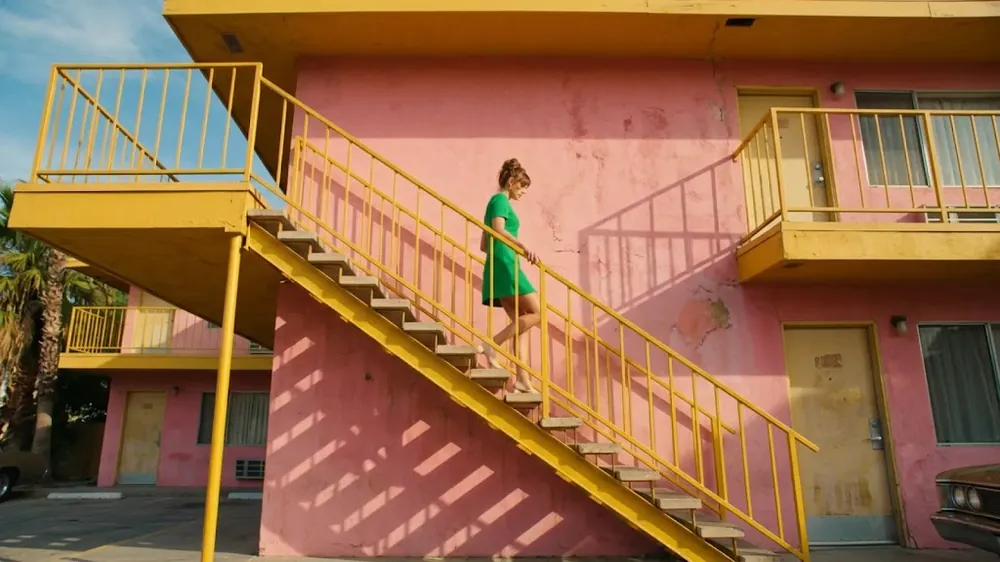
Generate Cinematic Mood Frames with Nano Banana 2.1
Use concrete camera language — shot distance, lens angle, time of day and color palette — to create finished-looking 16:9 film stills that double as video starting frames.