
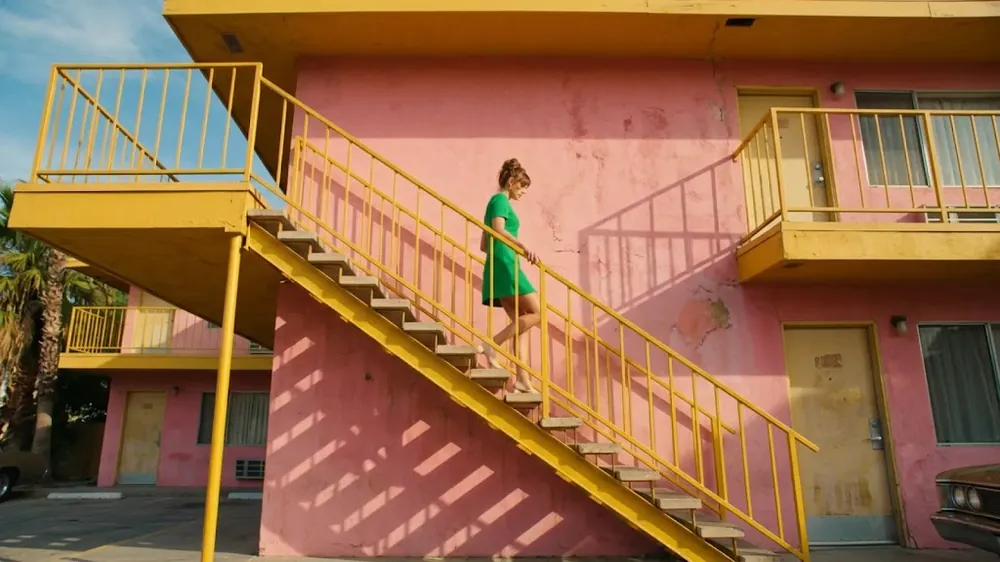
Name the camera position, light source and color palette
Generic cinema buzzwords like "cinematic masterpiece, 8k, hyper-realistic" flatten images into the same dark teal-and-orange look. Real film stills get their character from three concrete choices: where the camera sits, where the light hits, and which three colors dominate the frame.
In Nano Banana 2.1, opening your prompt with the framing ("A 16:9 low-angle wide still"), stating the exact light quality ("hard late-afternoon sunlight casting crisp diagonal shadows"), and naming the architectural colors produces stills that look intentionally directed — and animate cleanly when sent to an image-to-video model.
1. Start with shot type, lens angle and aspect ratio
Open with the exact camera setup — for example, "A 16:9 low-angle wide cinematic still shot on 35mm film" — and select 16:9 in the workspace aspect ratio control so the framing matches cinema widescreen.
Tip: Keep one clear focal subject inside the frame so the eye (and any future video camera move) knows where to land.
2. Lock light direction and shadow hardness
Specify whether the scene uses hard direct sun, soft overcast skylight or warm practical neon, and describe where the shadows fall across walls, stairs or faces. Directional light adds immediate depth.
3. Restrict the scene to three intentional colors
Pick two architectural tones plus one contrasting wardrobe accent — such as flamingo-pink stucco, mustard-yellow metal stairs and an emerald-green dress. Disciplined color palettes make storyboard frames look cohesive across a whole sequence.
Reuse the exact generation prompt
Copy this 16:9 film-still prompt into Nano Banana 2.1 and swap the location, time of day or wardrobe color to build a matching storyboard sequence.
"A 16:9 low-angle wide cinematic film still shot on 35mm color film. Exterior of a vintage Palm Springs motel with a flamingo-pink stucco wall and a geometric mustard-yellow metal staircase rising diagonally across the frame. A woman in a tailored emerald-green dress walks calmly down the stairs, seen in mid-stride. Hard late-afternoon California sunlight casting crisp diagonal shadows across the pink wall, clear deep blue sky above, natural film grain, authentic candid cinema framing, no text."
- Model
- Nano Banana 2.1
- Mode
- Text to Image
- Aspect Ratio
- 16:9 (widescreen film frame)
- Credits
- 30 cr (1K) · 40 cr (2K) · 60 cr (4K)
Inspect the result before reusing it
Especially if you plan to animate the still into a video clip, check these four items first:
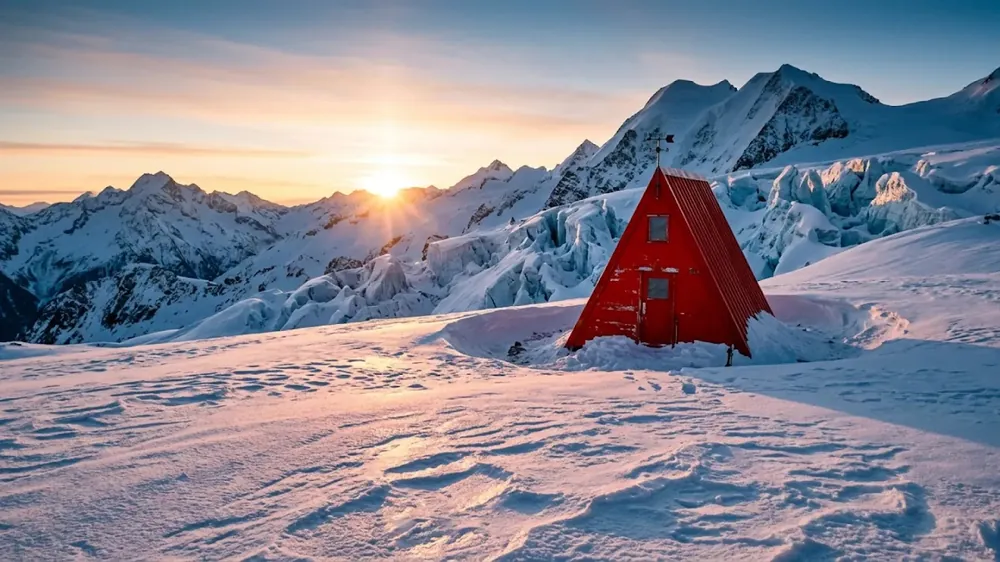
Natural subject posture and limbs
Inspect hands, stride and gaze direction — clean anatomy in the starting frame prevents distortion when animated.
Consistent shadow physics
Check that shadows from the subject and the architecture point in the same direction as your named light source.
Clean motion headroom
Ensure there is open visual space in the direction the subject is moving if you intend to run image-to-video.
Film texture without plastic smoothing
Look at skin, stucco and sky gradients at full size to confirm authentic grain rather than over-smoothed surfaces.
Try this workflow with your own brief
Open this 16:9 mood-frame prompt in Nano Banana 2.1 to generate your starting still (30 credits at 1K), then optionally bring the finished frame into Veo 3.1 or Kling 3.0 to animate the shot.
Frequently Asked Questions
Iterating on framing, light and wardrobe in Nano Banana 2.1 costs 30 credits at 1K — a fraction of a video generation. Locking the exact keyframe first gives image-to-video models a much higher hit rate.
Yes. Google updated Nano Banana 2.1 with cleaner wide and panoramic aspect-ratio support at 1K, 2K and 4K without tiling artifacts.
Veo 3.1 and Kling 3.0 both work well for turning crisp 16:9 stills into 4–5 second cinematic shots with subtle camera movement and native audio.
More Workflow Guides
All solutions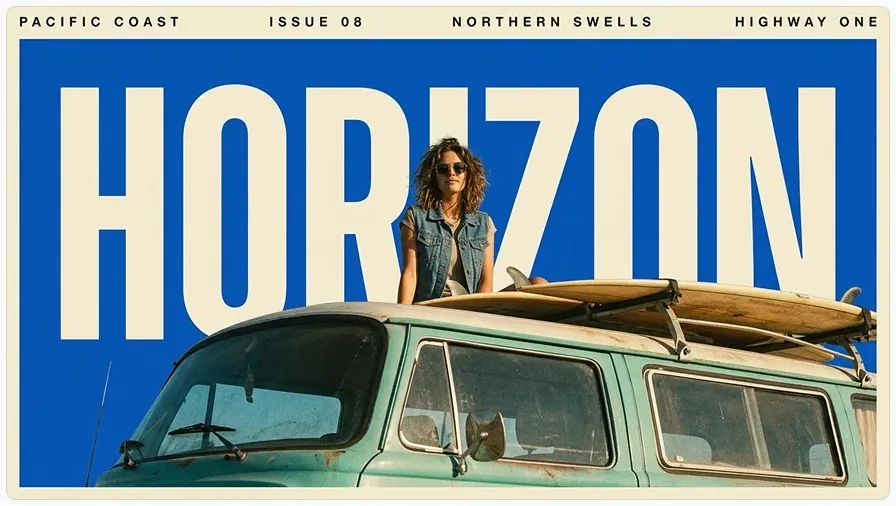
Create Editorial Posters with Clean Lettering in Nano Banana 2.1
Build a coherent retro travel or event poster in a single text-to-image pass — with crisp headline lettering, balanced negative space and reliable spelling.
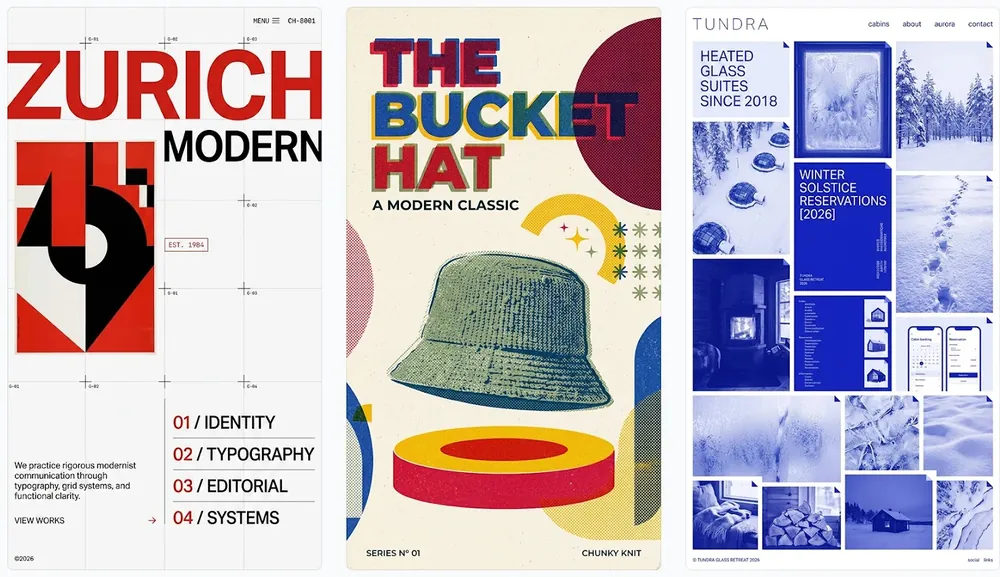
Design Grid-Based Brand Visuals with Nano Banana 2.1
Move beyond single centered pictures: direct Nano Banana 2.1 to compose structured grid layouts, deliberate whitespace and cohesive brand identity frames.