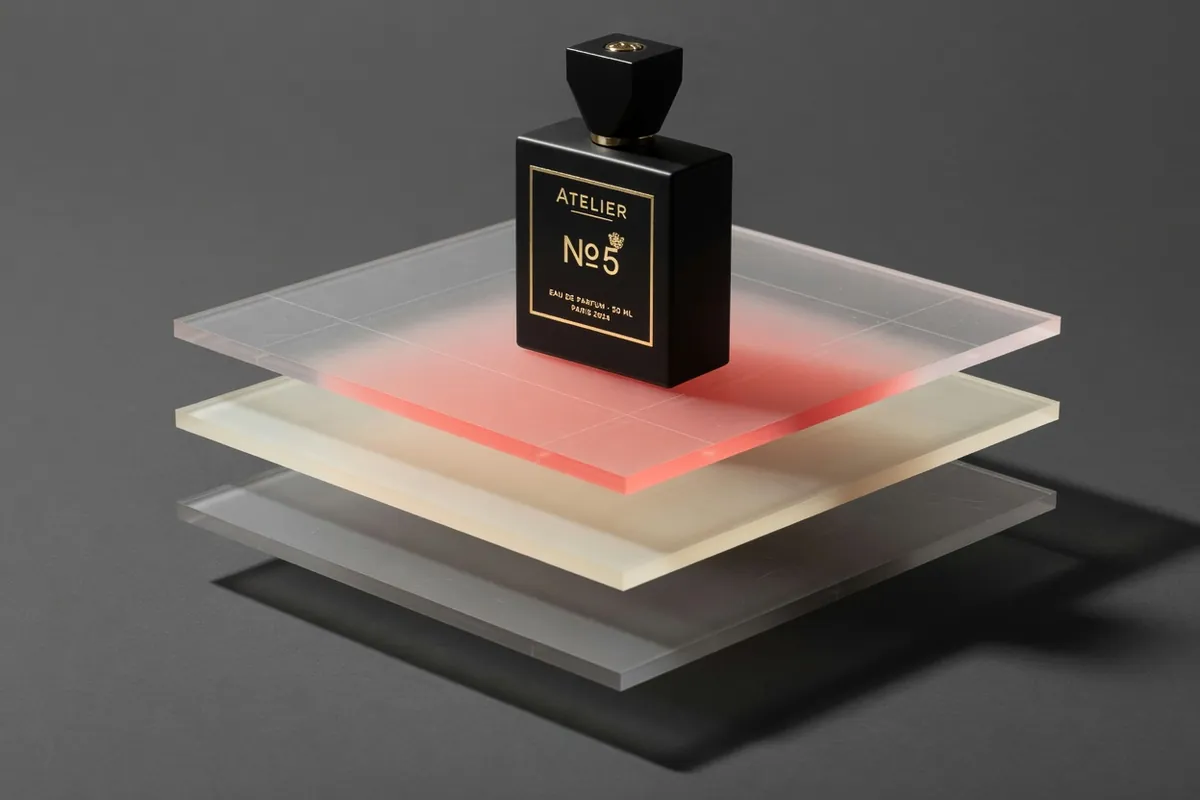
Gemini Omni 1.1 Flash AI Video Generator
First-to-last-frame control and flexible 3–10s clips
Recreate This Video
Real prompts and reference shots creators used with Gemini Omni models — click Recreate to load one into the generator.
Gemini Omni 1.1 Flash AI Video Generator – Keyframe Control, 3–10s Clips
Gemini Omni 1.1 Flash is Google's production update to Omni Flash, announced August 27, 2026 — the release that added first-to-last-frame keyframe control, longer scene extension, draft rendering and 4K upscaling to the family. On TurnVideo it runs hosted, live since launch week: write a prompt or anchor the clip with a first (and optionally last) frame, pick any length from 3 to 10 seconds in widescreen or vertical, and the 720p clip renders on our servers. 40 credits per second — an 8-second clip costs 320 credits versus 395 on the original Omni Flash — with no Google account tier and no API keys.
Last updated August 28, 2026
Demo footage © Google DeepMind — official Gemini Omni 1.1 Flash launch demos, shown to illustrate the model.
What is Gemini Omni 1.1 Flash?
Gemini Omni 1.1 Flash is the video model Google announced on August 27, 2026 as a production-ready update to Gemini Omni Flash (model ID gemini-omni-1.1-flash). Google's launch post highlights four upgrades: scene extension now reads up to 10 seconds of prior context (the original read one) and can grow a video in 10-second steps to 40 seconds; keyframe control generates a smooth shot between a chosen first and last frame; a 360p draft mode renders previews up to 60% faster at a third of the cost of 720p; and finished clips can be upscaled to 1080p or 4K. Google ships it through AI Studio, the Gemini API, Flow and the Gemini app. On TurnVideo the model runs hosted on the 720p tier — the text to video and image to video workflows below, including the new first-to-last-frame control, priced per second in credits.
Core Capabilities of the Gemini Omni 1.1 Flash AI Video Generator
First and last frame control
The headline 1.1 upgrade, and it is live on this page: attach one image and the clip opens on it; attach a second and the model generates the continuous shot that carries the first frame into the last. Google positions it for complex camera moves and transitions — it is also the reliable way to lock both the opening composition and the end pose.
Every clip length from 3 to 10 seconds
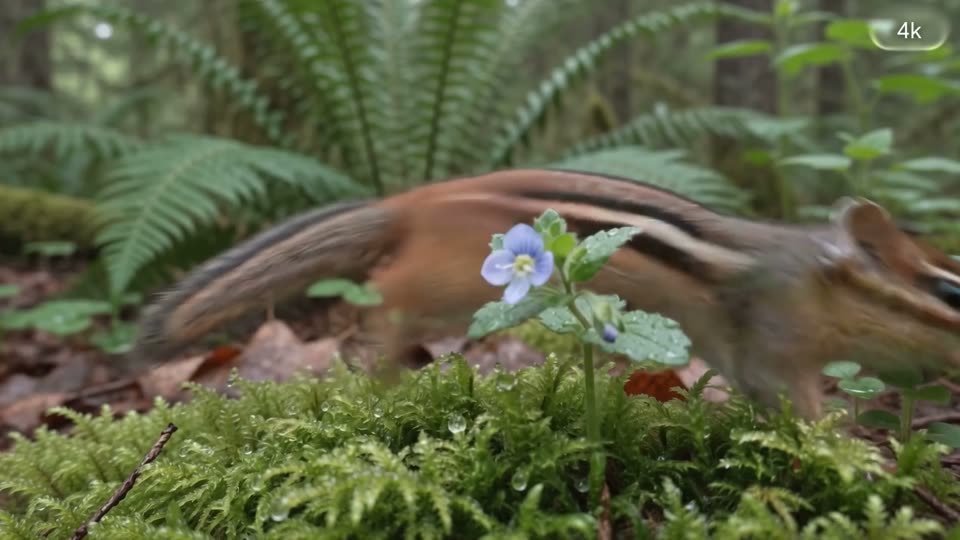
Pick 3, 4, 5, 6, 7, 8, 9 or 10 seconds per generation, in 16:9 or 9:16. Cost scales linearly at 40 credits a second and is always shown before you commit — from 120 credits for a 3-second clip to 400 for the full 10.

A cheaper engine than the original Omni Flash
Google priced the 1.1 engine below the original upstream, and TurnVideo's credit table derives from vendor cost — so the update is simply cheaper here: 320 credits for 8 seconds against 395 on Gemini Omni Flash, at every length. Same Flash-tier speed, newer model, smaller bill.
Scene extension that remembers ten seconds
In Google's own surfaces, 1.1 extends a video in 10-second steps up to 40 seconds, reading up to 10 seconds of prior footage for continuity where the original read one. The hosted endpoints this page runs render single shots and do not expose extension yet — clips here are 3–10 seconds — but it is the same model, and the capability marks where the family is going.
Draft in 360p, finish in 4K — in the model family
Google's launch also added a 360p draft mode (up to 60% faster at a third of 720p's cost) and upscaling to 1080p or 4K. This page renders the standard 720p tier today; the draft and upscale tiers exist upstream and are documented Omni 1.1 capabilities, not yet exposed here.
How Creators Use the Gemini Omni 1.1 Flash AI Video Generator
Property and product walkthroughs from stills
One of the concept apps Google built to launch 1.1 is a property video generator: listing photos go in, a room-to-room walkthrough comes out. The same recipe works here with image to video — anchor the clip on your photo of the room, the product or the dish, describe the camera move, and get a smooth walkthrough shot per still.
Loopable transitions built from two frames
Google's Transition Studio concept shows what first-to-last-frame control is really for: give the model the shot you are leaving and the shot you are landing on, and it invents the move between them. Match cuts, whip-pans and seamless loops — upload the two frames in the composer above and the 3-second version costs 120 credits to try.
Ad drafts by the batch, one look per run
Google's Draft Room concept drafts the same hero shot in competing grades and treatments before committing to a master. Per-second pricing makes that workflow practical here: run the same prompt through a few style variants at 3 seconds each, pick the winner, then render it at full length.
Editorial b-roll at the length each cut needs
Fashion and editorial b-roll rarely wants one fixed length — a title background needs 10 seconds, an insert needs 3. Because every integer from 3 to 10 is a picker here, each deliverable generates at its native length in widescreen or vertical instead of being trimmed from one master clip.
Gemini Omni 1.1 Flash vs Gemini Omni Flash vs Veo 3.1
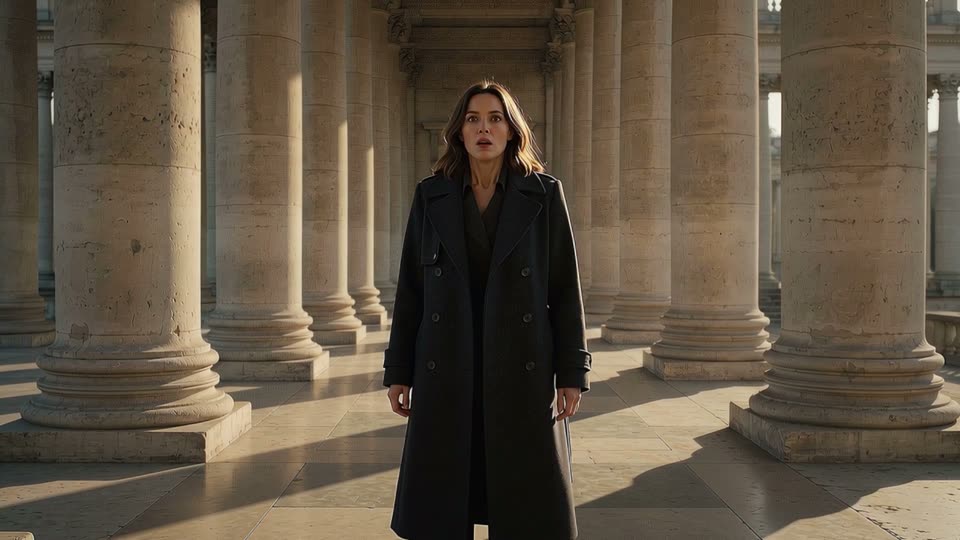
All three run in the same generator, so switching models never means rewriting your prompt. The short version: Omni 1.1 Flash is the new default of the Omni pair — same 3–10s flexibility, cheaper per clip, and the only one of the three with first-to-last-frame control; the original Omni Flash stays up for continuity; Veo 3.1 remains the cinematic flagship.
| Omni 1.1 Flash | Omni Flash | Veo 3.1 | |
|---|---|---|---|
| Best for | Keyframe-anchored shots and cheap iteration | The original engine, same length range | Direction-heavy cinematic shots |
| Credits per 8s clip | 320 | 395 | 1275 (Plus/Max plans) |
| Clip lengths here | 3–10s | 3–10s | 4–8s |
| Resolution here | 720p | 720p | 1080p |
| First + last frame | Yes | No | No |
| Scene extension (in Google surfaces) | Up to 40s | Shorter context | — |
Gemini Omni 1.1 Flash pricing on TurnVideo
Omni 1.1 Flash is priced per second of output — 40 credits a second at 720p — so the clip price is always the rate times the length you pick. That lands below the original Omni Flash at every length (320 vs 395 credits for 8 seconds), because Google priced the 1.1 engine lower upstream and the credit table derives straight from vendor cost.
| 3-second clip (720p) | 120 credits |
|---|---|
| 4-second clip (720p) | 160 credits |
| 5-second clip (720p) | 200 credits |
| 6-second clip (720p) | 240 credits |
| 7-second clip (720p) | 280 credits |
| 8-second clip (720p) | 320 credits |
| 9-second clip (720p) | 360 credits |
| 10-second clip (720p) | 400 credits |
Prices are shown live in the composer; a clip is only charged when it succeeds.
Getting Better Results from the Gemini Omni 1.1 Flash AI Video Generator
Lock both ends, let the model move the middle
For first-to-last-frame runs, pick two frames that could plausibly sit in one shot: similar subject scale, compatible lighting, and a camera position the move can travel between. Then describe the journey in the prompt — "slow push-in as the light shifts to dusk" — rather than re-describing the frames; the images already carry that information.

Draft at 3 seconds, ship at 10
Settle composition and motion on 3-second runs at 120 credits, then re-run the winning prompt at 10 seconds for 400. Pricing is strictly per second, so iterating short carries no penalty — the same philosophy as Google's own 360p draft mode, expressed in clip length.
Write motion beats, not adjective piles
Omni 1.1 responds best to prompts that sequence what happens: subject, then the action, then the camera. "She turns from the window, the camera holds; on the second beat she smiles" reads better than a list of style words. Keep one scene per clip — scene changes are what keyframes and separate runs are for.
Going vertical for Shorts and Reels
Switch the ratio pill to 9:16 and generate vertical natively instead of cropping widescreen — framing, headroom and motion are composed for the tall frame. Both ratios cost the same 40 credits per second.
Gemini Omni 1.1 Flash AI Video Generator FAQ
Gemini Omni 1.1 Flash is Google's production-ready update to the Gemini Omni Flash video model, announced on August 27, 2026. It adds first-to-last-frame keyframe control, scene extension with ten seconds of context (up to 40-second videos in Google's surfaces), a 360p draft mode and 1080p/4K upscaling. On TurnVideo it runs hosted at 720p with the keyframe control included.
Google's launch post lists four upgrades: longer scene extension with more context, first-and-last-frame generation, a faster 360p draft mode, and 4K upscaling. On this page the practical differences are two: you can anchor a clip on a first and last frame (the original page sells first-frame only), and the same clip costs less — 40 credits per second here versus the original's rate, 320 against 395 for 8 seconds.
40 credits per second of output: 120 credits for a 3-second clip, 320 for 8 seconds, up to 400 for the full 10. The exact price for your selected length is shown next to the Generate button before you run.
Because it is cheaper upstream: Google priced the 1.1 engine at a lower per-second rate than the original resells for, and TurnVideo derives credit prices from vendor cost rather than hand-setting them. When a vendor ships a better model for less, the credit table follows automatically.
TurnVideo runs on plans rather than free welcome credits: every generation is paid in credits, and each model shows its exact cost next to the Generate button before you run. Failed generations are refunded automatically. Video generation, Omni 1.1 included, runs on a plan.
3, 4, 5, 6, 7, 8, 9 or 10 seconds per clip, rendered at 720p, in 16:9 or 9:16. Every length and both ratios price at the same 40 credits per second.
In the composer above, attach your opening image in the first slot; an optional second image becomes the final frame, and the model generates the continuous shot between them. With only a first frame attached it behaves like classic image to video. Text to video needs no images at all.
Not yet. Scene extension is a 1.1 capability Google currently exposes in its own surfaces (the Gemini app, Flow, AI Studio); the hosted endpoints this page runs render single 3–10 second shots. If you need one continuous longer take today, Seedance 2.5 sells up to 30 seconds on TurnVideo.
No — this page renders the standard 720p tier only. The 360p draft mode and 1080p/4K upscaling are documented Omni 1.1 capabilities on Google's side that are not exposed here yet. For cheap iteration, use short clips instead: 3 seconds costs 120 credits.
No. Credits are consumed when a job succeeds; failed jobs are refunded automatically, so a provider error does not cost you anything.
Yes — videos you generate on TurnVideo can be used commercially under your plan terms.
More AI Models to Try on TurnVideo
Nano Banana 2.1
Google's newest image model — better design, edits and consistency

MiniMax H3 Max
Fast 768p clips with native audio, post-trained by fal, 5–15s
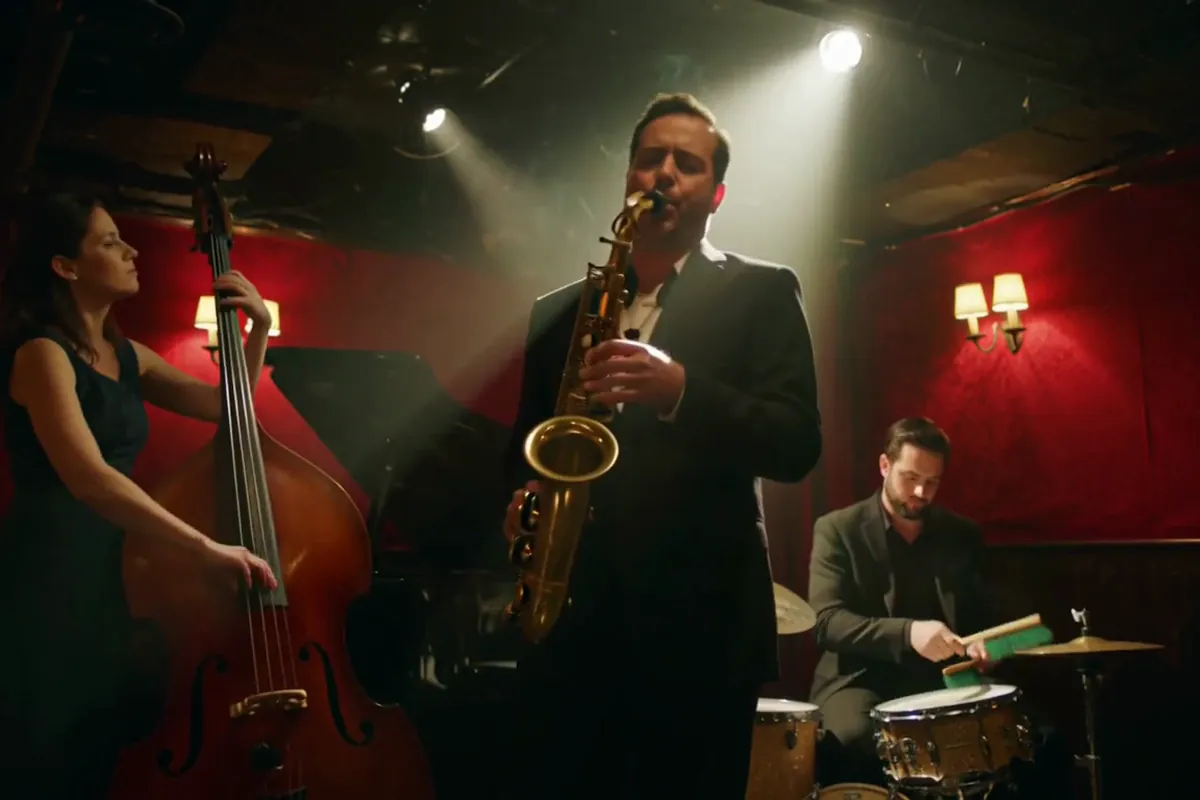
MiniMax H3
Native-2K multimodal video with stereo audio, 5–15s

FLUX 3
Cinematic video with native audio from Black Forest Labs
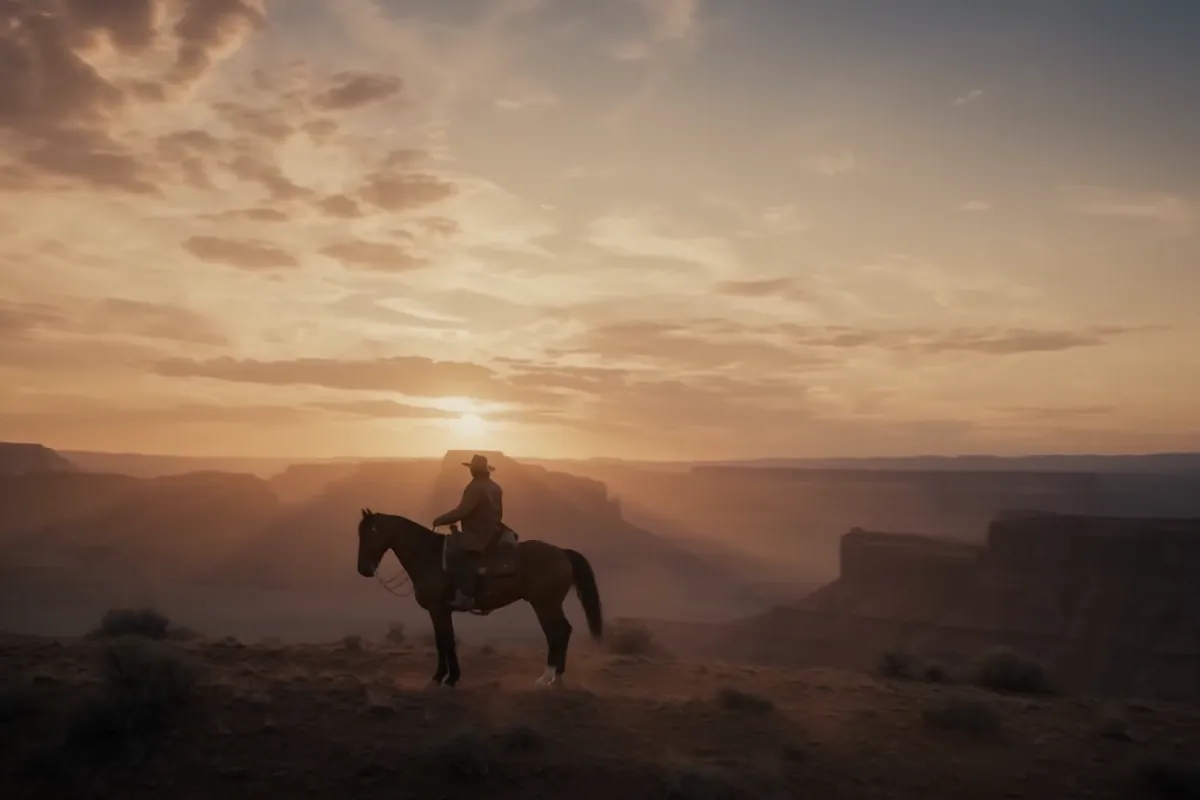
Seedance 2.5
Flagship cinematic video with lip-synced native audio
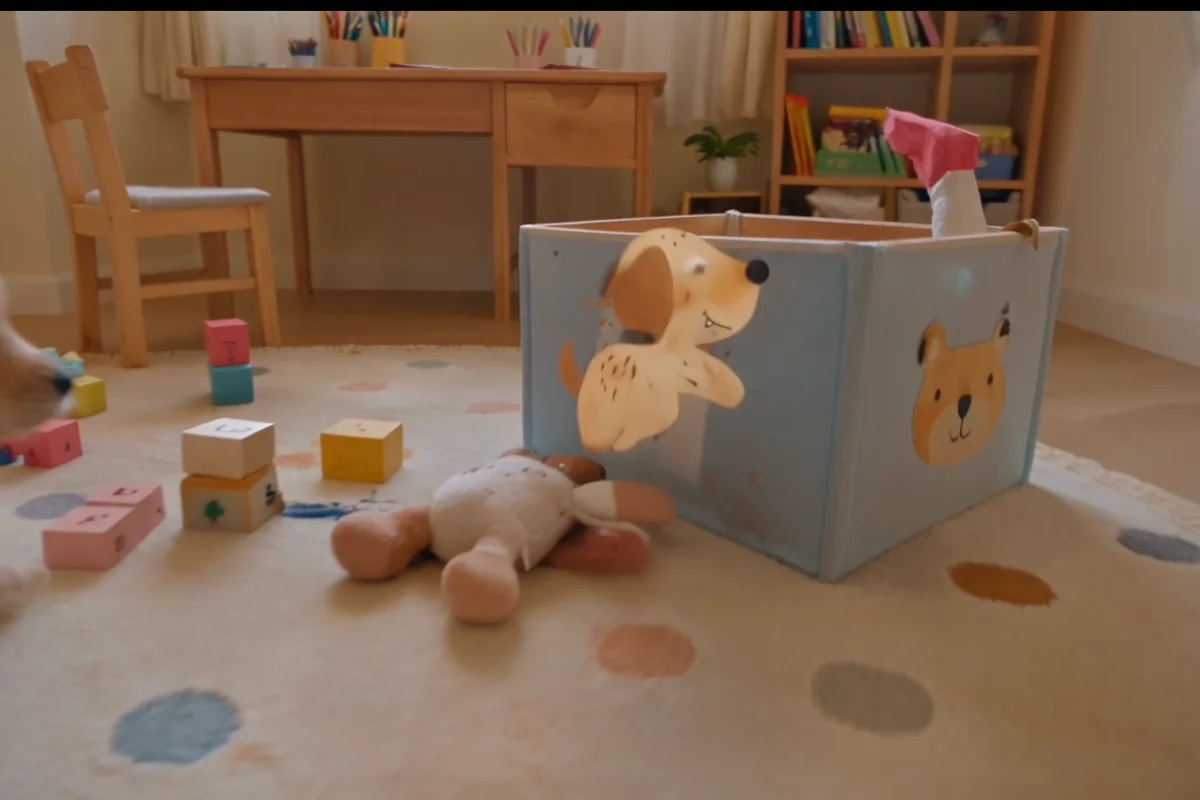
Veo 3.1
Cinematic text-to-video with native audio from Google DeepMind

Gemini Omni Flash
Conversational video generation and editing from any input
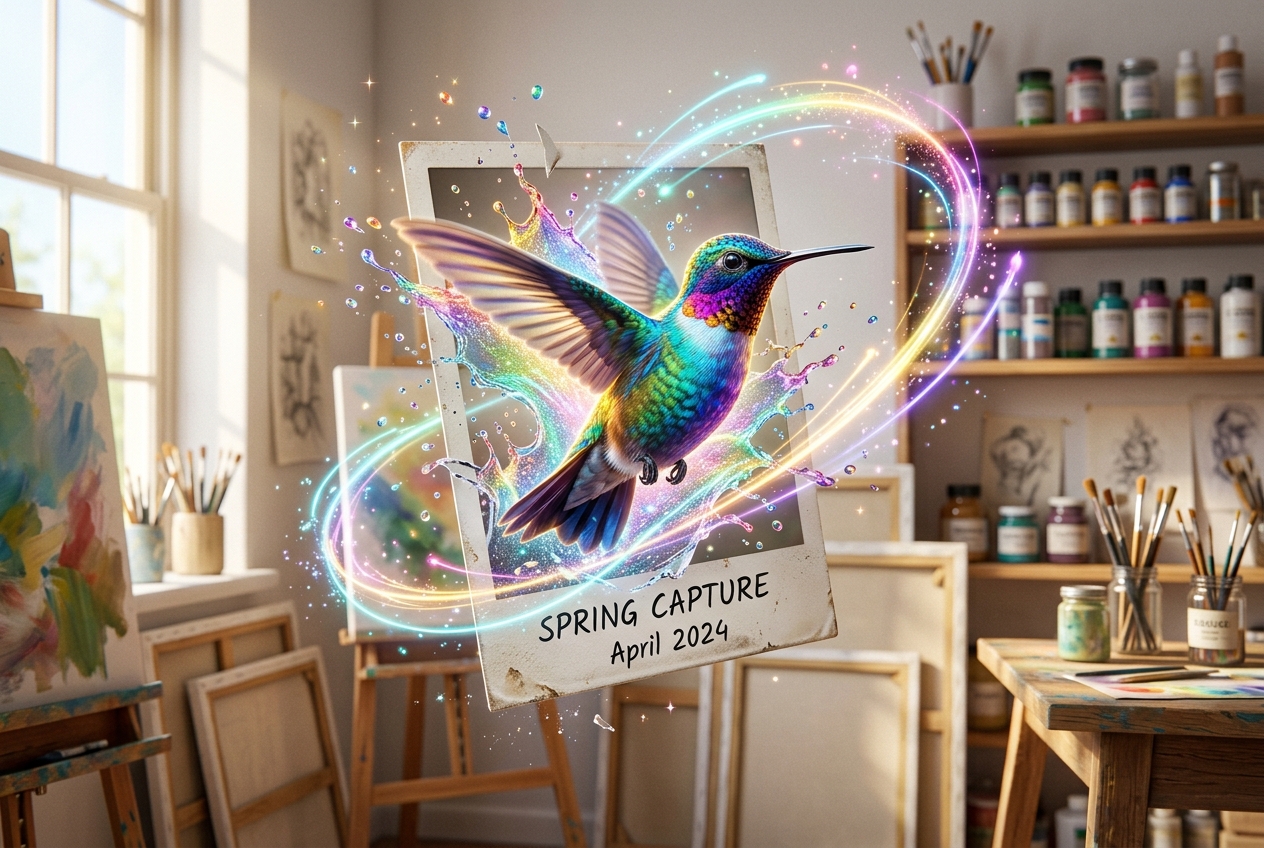
Kling 3.0
Multi-shot director control with native audio, up to 15s
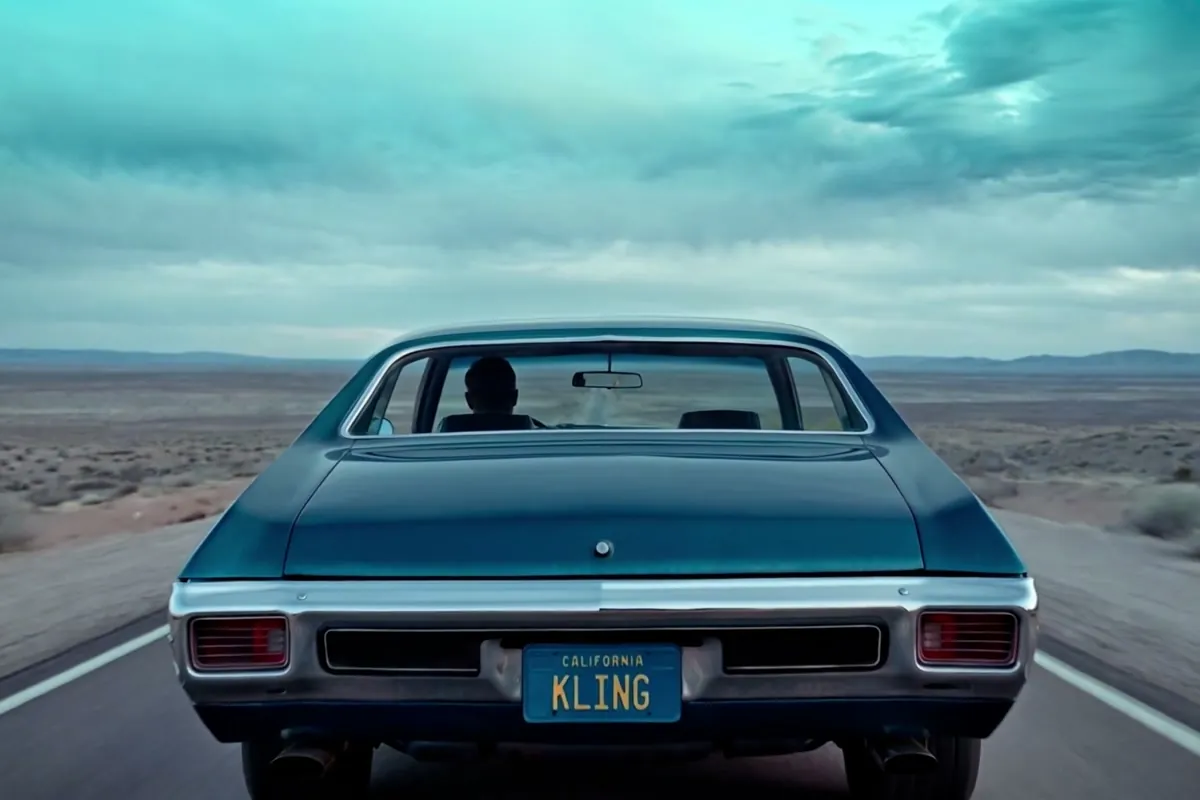
Wan 2.7
Thinking-mode video generation with synced audio, up to 1080p

Grok Imagine Video
Turns images into cinematic clips with synced audio, by xAI

GPT Image 2.5
OpenAI's newest image model — sharper detail, faster edits
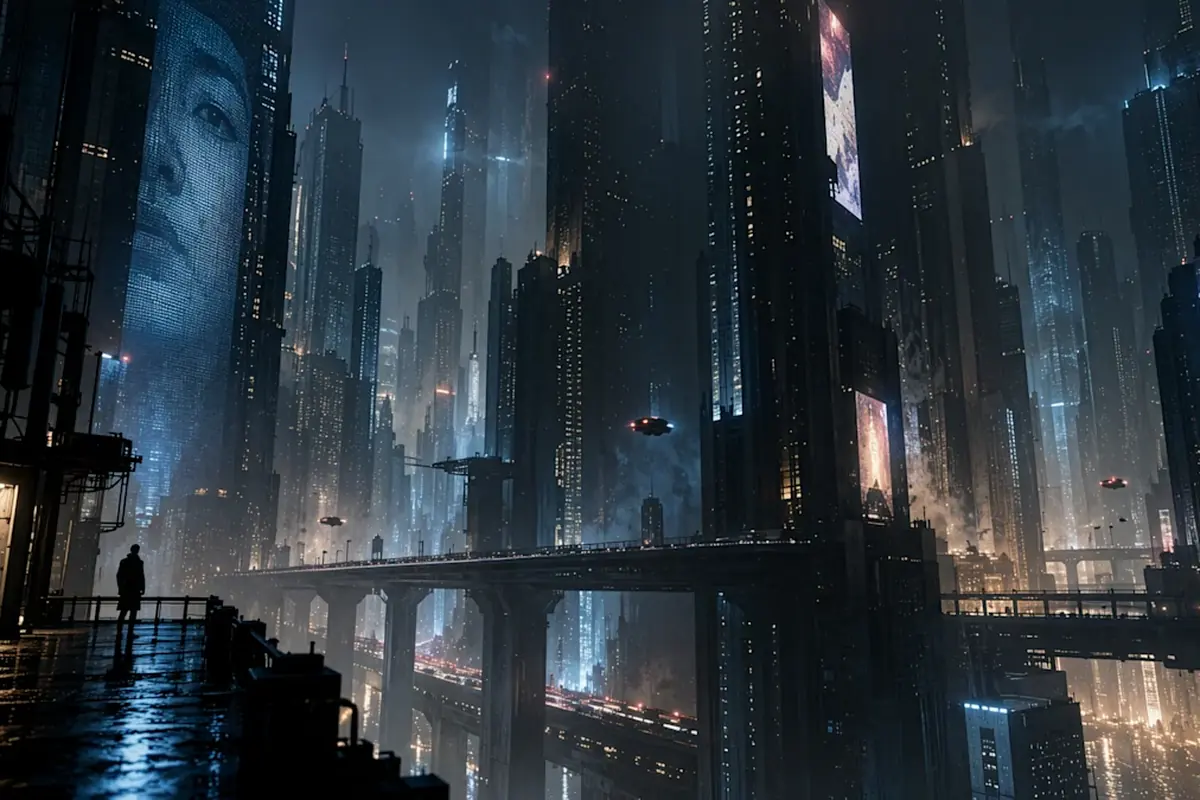
Nano Banana Pro
Reasoning-powered generation and editing with 4K output

GPT Image 2
Text-rich visuals and clean product shots

Seedream 5.0 Pro
Pro-grade images with layer editing and multilingual text