MiniMax H3 Max AI Video Generator
Fast 768p clips with native audio, post-trained by fal, 5–15s
Recreate This Video
Real prompts and reference shots creators used with MiniMax H3 Max — click Recreate to load one into the generator.
MiniMax H3 Max AI Video Generator – fal’s Fast Post-Train of MiniMax H3
MiniMax H3 Max is a post-trained version of MiniMax H3, built by fal on the open-weight base model and tuned for speed: fal quotes a five-second 768p clip in under three seconds, and it debuted at #1 for image-to-video on the Artificial Analysis leaderboard with audio. MiniMax lists it in its own API docs as MiniMax-H3-Max. TurnVideo runs it hosted at 768p: write a prompt or attach a first frame, pick 5, 8, 10 or 15 seconds, and the clip comes back with its audio already in place. From 160 credits per clip, no waitlist and no API keys.
Last updated September 5, 2026
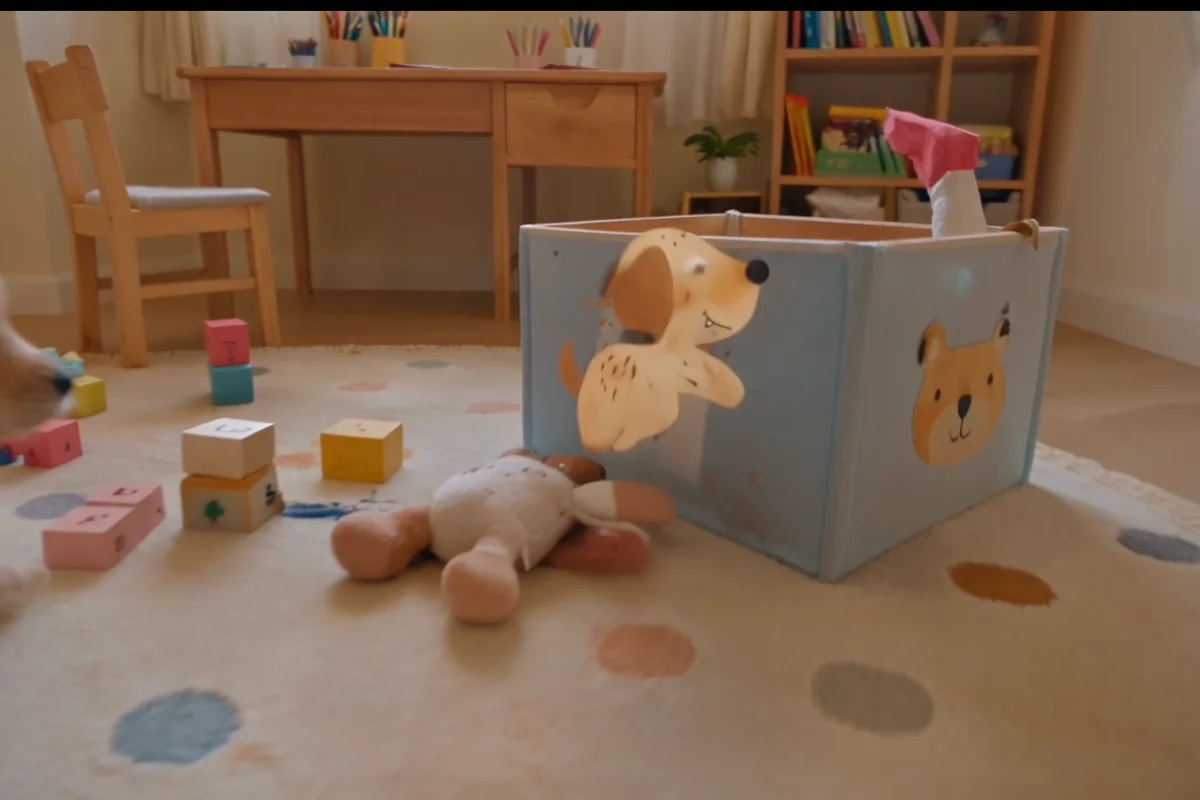
Demo footage © fal — the example output published on fal’s official H3 Max model page, shown to illustrate the model.
What is MiniMax H3 Max?
MiniMax H3 Max is what happens when open weights get a second pass. MiniMax released H3 as an open-weight, omni-modal video model; fal post-trained it on new data aimed at prompt adherence and aesthetics, co-designed it around its own inference engine, and shipped the result on 26 August 2026. MiniMax lists the model in its own API docs as MiniMax-H3-Max, described as jointly released with fal and optimized for high-speed generation. The trade is explicit: Max renders at 480P or 768P where the base model also offers 2K, and it drops the base model’s reference-to-video mode, in exchange for being several times faster at the same clip lengths.
Core Capabilities of the MiniMax H3 Max AI Video Generator
A five-second clip in under three seconds
fal built H3 Max around its own inference stack and quotes a five-second 768p generation in under three seconds. Independent testers put the gap at roughly an order of magnitude against the slower frontier models.
Ranked first for image to video, with audio
Artificial Analysis placed H3 Max first on its image-to-video leaderboard with audio at launch (Elo 1,201, ahead of the base MiniMax H3) and third for text to video. Design Arena also has it first for image to video. Both boards are independent of fal.
Clip lengths from 5 to 15 seconds
Pick 5, 8, 10 or 15 seconds per generation — the same ladder the base model sells here, so a prompt moves between them without re-picking a length. Cost scales with length and is shown before you commit: 160 credits at 5 seconds, 475 at 15.
Native audio in the same pass
Generations come back with synchronized audio — ambience, foley, dialogue and music cut to what is on screen — rather than a silent draft waiting to be scored.
Six aspect ratios, from 21:9 to 9:16
fal exposes 21:9, 16:9, 4:3, 1:1, 3:4 and 9:16, so the same prompt can be framed for a cinema crop or a phone feed without re-writing it.
How Creators Use the MiniMax H3 Max AI Video Generator
Iterating when the cost of a retry is time, not credits
Most video work is not one generation, it is twenty. A model that answers in seconds changes how you work: you stop batching prompts and start steering, watching each take before writing the next one. That is the whole argument for H3 Max over its slower, sharper base model.
Short-form social where 768p is the ceiling anyway
Vertical feeds re-compress everything you upload. When the destination caps out well below 2K, paying for 2K buys you nothing visible — and H3 Max renders the 9:16 frame with its audio already in place.
Animating a still, or filling the gap between two
Attach one image as the first frame, or two to set both ends, and H3 Max animates the journey between them. It is the same first/last-frame workflow the base model exposes, at the faster tier.
Clips that need sound without a second pass
Audio is generated with the picture rather than added afterwards, so room tone, foley and score land already synchronized. Describe the sound in the same prompt as the shot.
MiniMax H3 Max vs MiniMax H3
Same family, two different jobs. H3 Max is the fast lane: fewer modes and no 2K, but it returns a clip in a fraction of the time and ranks above its own base model on the independent image-to-video boards. H3 is the one to reach for when resolution or reference inputs matter more than turnaround.
| MiniMax H3 Max | MiniMax H3 | |
|---|---|---|
| Best for | Fast iteration and volume, with audio | Highest resolution and reference-driven work |
| Credits per 8s clip here | 255 | 415 |
| Resolution here | 768p | 2K |
| Clip lengths here | 5–15s | 5–15s |
| Modes | Text to video, first/last-frame image to video | Text to video, first/last-frame image to video, reference to video |
| Audio | Native, generated with the picture | Native stereo — score, dialogue, foley |
| Vendor list price (fal) | $0.08 per second at 768p | $0.13 per second at 2K |
MiniMax H3 Max pricing on TurnVideo
Flat per-clip credit pricing at 768p — 255 credits for the 8-second default against 415 for the same length on the base model at 2K. The number next to the Generate button is exactly what gets charged.
| 5-second clip (768p, with audio) | 160 credits |
|---|---|
| 8-second clip (768p, with audio) | 255 credits |
| 10-second clip (768p, with audio) | 320 credits |
| 15-second clip (768p, with audio) | 475 credits |
Prices are shown live in the composer; a clip is only charged when it succeeds.
Getting Better Results from the MiniMax H3 Max AI Video Generator
Write the beats in order
Prompt adherence is what fal’s post-training targeted first. Name the beats in the sequence you want them — "opens wide, pushes in as she turns, ends on the sign" — and the model paces them across the clip instead of averaging them into one move.
Put the sound in the prompt
Because audio is generated with the picture, silence is a choice you have to make out loud. "Wind and distant traffic, no music" produces a very different clip from "driving synth score".
Draft on Max, finish on the base model
Find the composition on the fast tier at 160 credits a take, then re-run the prompt that worked on MiniMax H3 at 2K when the shot has to hold up on a big screen (from 260 credits). Same family, same prompt style and the same clip lengths, so it is a re-run rather than a rewrite.
Two frames beat one when the motion matters
For a transformation — closed to open, empty to full, day to night — give the first and last frame and let the model solve the middle. It is more reliable than describing the change in words.
MiniMax H3 Max AI Video Generator FAQ
MiniMax H3 Max is a video generation model that fal post-trained on MiniMax’s open-weight H3, released on 26 August 2026 and tuned for high-speed generation with stronger prompt adherence. MiniMax lists it in its own API documentation as MiniMax-H3-Max, jointly released with fal.
Both, in different roles. MiniMax trained and open-weighted the base model, H3; fal did the post-training, serves the model, and named it. MiniMax publicly credited fal’s work and lists the model in its own API docs — which is why you will see the same model under a MiniMax name at a fal endpoint.
From 160 credits for a 5-second 768p clip up to 475 credits at 15 seconds (8s is 255). The same 8-second length on the base model at 2K is 415. The exact price for your selected duration is shown next to the Generate button before you run.
Speed and reach, in both directions. H3 Max is several times faster and ranks above the base model on the independent image-to-video boards, but it renders at 480P or 768P instead of up to 2K, and it supports text to video and first/last-frame image to video only — the base model’s reference-to-video mode, which takes reference images, video and audio, is not part of Max.
Yes. Audio is generated in the same pass as the picture and comes back synchronized — ambience, foley, dialogue and music. There is no separate audio step and no extra charge for it.
fal serves any whole second from 5 to 15 at 480P or 768P; TurnVideo sells the 768p tier at 5, 8, 10 or 15 seconds. Six aspect ratios are available for text to video — 21:9, 16:9, 4:3, 1:1, 3:4 and 9:16 — while image to video follows the frame you upload.
TurnVideo runs on plans rather than free welcome credits: every generation is paid in credits, and each model shows its exact cost next to the Generate button before you run. Failed generations are refunded automatically. Video generation runs on a plan.
No. Credits are consumed when a job succeeds; failed jobs are refunded automatically.
Yes — videos you generate on TurnVideo can be used commercially under your plan terms.
More AI Models to Try on TurnVideo
Nano Banana 2.1
Google's newest image model — better design, edits and consistency

Gemini Omni 1.1 Flash
First-to-last-frame control and flexible 3–10s clips
MiniMax H3
Native-2K multimodal video with stereo audio, 5–15s
FLUX 3
Cinematic video with native audio from Black Forest Labs
Seedance 2.5
Flagship cinematic video with lip-synced native audio
Veo 3.1
Cinematic text-to-video with native audio from Google DeepMind

Gemini Omni Flash
Conversational video generation and editing from any input
Kling 3.0
Multi-shot director control with native audio, up to 15s
Wan 2.7
Thinking-mode video generation with synced audio, up to 1080p

Grok Imagine Video
Turns images into cinematic clips with synced audio, by xAI

GPT Image 2.5
OpenAI's newest image model — sharper detail, faster edits
Nano Banana Pro
Reasoning-powered generation and editing with 4K output

GPT Image 2
Text-rich visuals and clean product shots

Seedream 5.0 Pro
Pro-grade images with layer editing and multilingual text