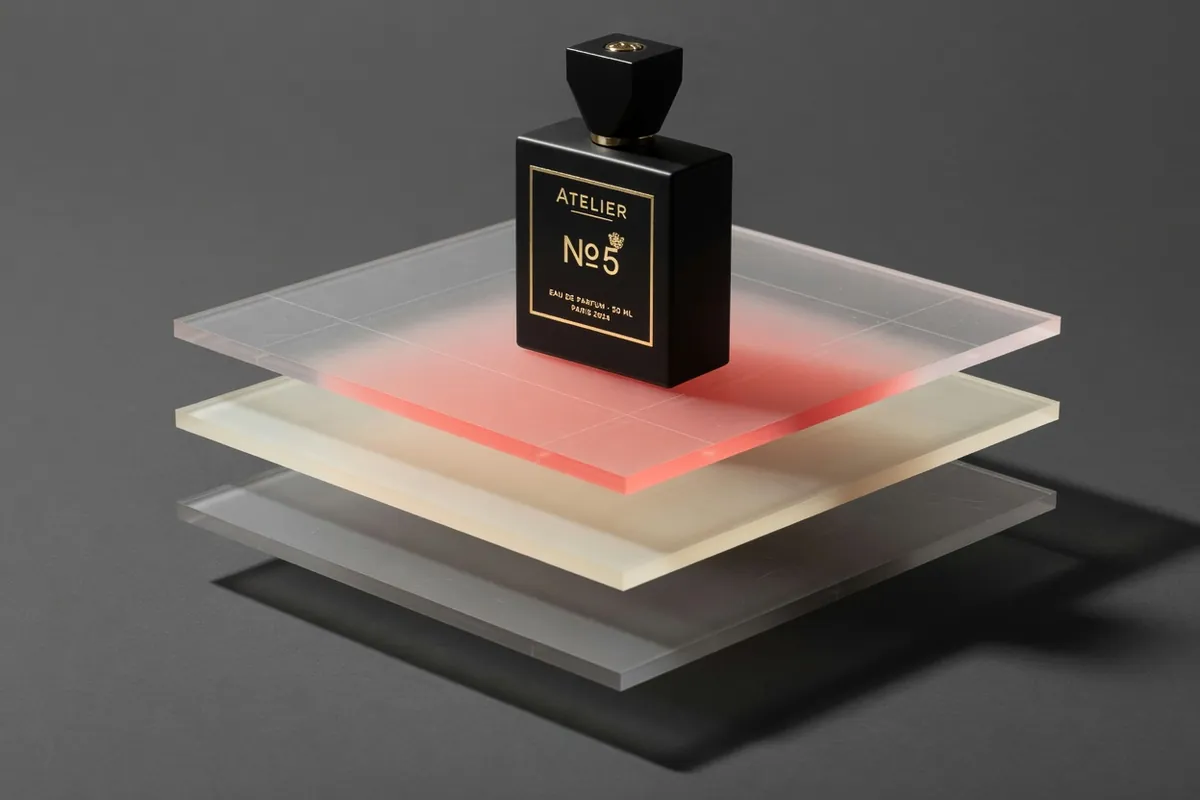
Veo 3.1 AI Video Generator
Cinematic text-to-video with native audio from Google DeepMind
Recreate This Video
Real prompts and reference shots creators used with Veo models — click Recreate to load one into the generator.
Veo 3.1 AI Video Generator – Create Cinematic Videos from Text or Images
Veo 3.1 is Google DeepMind's video generation model, and TurnVideo runs it as a hosted generator you can use straight from this page. Write a prompt, optionally attach a still to use as the first frame, and get a 4, 6 or 8-second 1080p clip with generated audio in widescreen or vertical. No Google Cloud project, no API keys, no software to install — and because the job runs on our servers, you can close the tab while it finishes.
Last updated August 23, 2026
Demo footage © Google DeepMind — official Veo 3.1 demos, shown to illustrate the model.
Core Capabilities of the Veo 3.1 AI Video Generator
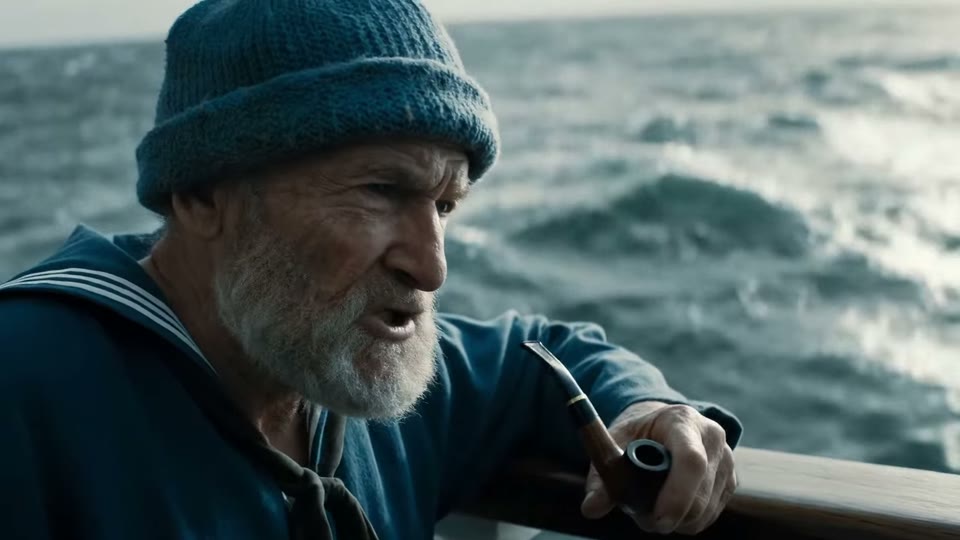
Generated audio in the same pass as the picture
Google positions Veo 3 and 3.1 as models that generate audio alongside video — ambience, sound effects and dialogue — rather than leaving you to score a silent clip afterwards. In practice that means a draft is watchable the moment it lands, which is what makes it useful for concept review.
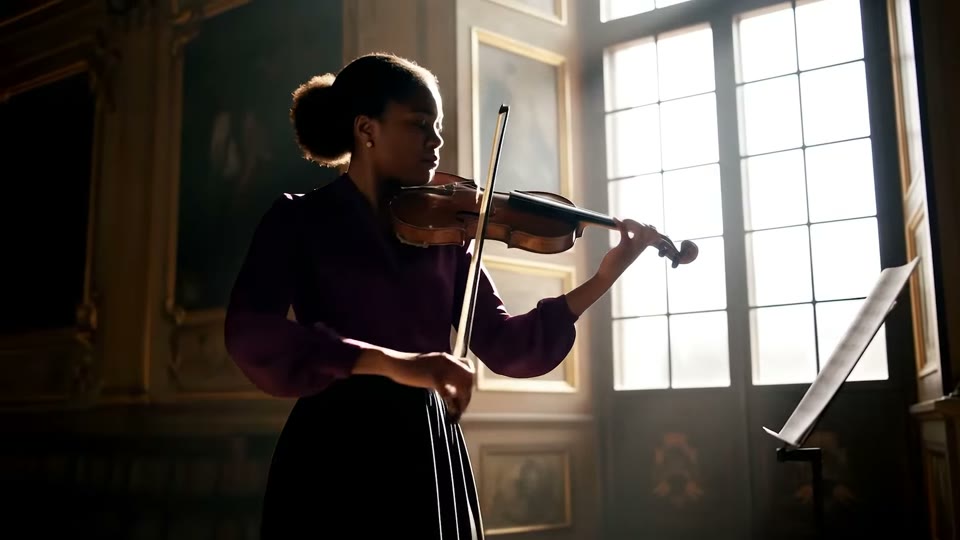
Prompt adherence strong enough to direct with
Veo responds to the vocabulary a director already uses: shot size, lens feel, camera movement, time of day. Writing "slow dolly in, shallow depth of field, late afternoon" gets you closer to that description than a generic prompt does, which is what makes iteration converge instead of wander.

Image-to-video from a first frame
Attach one reference image and Veo animates from it, so a shot you have already composed, lit or photographed stays recognisable in the result. On TurnVideo this is the "First Frame" slot in the generator above — one image per generation.

Widescreen and vertical from the same prompt
Both 16:9 and 9:16 are available on every generation, so a campaign can ship a landscape cut and a vertical cut without rewriting the brief or cropping away the subject.
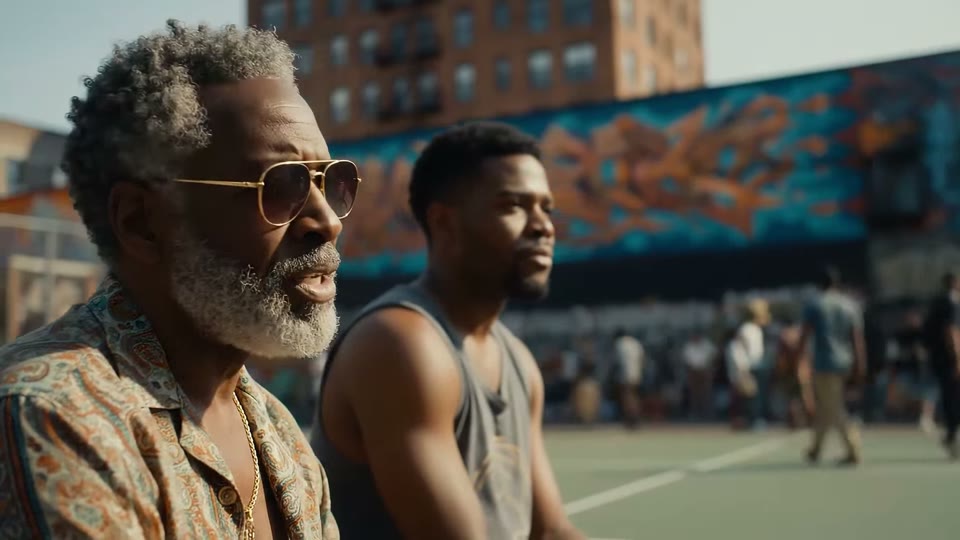
Two speed tiers for the same model family
Veo 3.1 Fast costs 150 credits for an 8-second clip against 1275 for full Veo 3.1. This page always runs full Veo 3.1 — pick the Fast tier in the full editor when you are still exploring, then come back here for the take you want to keep.
How Creators Use the Veo 3.1 AI Video Generator
Storyboarding a shoot before anyone books a camera
Directors and producers use Veo 3.1 to turn a written scene into a moving reference — camera move, lighting, pacing and all — days before a crew is hired. It is far cheaper to find out a concept does not work in an 8-second draft than on set, and a clip communicates blocking to a client in a way a storyboard frame never does.

Producing ad variations without a production crew
Performance teams need the same idea in five flavours to find out which hook holds attention. Because each generation is a prompt edit rather than a reshoot, a brand can test tone, setting and pacing in an afternoon and put only the winner into a real production budget.
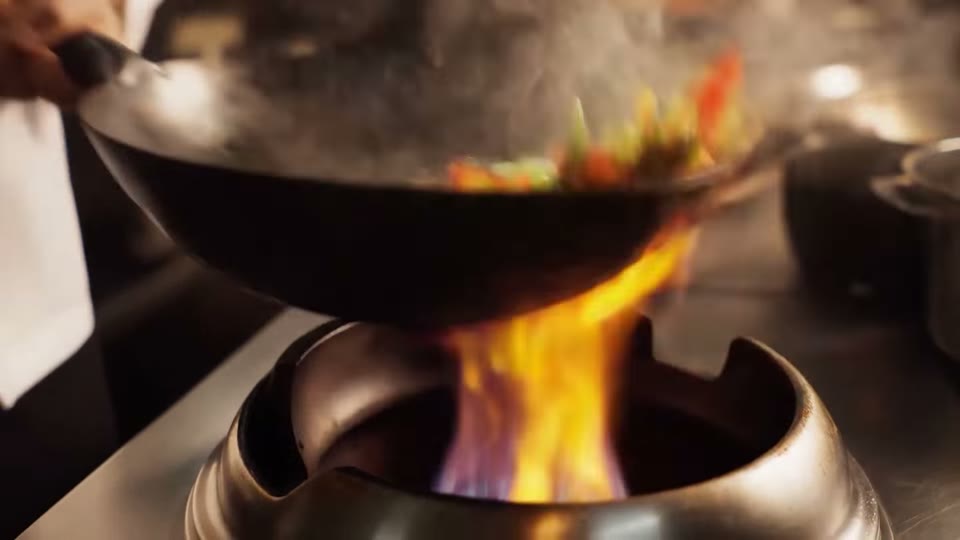
Turning a single product still into a launch teaser
Attach a product photo as the first frame and describe the motion you want around it. This keeps the object you already photographed on screen while Veo generates the camera move and environment, which is usually the difference between a static post and something that stops a scroll.

Filling the gaps in an explainer or pitch deck
Founders and internal comms teams rarely have footage for the abstract half of a story. Generating those cutaways on demand — in the exact aspect ratio the deck or the platform needs — removes the stock-library hunt and keeps the visual language consistent across a whole video.
Getting Better Results from the Veo 3.1 AI Video Generator
Turn a written scene into a finished clip
Describe subject, setting, camera and mood in one or two sentences, pick your ratio and clip length (4, 6 or 8 seconds), and press Generate. Each run returns one 1080p clip with audio, downloadable at full quality and saved to your generation history.
Animate a still you already have
Drop a photo or a rendered frame into the First Frame slot and describe only the motion — "camera pushes in as the steam rises". Veo keeps the frame you supplied as the starting point instead of inventing a new subject.

Cut a vertical version for Reels, Shorts and TikTok
Switch the ratio pill to 9:16 and re-run the same prompt. Generating natively vertical beats cropping a widescreen clip, which almost always loses the framing that made the shot work.

Draft cheaply, then finish on the full model
Run three or four takes on Veo 3.1 Fast at 150 credits in the full editor to settle composition and pacing, then re-run the winning prompt here on Veo 3.1. You spend flagship credits once instead of on every experiment.

Leave it running
Generation happens server-side, so closing the tab does not cancel the job. Finished clips always show up in your generation history, which makes this practical for batching a set of shots rather than babysitting one.
Veo 3.1 AI Video Generator FAQ
Veo 3.1 is Google DeepMind's video generation model. Google describes the Veo 3 family as generating video together with audio — including dialogue, sound effects and ambience — from text prompts or from reference images.
1275 credits for one 8-second Veo 3.1 clip — 650 for 4 seconds, 950 for 6 — or 150 credits for 8 seconds on Veo 3.1 Fast. The 4s and 6s lengths run on every plan, Basic included; 8s is sold on the Plus and Max plans. Price scales with length and is shown live next to the Generate button, so what you see in the composer is what gets charged.
TurnVideo runs on plans rather than free welcome credits: every generation is paid in credits, and each model shows its exact cost next to the Generate button before you run. Failed generations are refunded automatically. The 4-second clip at 650 credits is the cheapest way to see Veo 3.1 in action once you start a plan.
Pick 4, 6 or 8 seconds from the clip-length pill; every clip renders at 1080p with generated audio, in 16:9 or 9:16. Shorter clips cost proportionally fewer credits, and the composer shows the exact price before you run.
Yes. Attach one image in the First Frame slot and Veo animates from it. Multi-image references, last-frame control and clip extension are capabilities Google documents for Veo but that this page does not expose yet.
Typically 2–5 minutes, occasionally up to about 15. The job runs on our servers, so you can close the tab — the finished clip appears in your generation history either way.
No. Credits are consumed when a job succeeds; failed jobs are refunded automatically, so a provider error does not cost you anything.
Yes — videos you generate on TurnVideo can be used commercially under your plan terms.
More AI Models to Try on TurnVideo
Nano Banana 2.1
Google's newest image model — better design, edits and consistency
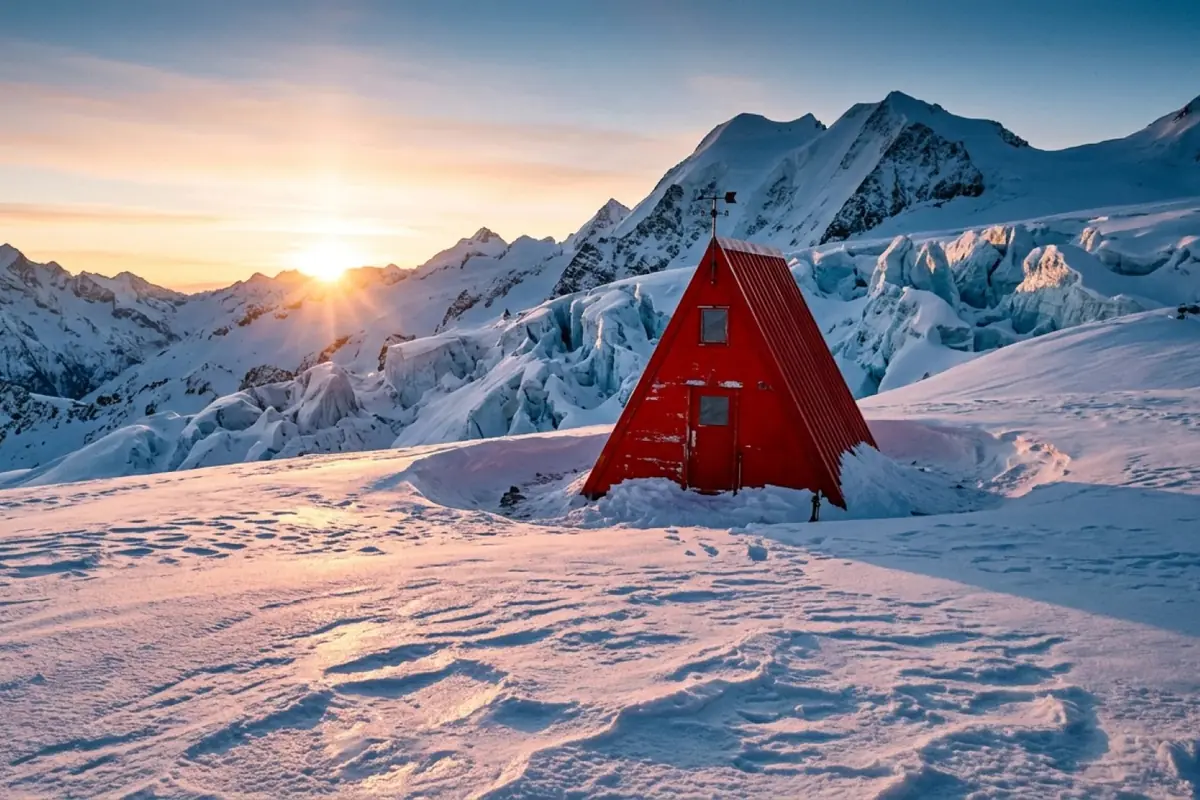
Gemini Omni 1.1 Flash
First-to-last-frame control and flexible 3–10s clips
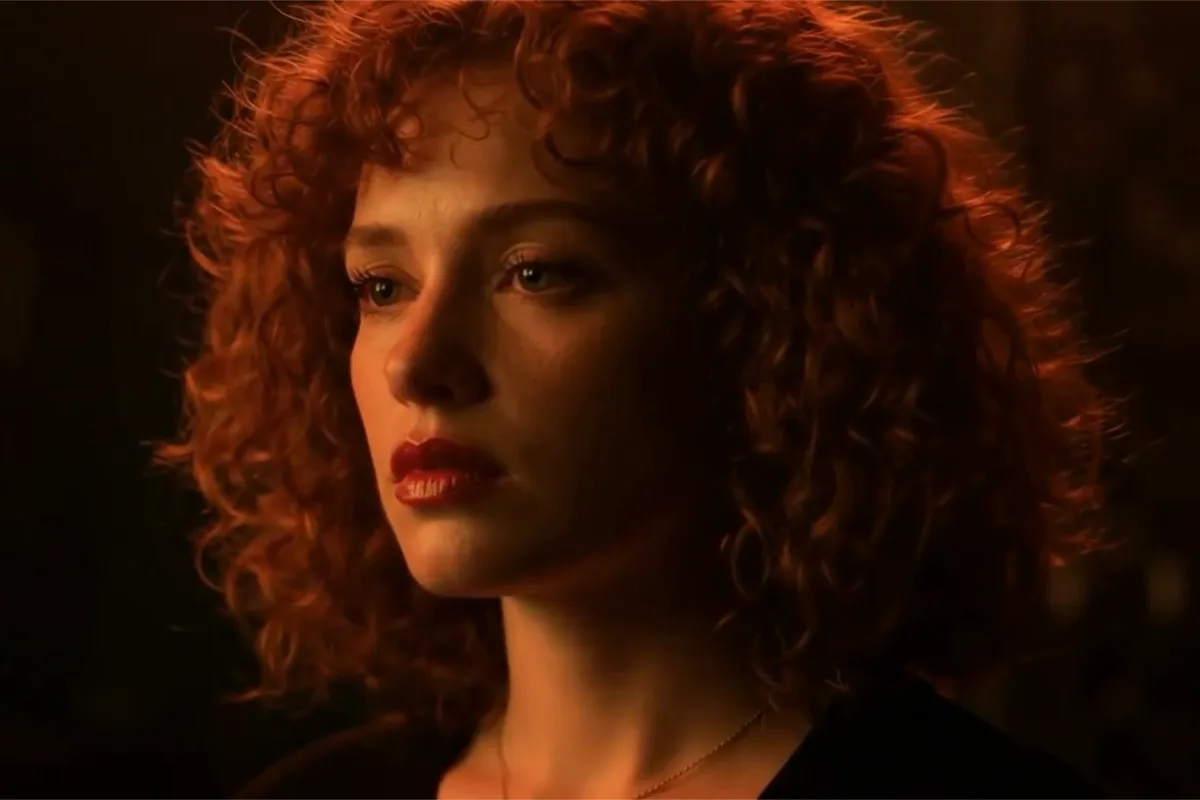
MiniMax H3 Max
Fast 768p clips with native audio, post-trained by fal, 5–15s
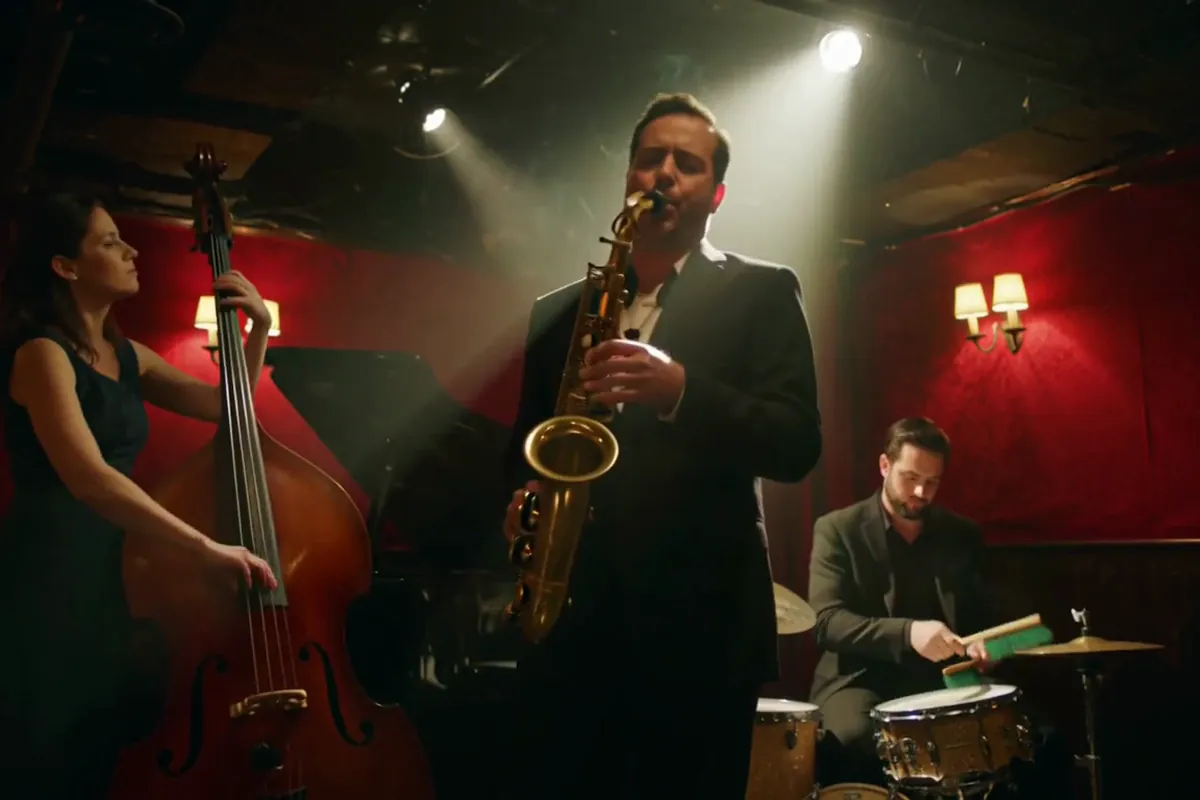
MiniMax H3
Native-2K multimodal video with stereo audio, 5–15s
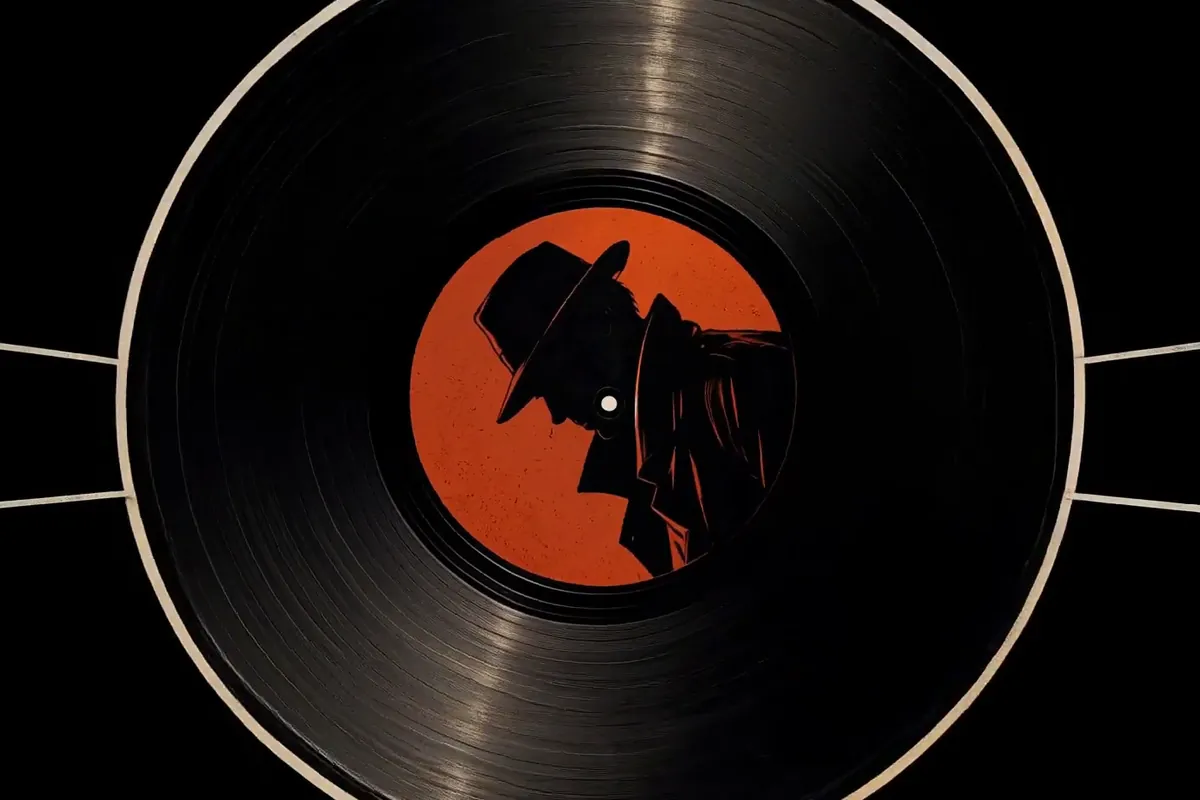
FLUX 3
Cinematic video with native audio from Black Forest Labs
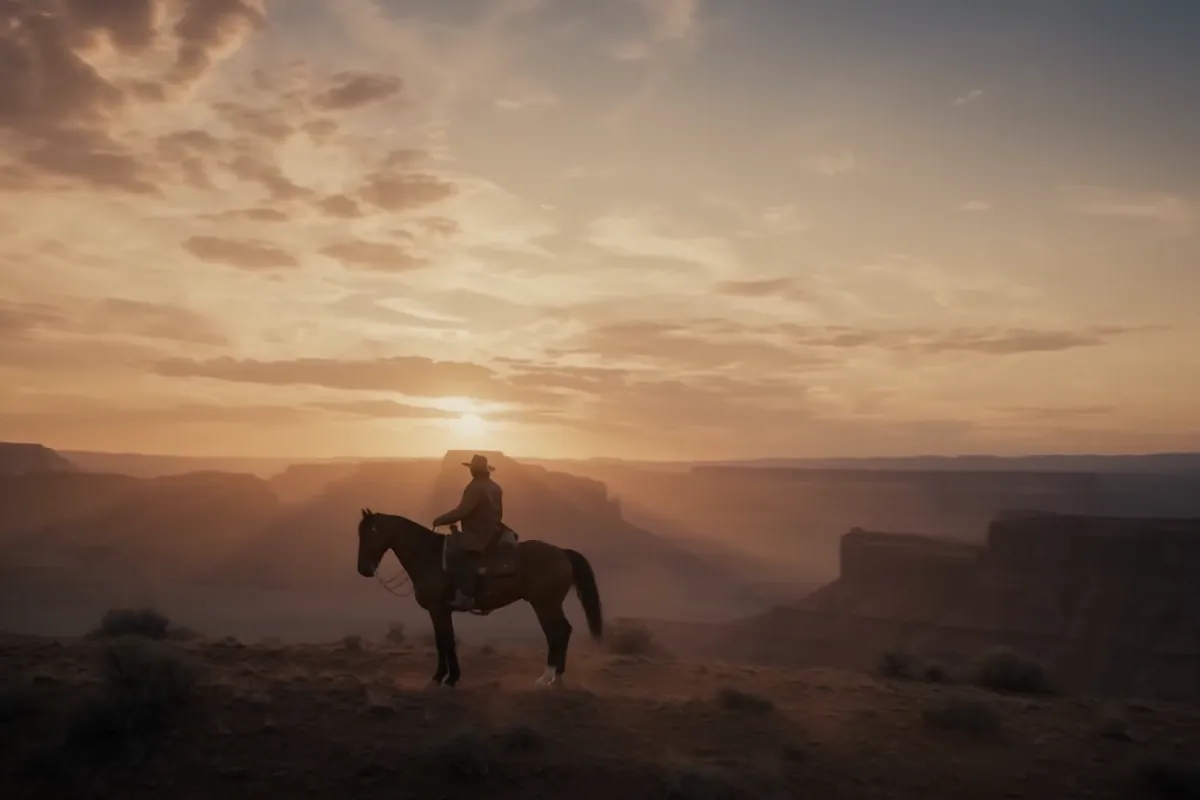
Seedance 2.5
Flagship cinematic video with lip-synced native audio
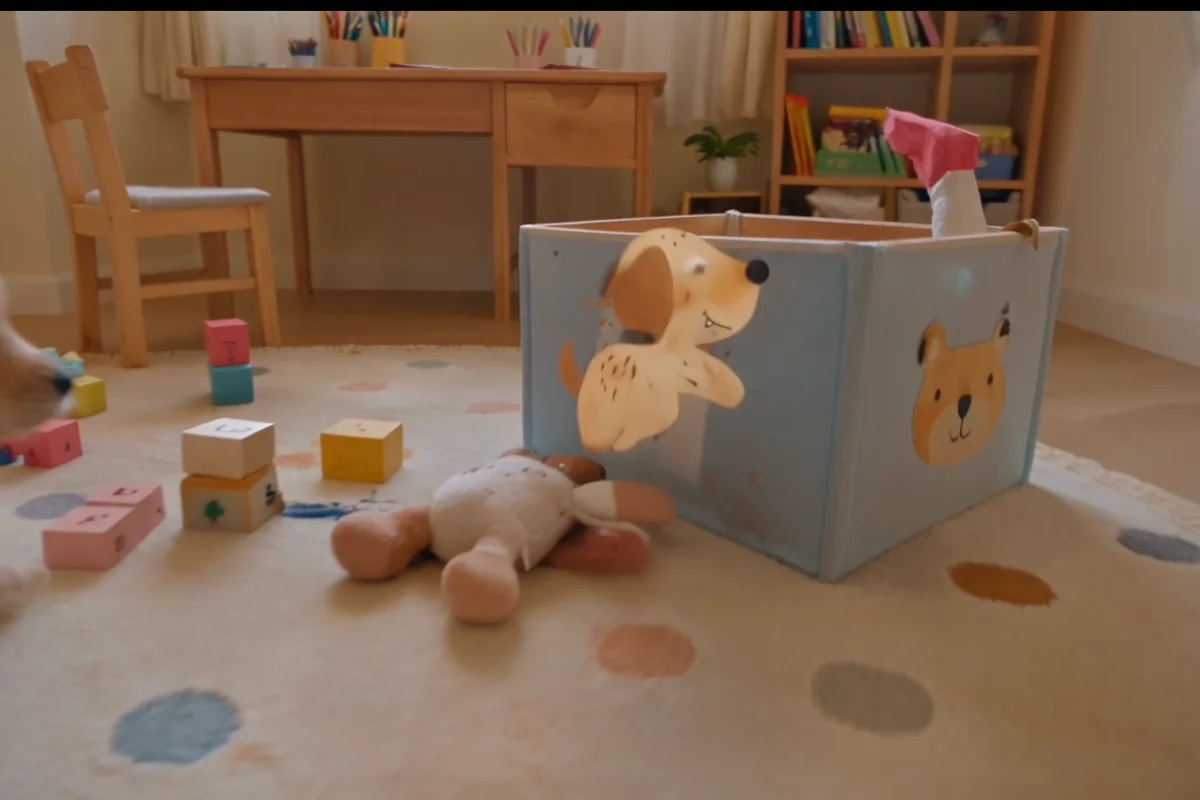
Gemini Omni Flash
Conversational video generation and editing from any input
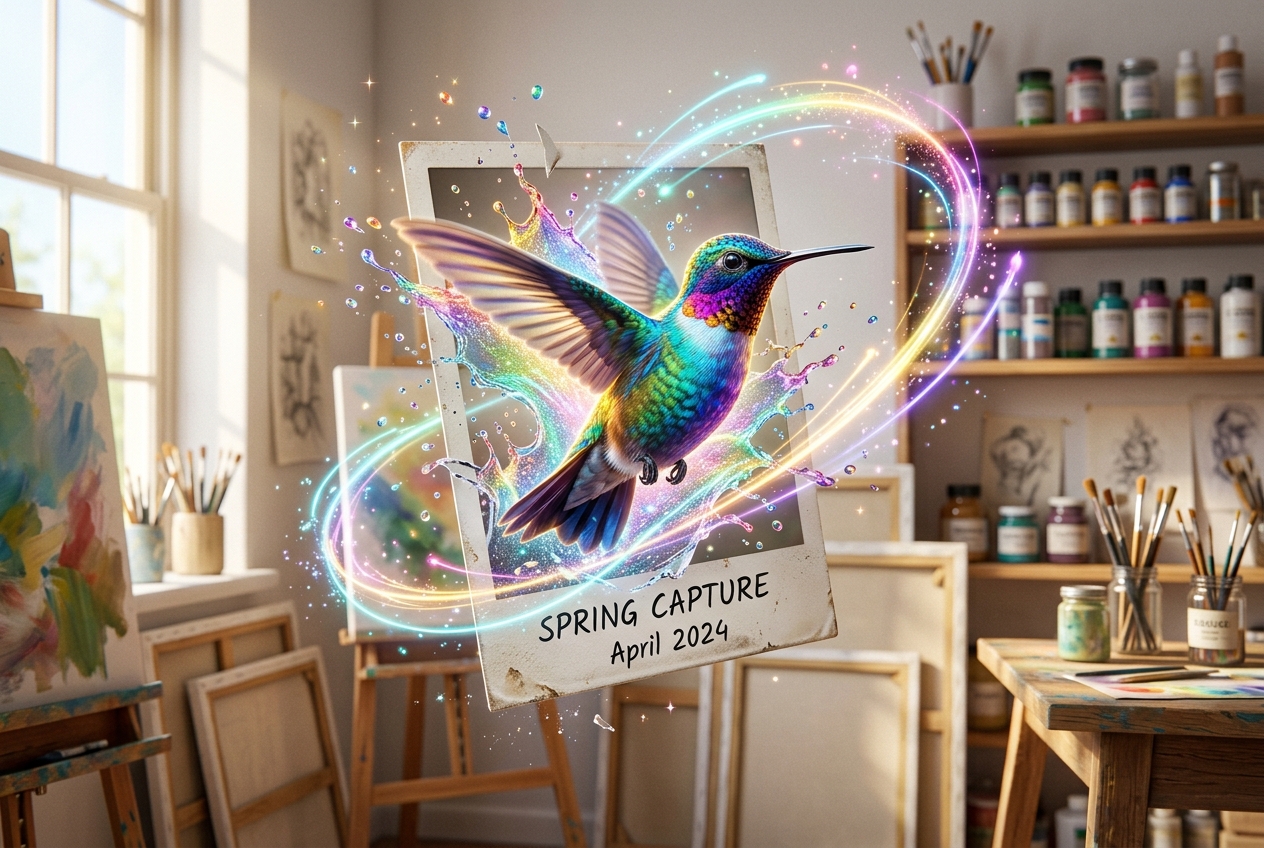
Kling 3.0
Multi-shot director control with native audio, up to 15s
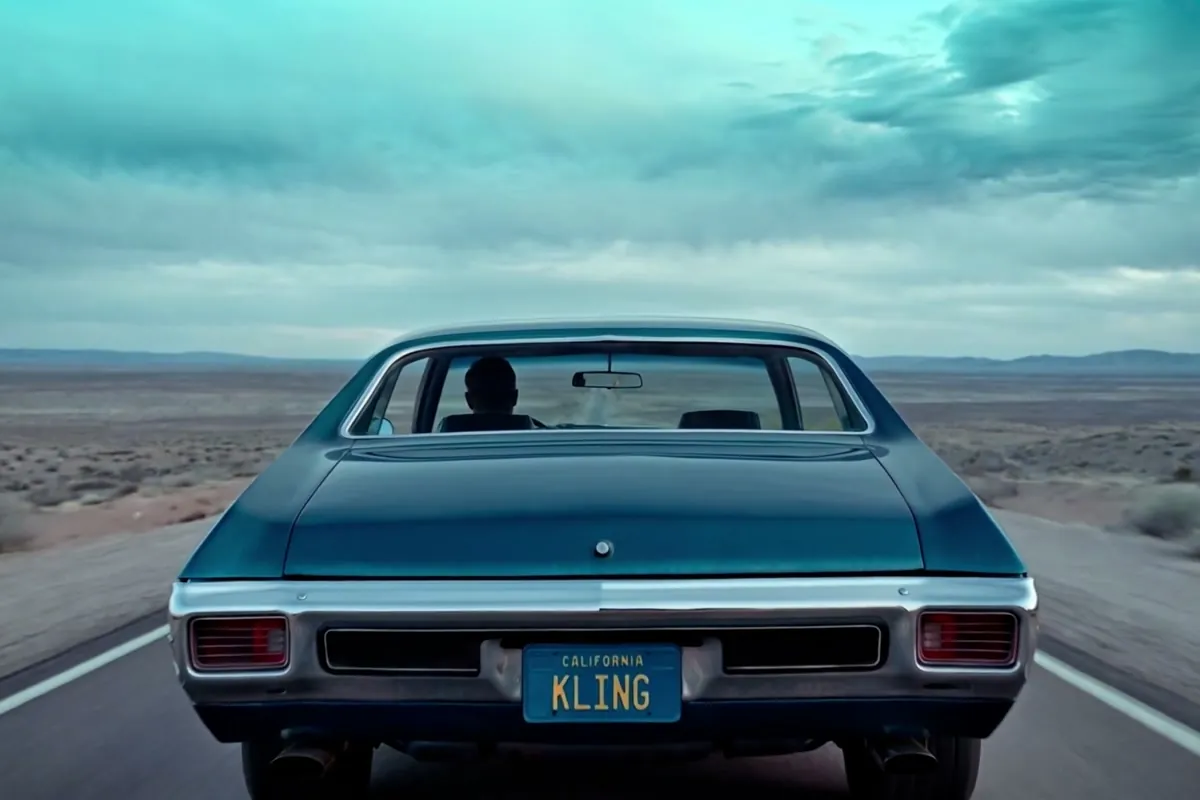
Wan 2.7
Thinking-mode video generation with synced audio, up to 1080p
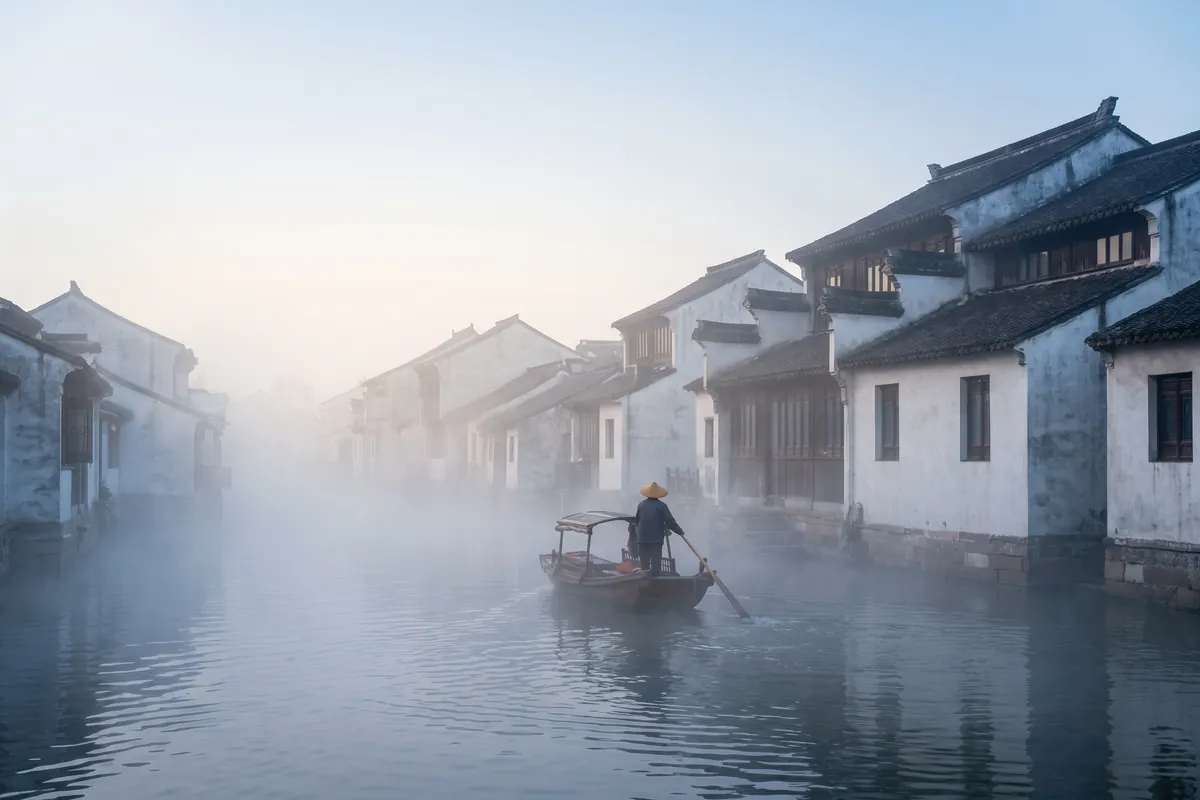
Grok Imagine Video
Turns images into cinematic clips with synced audio, by xAI

GPT Image 2.5
OpenAI's newest image model — sharper detail, faster edits
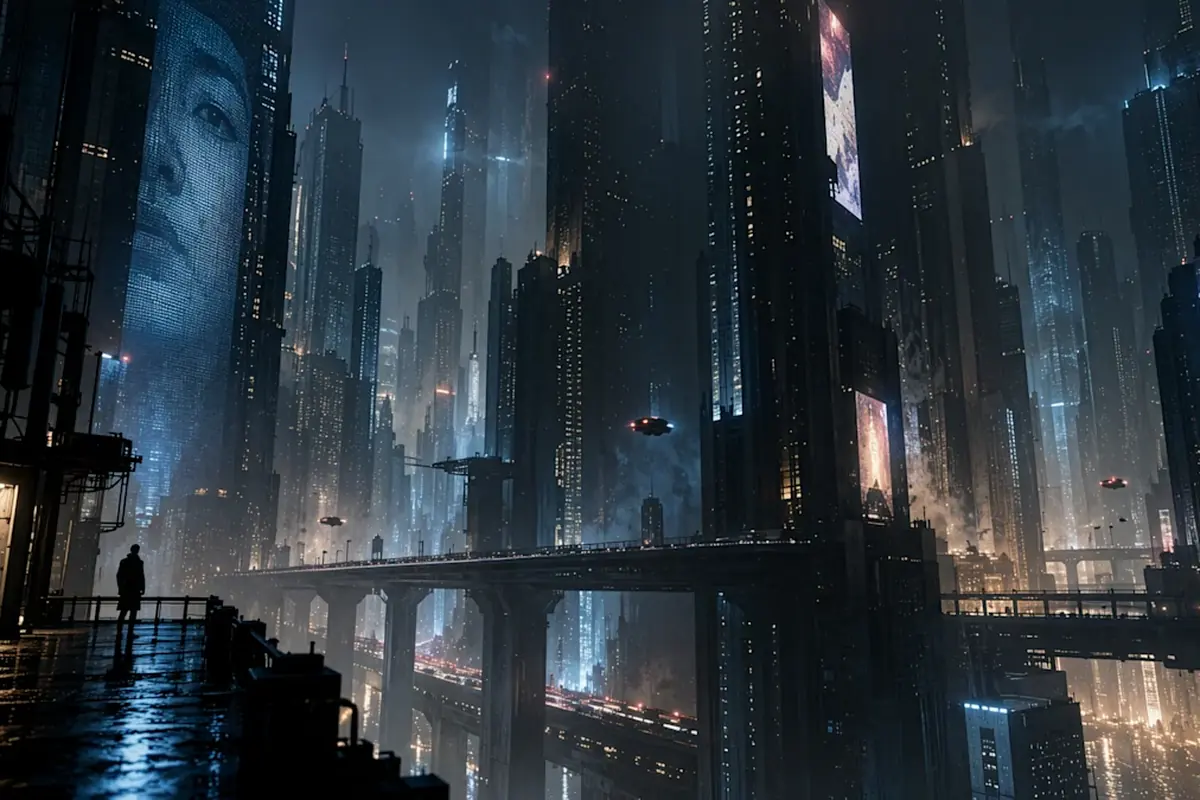
Nano Banana Pro
Reasoning-powered generation and editing with 4K output
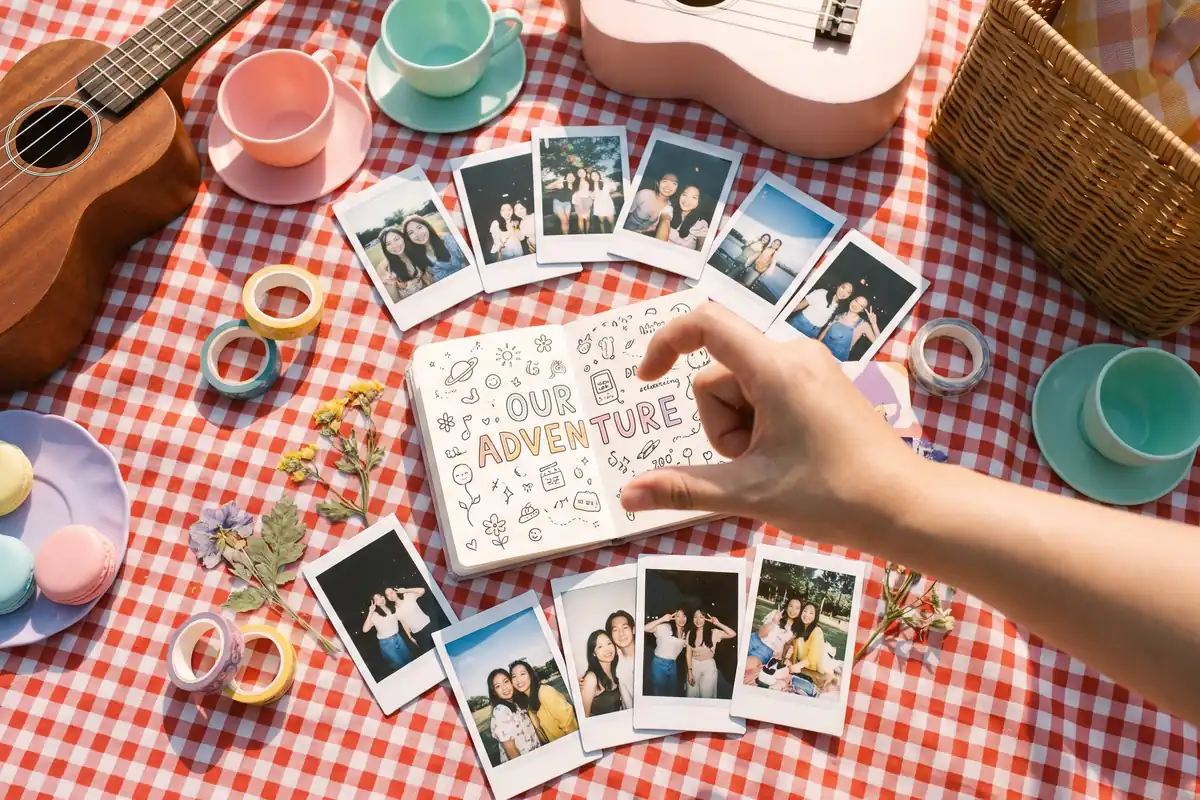
GPT Image 2
Text-rich visuals and clean product shots

Seedream 5.0 Pro
Pro-grade images with layer editing and multilingual text