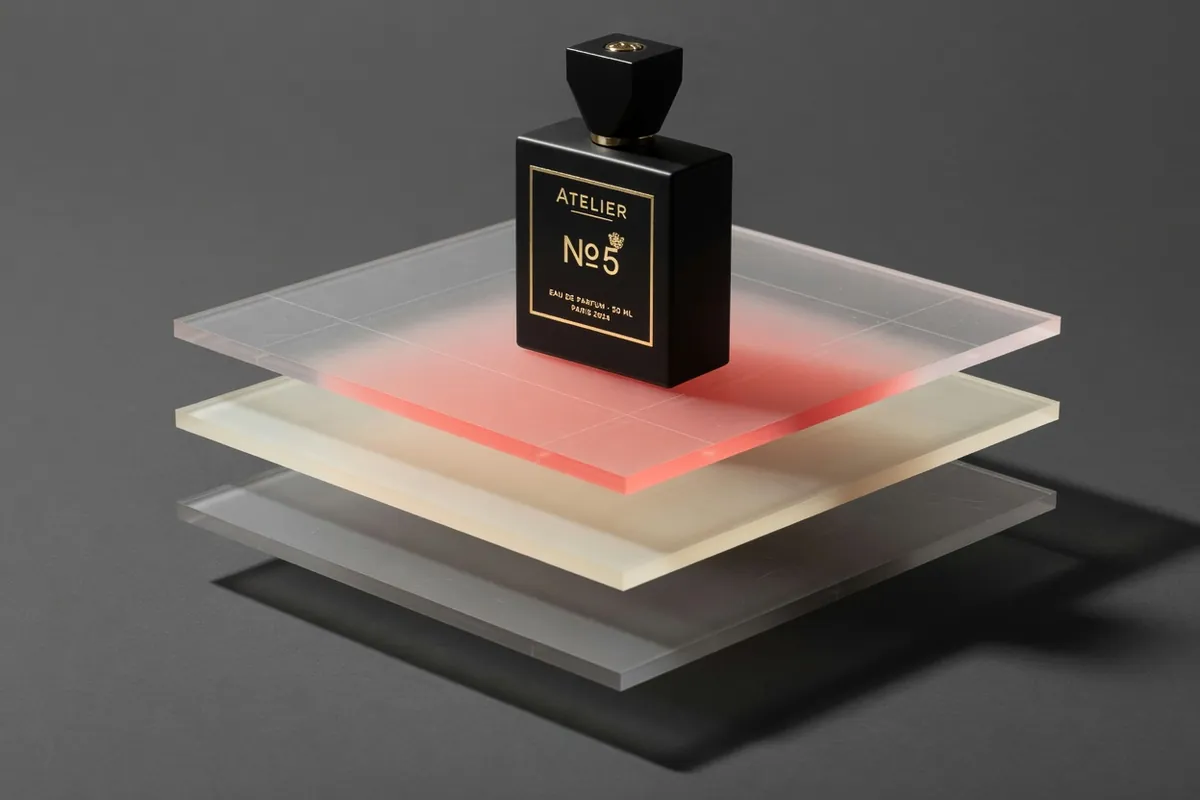
Gemini Omni Flash AI Video Generator
Conversational video generation and editing from any input
Recreate This Video
Real prompts and reference shots creators used with Gemini Omni models — click Recreate to load one into the generator.
Gemini Omni Flash AI Video Generator – Flexible 3–10s Clips from Text or Images
Gemini Omni Flash is the fast tier of Gemini Omni, the video model Google DeepMind describes as creating and editing video from any input. On TurnVideo it runs as a hosted generator on this page: write a prompt, optionally attach one reference image, pick a 3, 4, 5, 6, 7, 8, 9 or 10-second length in widescreen or vertical, and the clip renders on our servers — no Google account tier, no API keys, and you can close the tab while it finishes.
Last updated August 28, 2026
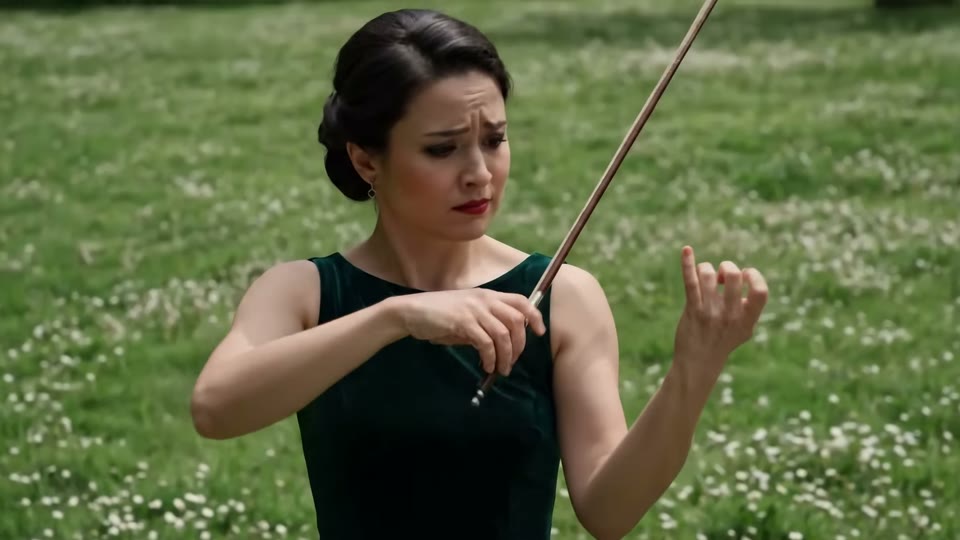
Demo footage © Google DeepMind — official Gemini Omni Flash demos, shown to illustrate the model.
Core Capabilities of the Gemini Omni Flash AI Video Generator

Any clip length from 3 to 10 seconds
The only video model on TurnVideo where duration is a real choice. Credits scale with length (150 for 3s up to 495 for 10s), so short experiments stay cheap and finished cuts get room to breathe.

Ground the shot with a reference image
One attached image anchors the subject, style or composition of the whole clip — the same "First Frame" slot the generator above shows. Use a photo to keep a real object recognisable, or a style frame to art-direct the render.
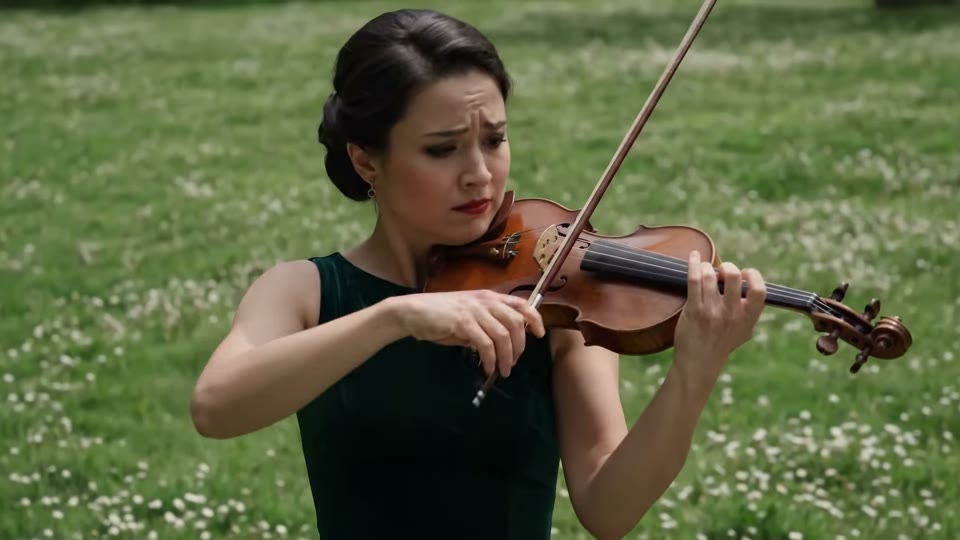
Built on Google's any-input Omni family
Google DeepMind positions Gemini Omni as a model that creates and edits video conversationally from text, images, video and audio, holding a scene consistent across multiple editing turns. This page exposes the text + reference-image slice of that; the broader editing workflows are documented on Google's model page.
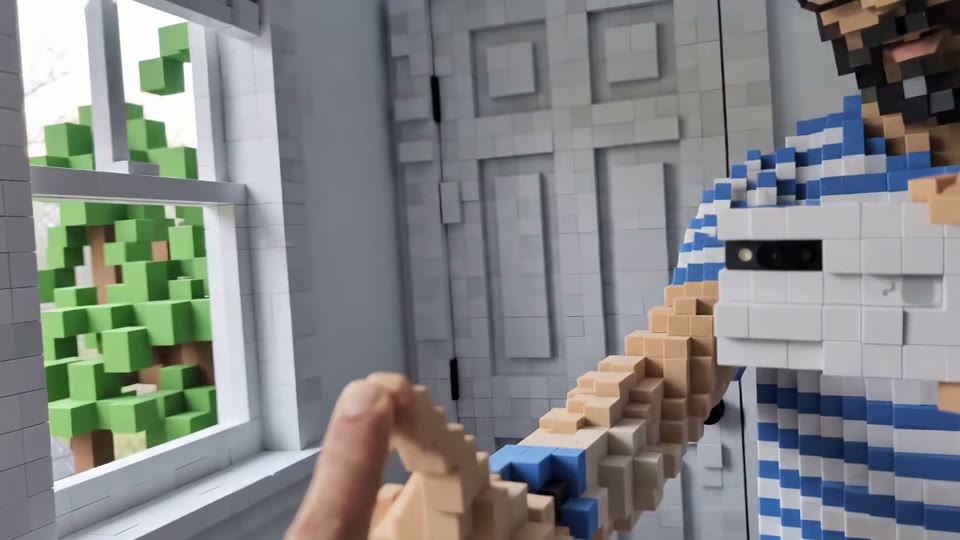
Widescreen and vertical from the same prompt
16:9 and 9:16 are both available on every generation, so landscape and vertical deliverables come from the same brief without cropping away the subject.

The budget counterpart to Veo 3.1
An 8-second clip costs 395 credits here against 1275 on Veo 3.1. Veo remains the cinematic flagship; Flash is what you reach for when iteration speed and clip-length flexibility matter more than squeezing out the last bit of polish.
How Creators Use the Gemini Omni Flash AI Video Generator
Hooks and stories at the length each platform wants
A 3-second hook for a paid placement and a 10-second beat for a Short are different assets, not different crops of one render. Because clip length is a picker here rather than a fixed constant, you generate each deliverable at its native length instead of padding or trimming one master clip.
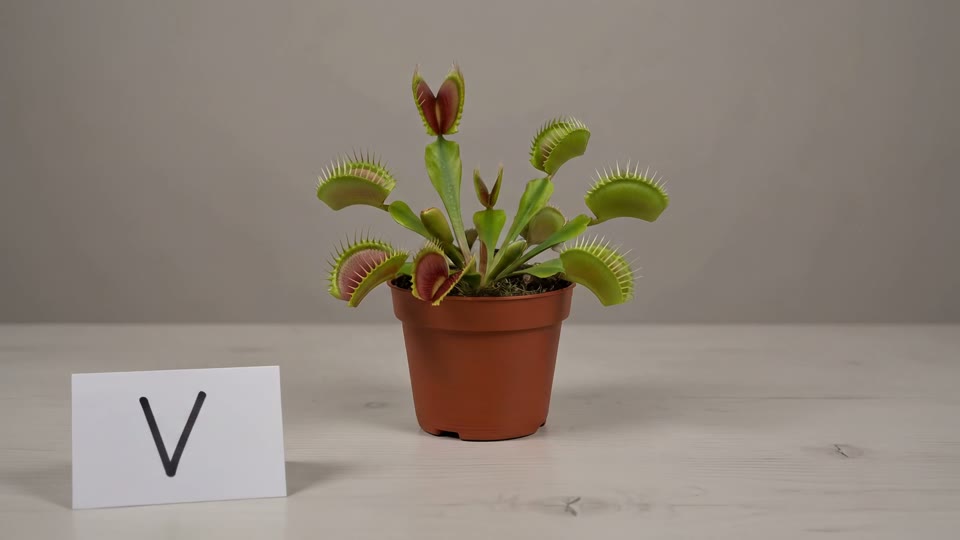
Ad variations on a draft-tier budget
Testing five hooks costs five prompt edits, and the short lengths keep that cheap — a 3-second variation is 150 credits. Teams run the whole matrix of tone, setting and pacing on Flash, then put only the winning direction into a bigger production.
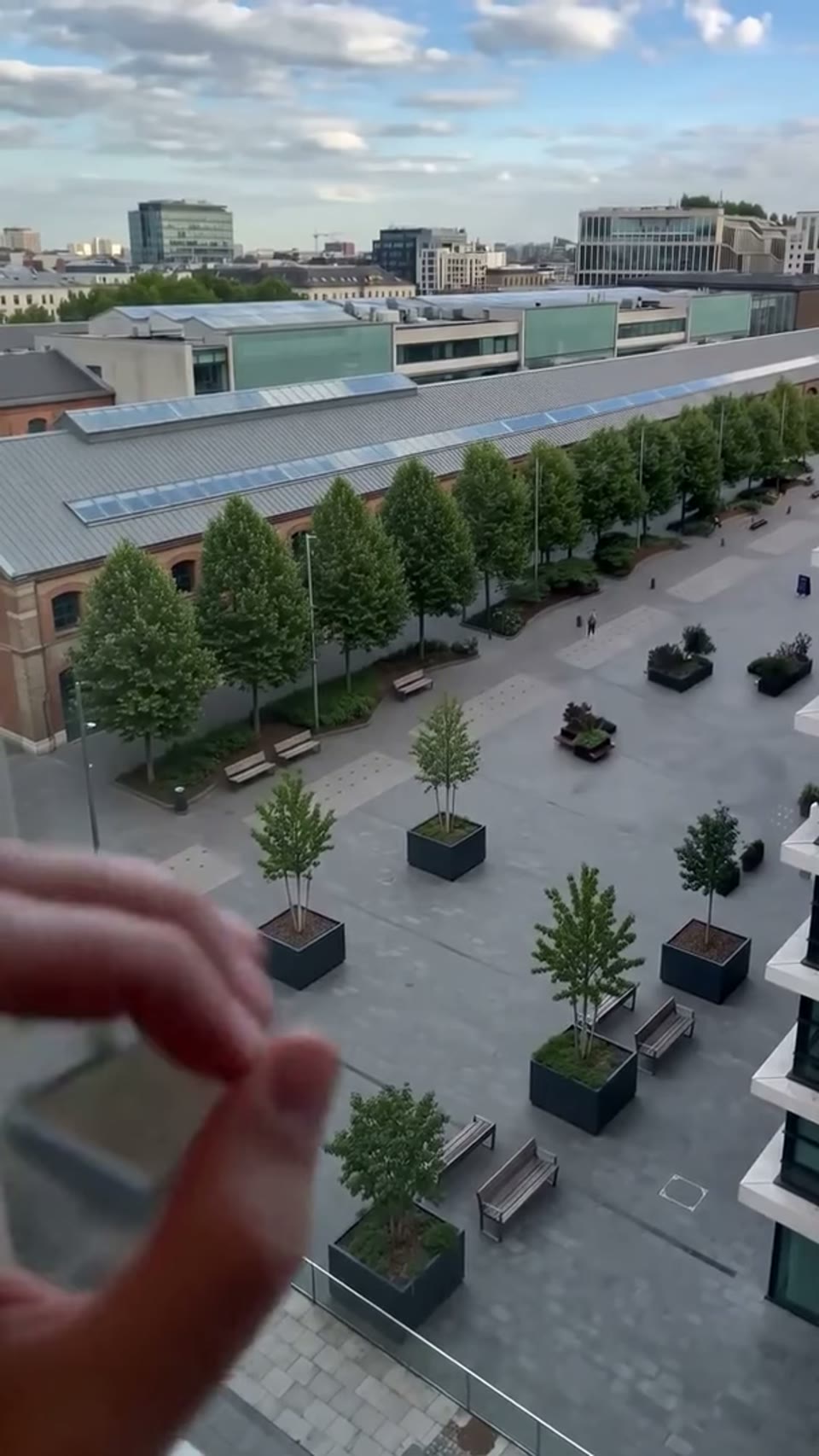
Keeping a product or brand look on screen
Attach a reference image — the product shot, the brand character, the style frame — and the generation stays anchored to it while the prompt describes the motion and setting. That keeps a campaign visually consistent across a batch of clips instead of drifting with every generation.
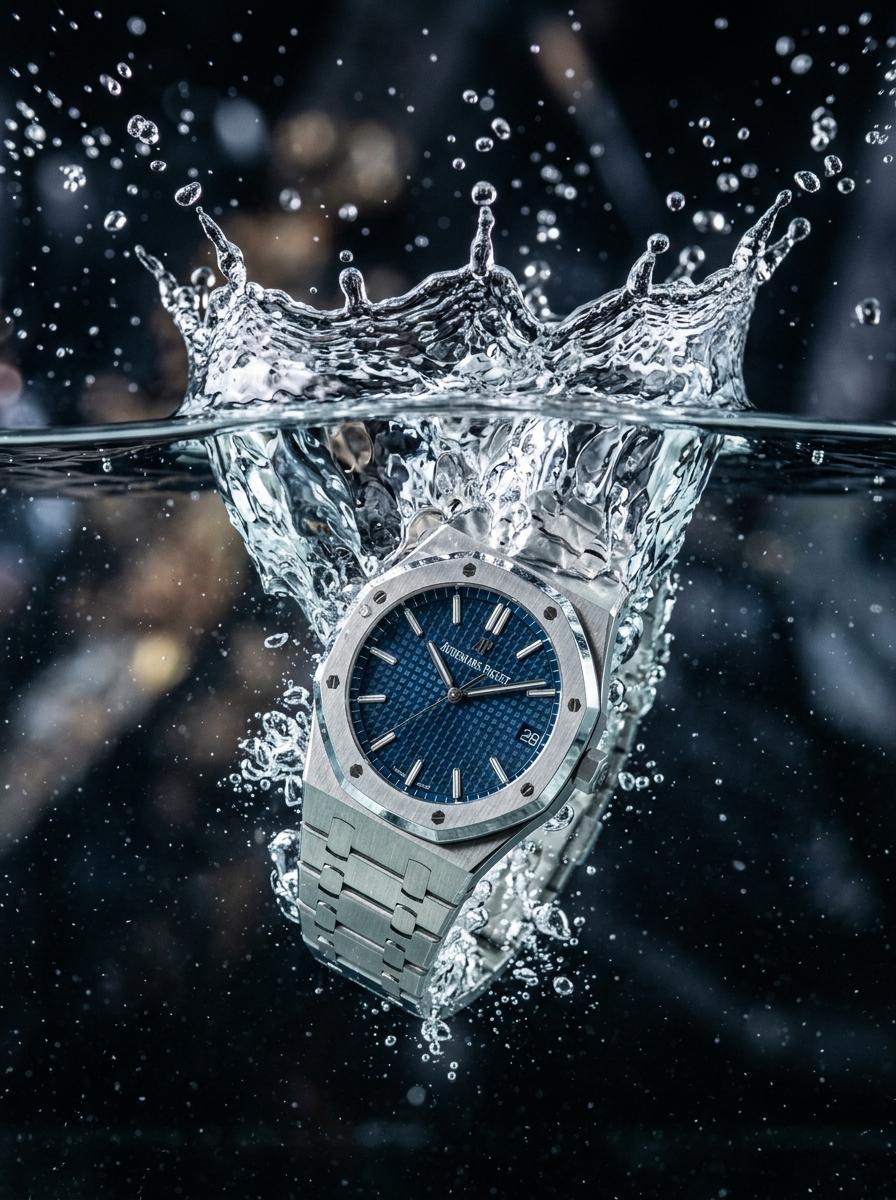
Explainer shots that behave like the real world
Google highlights Gemini Omni for output that follows real-world physics — gravity, kinetic energy, fluid dynamics — and for drawing on scientific and historical context. For explainer and education content that means the demonstrative shot you asked for tends to move the way the phenomenon actually moves.
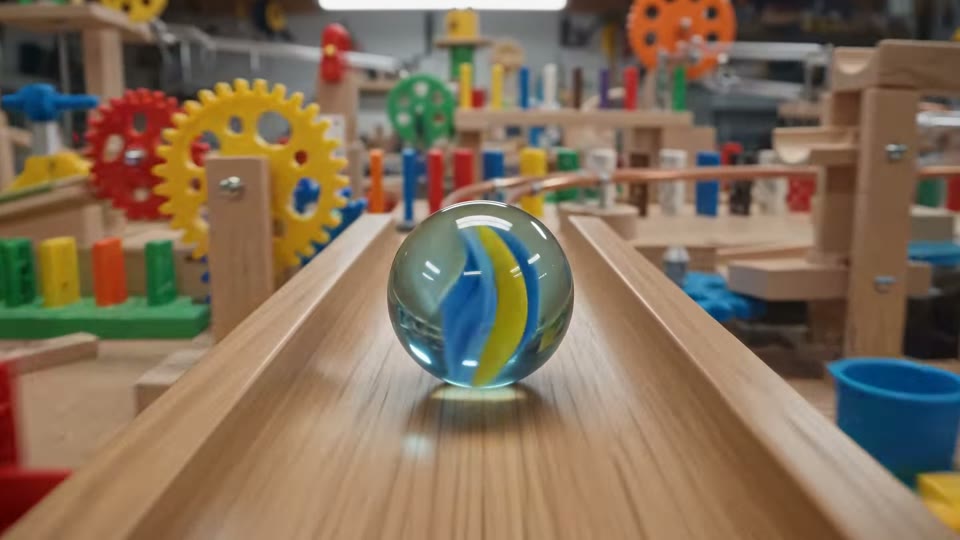
Getting Better Results from the Gemini Omni Flash AI Video Generator
Turn a prompt into a clip at the right length
Describe subject, setting and motion, then pick the duration to match the destination — 3s for a feed hook, 10s for a story beat. Each run returns one clip, downloadable at full quality and saved to your generation history.

Animate a reference image
Drop a photo, render or drawing into the First Frame slot and describe only the motion. The generation keeps what you supplied recognisable instead of inventing an unrelated subject — which is what makes batch work around one product or character practical.
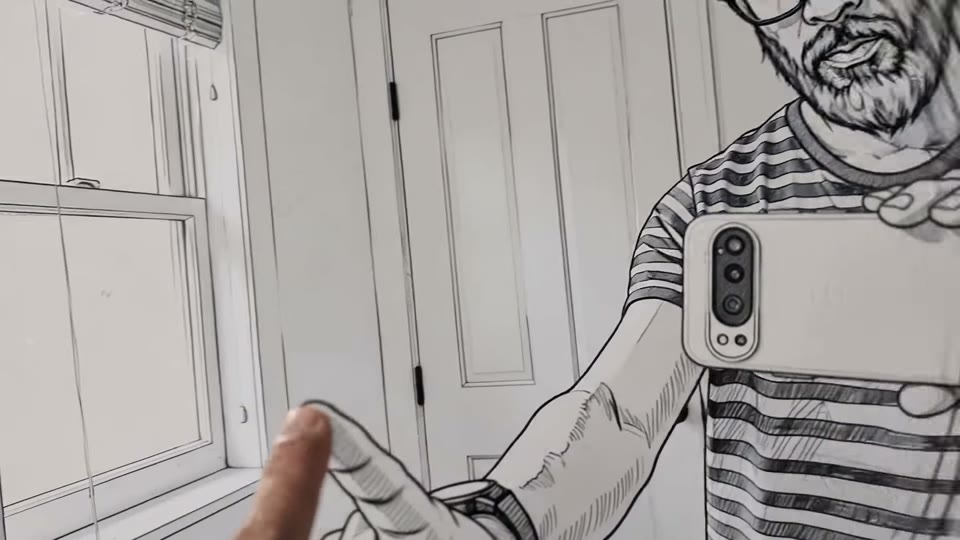
Cut a vertical version for Reels, Shorts and TikTok
Switch the ratio pill to 9:16 and re-run the same prompt. Generating natively vertical beats cropping a widescreen clip, which almost always loses the framing that made the shot work.
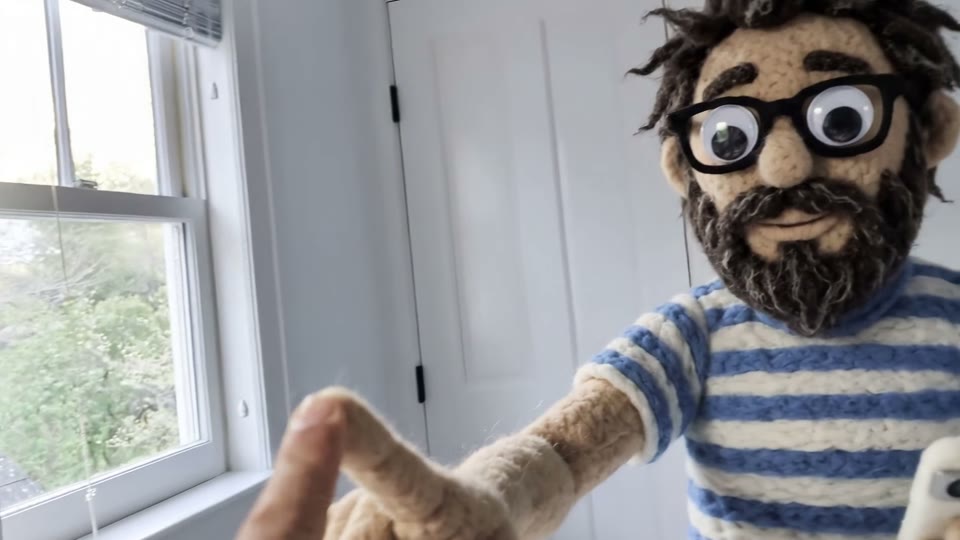
Draft at 3 seconds, ship at 10
Settle the idea with 3-second takes at 150 credits each, then re-run the winning prompt at 10 seconds for the final cut. The duration picker makes cheap iteration a workflow rather than a workaround.
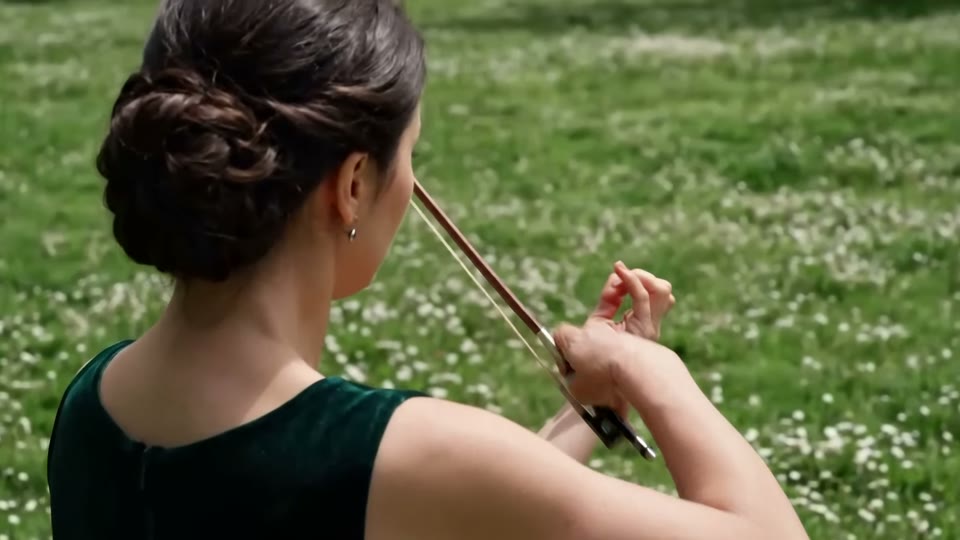
Leave it running
Generation happens server-side, so closing the tab does not cancel the job. Finished clips always show up in your generation history, which makes this practical for batching a set of shots rather than babysitting one.
Gemini Omni Flash AI Video Generator FAQ
Gemini Omni Flash is the fast tier of Gemini Omni, Google DeepMind's multimodal video model. Google describes the Omni family as creating and editing video from any input — text, images, video and audio — with edits staying consistent across multiple conversational turns.
Yes — Google released Gemini Omni 1.1 Flash on August 27, 2026, adding first-to-last-frame keyframe control, longer scene extension and 4K upscaling. TurnVideo runs it on its own page (Gemini Omni 1.1 Flash, under Related models below), where an 8-second clip costs 320 credits versus 395 here — the 1.1 engine is priced lower upstream. This page keeps the original engine available unchanged.
Cost scales with clip length: 3s = 150 credits, 4s = 200 credits, 5s = 250 credits, 6s = 300 credits, 7s = 350 credits, 8s = 395 credits, 9s = 445 credits, 10s = 495 credits. The live cost is always shown next to the Generate button before you commit to a run.
TurnVideo runs on plans rather than free welcome credits: every generation is paid in credits, and each model shows its exact cost next to the Generate button before you run. Failed generations are refunded automatically. Gemini Omni Flash is the cheapest way into video generation once you start a plan.
3, 4, 5, 6, 7, 8, 9 or 10 seconds per clip, in 16:9 or 9:16. Both are picked in the composer before you generate.
Yes. Attach one image in the First Frame slot and the clip is generated around it. Video-input editing, audio inputs and multi-turn conversational edits are capabilities Google documents for the Omni family that this page does not expose yet.
Pick Veo 3.1 (1275 credits per 8s clip) when you want the cinematic flagship look; pick Gemini Omni Flash (395 credits per 8s, with 3–10s lengths) when you want cheaper iteration and control over clip length.
Usually a few minutes. The job runs on our servers, so you can close the tab — the finished clip appears in your generation history either way.
No. Credits are consumed when a job succeeds; failed jobs are refunded automatically, so a provider error does not cost you anything.
Yes — videos you generate on TurnVideo can be used commercially under your plan terms.
More AI Models to Try on TurnVideo
Nano Banana 2.1
Google's newest image model — better design, edits and consistency

Gemini Omni 1.1 Flash
First-to-last-frame control and flexible 3–10s clips

MiniMax H3 Max
Fast 768p clips with native audio, post-trained by fal, 5–15s

MiniMax H3
Native-2K multimodal video with stereo audio, 5–15s

FLUX 3
Cinematic video with native audio from Black Forest Labs

Seedance 2.5
Flagship cinematic video with lip-synced native audio
Veo 3.1
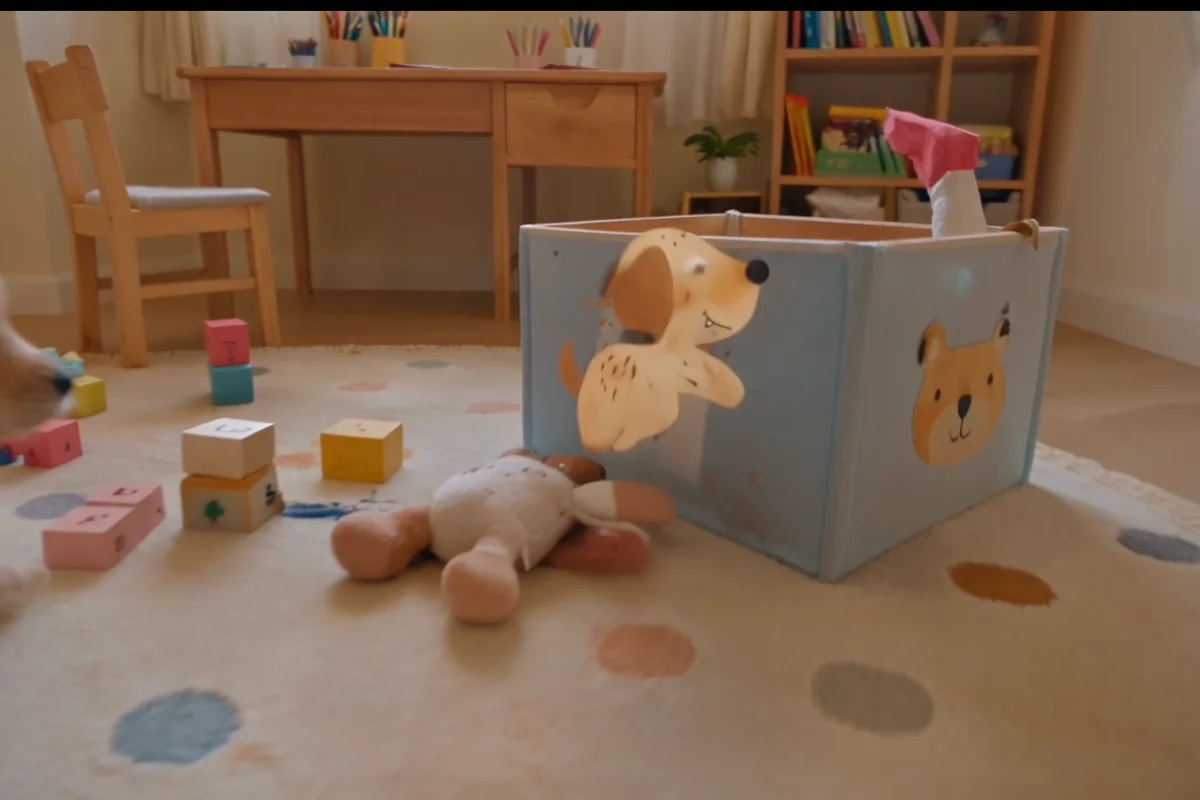
Cinematic text-to-video with native audio from Google DeepMind

Kling 3.0
Multi-shot director control with native audio, up to 15s

Wan 2.7
Thinking-mode video generation with synced audio, up to 1080p

Grok Imagine Video
Turns images into cinematic clips with synced audio, by xAI

GPT Image 2.5
OpenAI's newest image model — sharper detail, faster edits
Nano Banana Pro
Reasoning-powered generation and editing with 4K output

GPT Image 2
Text-rich visuals and clean product shots

Seedream 5.0 Pro
Pro-grade images with layer editing and multilingual text