Gemini Omni 1.2 Flash AI Video Generator
Clips up to 15s with native audio and steadier shots
Recreate This Video
Real prompts and reference shots creators used with Gemini Omni models — click Recreate to load one into the generator.
Gemini Omni 1.2 Flash AI Video Generator – 3–15s Clips with Native Audio
Gemini Omni 1.2 Flash is the version of Google's Omni video model that went generally available on November 5, 2026 — the release that raised the clip ceiling from 10 to 15 seconds, steadied characters and camera moves across the whole shot, and cut the price. On TurnVideo it runs hosted: write a prompt, or anchor the clip on a first (and optionally last) frame, pick any length from 3 to 15 seconds in widescreen or vertical, and get a 720p clip with native audio. 33 credits per second — an 8-second clip costs 264 credits — with no Google subscription and no API keys.
Last updated November 15, 2026
Demo footage © Google — official Gemini Omni 1.2 Flash launch demos, shown to illustrate the model.
What is Gemini Omni 1.2 Flash?
Gemini Omni 1.2 Flash is the video generation and editing model Google made generally available on November 5, 2026 (model ID gemini-omni-1.2-flash), the successor to Omni 1.1 Flash. Google's launch post lists the upgrades: native clips up to 15 seconds in one-second steps (1.1 stopped at 10); steadier characters, objects and scenes from first frame to last, with fewer morphs; continuous camera moves such as FPV flythroughs, orbits and crash zoom-outs with fewer jump cuts; more natural dialogue and lip-sync with distinct speakers; image, motion and audio references; multi-turn editing; and a 720p rate Google puts 30% below 1.1. Google ships it through AI Studio, Vertex AI, Flow, Google Vids, Google Ads and the Gemini app. On TurnVideo it runs hosted at 720p — text to video, image to video and first-to-last-frame, priced per second in credits.
Core Capabilities of the Gemini Omni 1.2 Flash AI Video Generator
Any length from 3 to 15 seconds
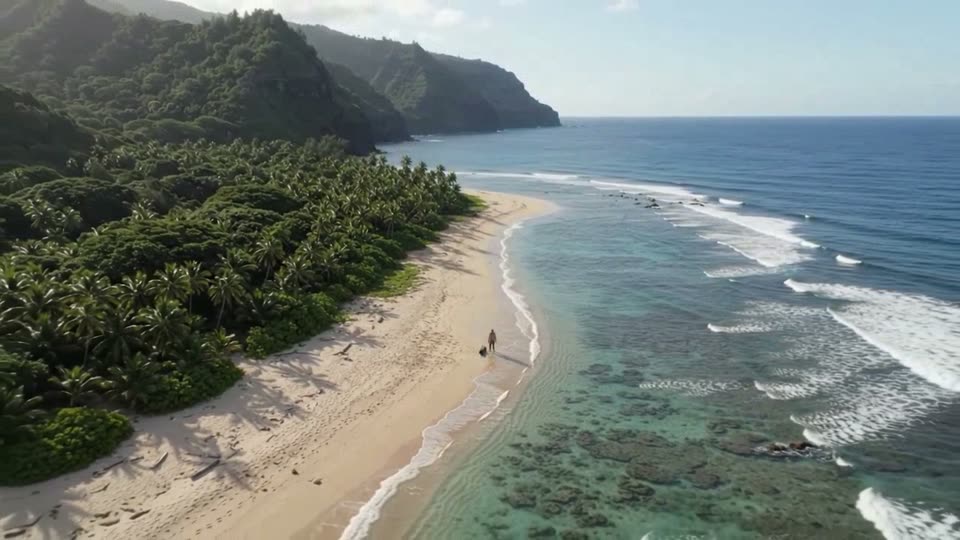
Every whole second from 3 to 15 is a pick, in 16:9 or 9:16, at a flat 33 credits a second — from 99 credits for the shortest clip to 495 for the longest. Google's crash zoom-out demo runs ten seconds from a shoreline close-up to an island vista in a single unbroken shot.
Steadier first-to-last-frame shots
Attach an opening image and, optionally, a closing one: the model builds the continuous shot between them. Google's comparison connects a ramen bar's exterior to its interior in one push-in, with 1.2 keeping the characters and props closer to the references than 1.1. With a last frame attached, clips run up to 10 seconds — the composer narrows the length menu automatically.
Cheaper per second than 1.1
Google priced 1.2 below 1.1, and TurnVideo's credit table derives from vendor cost, so the newer engine is simply cheaper here: 33 credits a second against 40, or 264 versus 320 credits for 8 seconds.
Multi-turn editing — in Google surfaces
1.2 can revise a finished clip turn by turn — swap the background, the product, the lighting or the weather while the performance and framing stay put, as in Google's five-background demo. That editing loop runs in Google's own tools (Flow, the Gemini app, AI Studio); this page renders new clips and does not expose editing yet.
How Creators Use the Gemini Omni 1.2 Flash AI Video Generator
15-second explainers from one prompt
Google's launch shows 1.2 turning a single style frame into a four-shot macro science explainer with spelled-out, motion-tracked callouts — fifteen seconds that used to take two stitched clips. Write the beats of your explainer in one prompt, choose 15 seconds, and the whole piece renders as one generation for 495 credits.
Animated scenes with dialogue
Native audio is generated with the picture, and 1.2's headline audio change is clearer lip-sync across several speakers. Google's demo conditions each character on a voice sample — voice references are a Google-surface feature not exposed here — but writing each character's lines into the prompt gets you a talking scene in one run.
Bring a poster or key visual to life
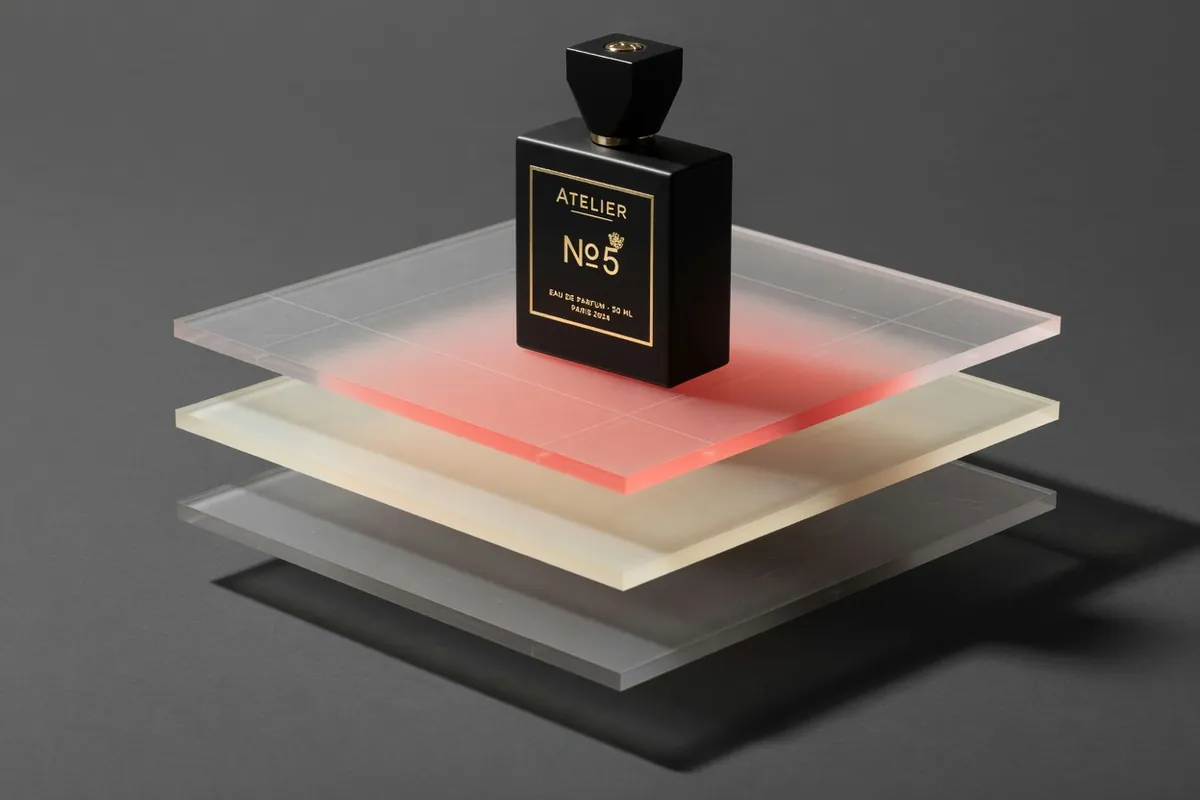
Upload a still as the first frame and describe how it should build or move. In Google's side-by-side, 1.2 holds every material, shadow and letterform of a typographic poster through the final frame where 1.1 drifted — the consistency gain that matters most when the frame is your brand asset.
Travel and property flythroughs
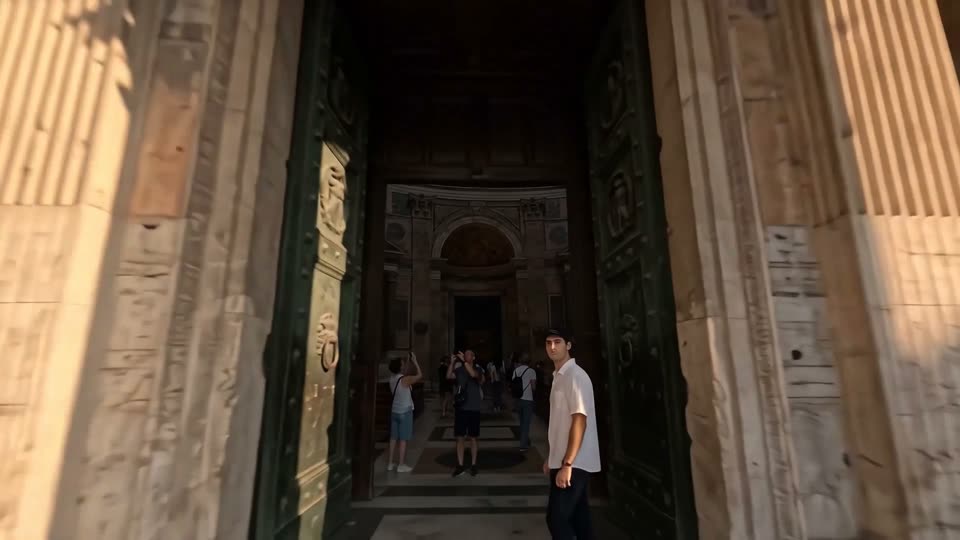
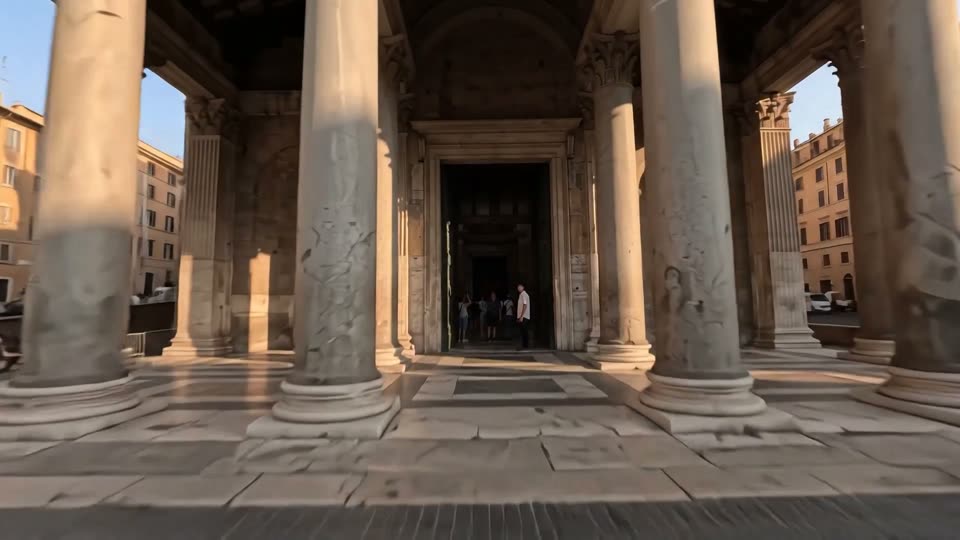
The hero clip on this page is one continuous FPV flight across a piazza, through bronze doors and up to the Pantheon's oculus with no cuts. Describe the path the camera travels, give it the full 15 seconds, and use a first frame of the real location when the opening has to match.
Gemini Omni 1.2 Flash vs Gemini Omni 1.1 Flash vs Veo 3.1
All three run in the same generator, so switching never means rewriting your prompt. The short version: 1.2 is the Omni to use now — longer clips, steadier shots and a lower per-second price than 1.1; 1.1 stays available for continuity with work you have already made; Veo 3.1 remains the cinematic flagship at a higher price.
| Omni 1.2 Flash | Omni 1.1 Flash | Veo 3.1 | |
|---|---|---|---|
| Best for | Longer single shots and cheap iteration | Matching earlier 1.1 work | Direction-heavy cinematic shots |
| Credits per 8s clip | 264 | 320 | 1275 (Plus/Max plans) |
| Clip lengths here | 3–15s | 3–10s | 4–8s |
| Resolution here | 720p | 720p | 1080p |
| First + last frame | Yes (up to 10s) | Yes | No |
Gemini Omni 1.2 Flash pricing on TurnVideo
Omni 1.2 Flash is priced per second of output — 33 credits a second at 720p, against 40 on Omni 1.1 — so a clip always costs the rate times the length you pick. The new longest clip, 15 seconds, costs 495 credits.
| 3-second clip (720p) | 99 credits |
|---|---|
| 4-second clip (720p) | 132 credits |
| 5-second clip (720p) | 165 credits |
| 6-second clip (720p) | 198 credits |
| 7-second clip (720p) | 231 credits |
| 8-second clip (720p) | 264 credits |
| 9-second clip (720p) | 297 credits |
| 10-second clip (720p) | 330 credits |
| 11-second clip (720p) | 363 credits |
| 12-second clip (720p) | 396 credits |
| 13-second clip (720p) | 429 credits |
| 14-second clip (720p) | 462 credits |
| 15-second clip (720p) | 495 credits |
Prices are shown live in the composer; a clip is only charged when it succeeds.
Getting Better Results from the Gemini Omni 1.2 Flash AI Video Generator
Write the camera path, not just the subject
1.2 is at its best on continuous moves: say where the camera starts, what it passes and where it ends ("FPV from the square, through the doors, rising to the dome"). One move per clip reads better than a list of shots — use separate runs when you need a cut.
Draft short, then render at 15
Pricing is strictly per second, so settle composition on 3-second runs at 99 credits, then re-run the winning prompt at full length for 495.

Put dialogue in quotes, one speaker at a time
For talking scenes, name who speaks and quote their line, in order: 'The capybara says, "Not again." Then the chameleon laughs.' Keep each line short enough to fit the clip length you picked.

Know the current limits
Google says it is still improving fast sports action, rapid scene changes within one script and complex physics. For those shots, keep clips shorter and the action simpler, or anchor the frames you care about with first and last images.
Gemini Omni 1.2 Flash AI Video Generator FAQ
Gemini Omni 1.2 Flash is Google's video generation and editing model, generally available since November 5, 2026, and the successor to Omni 1.1 Flash. It generates clips up to 15 seconds with native audio, keeps characters and scenes steadier across the shot, handles long continuous camera moves, and costs less per second than 1.1. On TurnVideo it runs hosted at 720p.
Google lists longer clips (up to 15 seconds, from 10), better first-to-last-frame consistency, smoother camera moves, clearer multi-speaker lip-sync, richer references and multi-turn editing, at a lower price. On this page the practical differences are clips up to 15 seconds and a lower rate: 33 credits a second against 40 on 1.1.
33 credits per second of output: 99 credits for a 3-second clip, 264 for 8 seconds, up to 495 for 15. The exact price for your selected length is shown next to the Generate button before you run.
TurnVideo runs on plans rather than free welcome credits: every generation is paid in credits, and each model shows its exact cost next to the Generate button before you run. Failed generations are refunded automatically. Video generation, Omni 1.2 included, runs on a plan.
Any whole number of seconds from 3 to 15, rendered at 720p, in 16:9 or 9:16. With a last frame attached the limit is 10 seconds. Every length and both ratios cost the same 33 credits per second.
Yes. Audio — ambience, effects and dialogue you write into the prompt — is generated together with the picture and included in the per-second price.
In the composer above, attach your opening image in the first slot; an optional second image becomes the closing frame and the model generates the shot between them. With both frames attached, clips run up to 10 seconds. With only a first frame it works as classic image to video.
Not yet. Image, motion and audio references, conversational edits and clip extension are 1.2 capabilities Google exposes in its own tools (Flow, the Gemini app, AI Studio). This page generates new clips from a prompt, a first frame, or a first and last frame.
Not on this page — it renders the standard 720p tier. Google offers 360p drafts and upscaling to 1080p or 4K in its own surfaces. For cheap iteration here, use short clips: 3 seconds costs 99 credits.
No. Credits are consumed when a job succeeds; failed jobs are refunded automatically, so a provider error does not cost you anything.
Yes — videos you generate on TurnVideo can be used commercially under your plan terms.
More AI Models to Try on TurnVideo
Nano Banana 2.1
Google's newest image model — better design, edits and consistency

Gemini Omni 1.1 Flash
First-to-last-frame control and flexible 3–10s clips
MiniMax H3 Max
Fast 768p clips with native audio, post-trained by fal, 5–15s
MiniMax H3
Native-2K multimodal video with stereo audio, 5–15s

FLUX 3
Cinematic video with native audio from Black Forest Labs
Seedance 2.5
Flagship cinematic video with lip-synced native audio
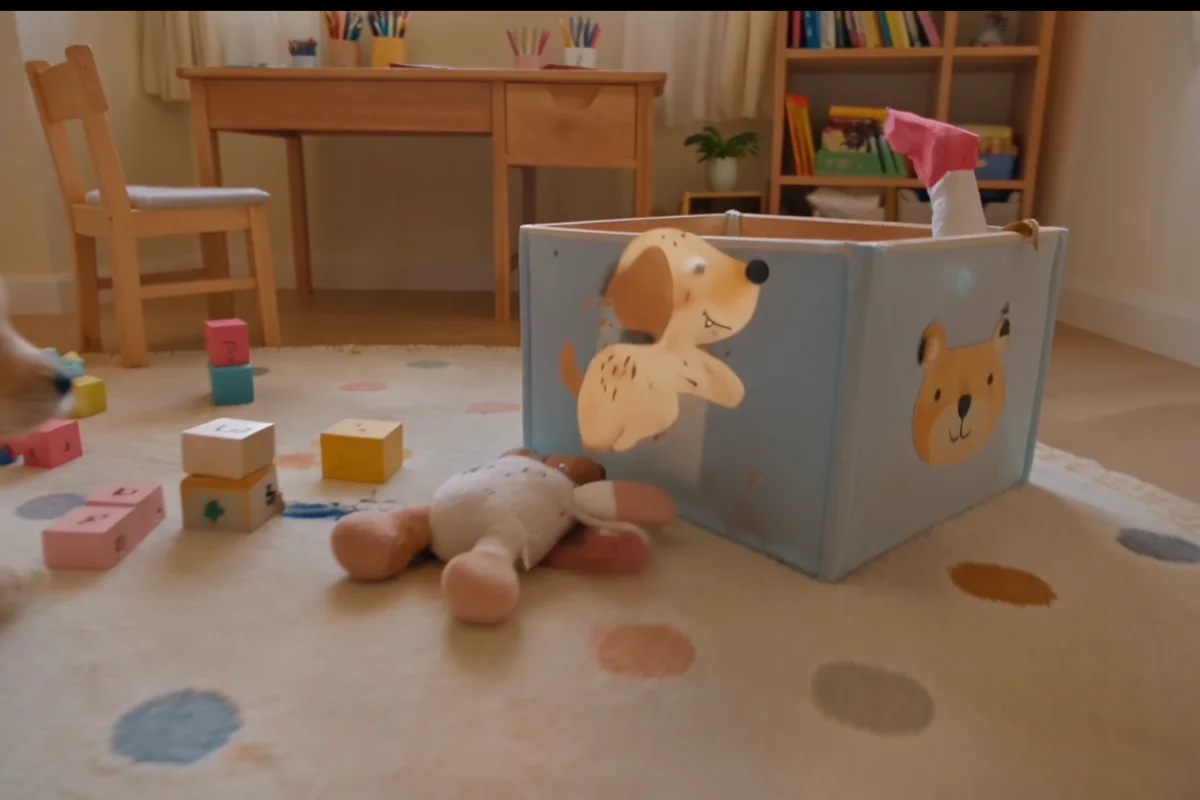
Veo 3.1
Cinematic text-to-video with native audio from Google DeepMind
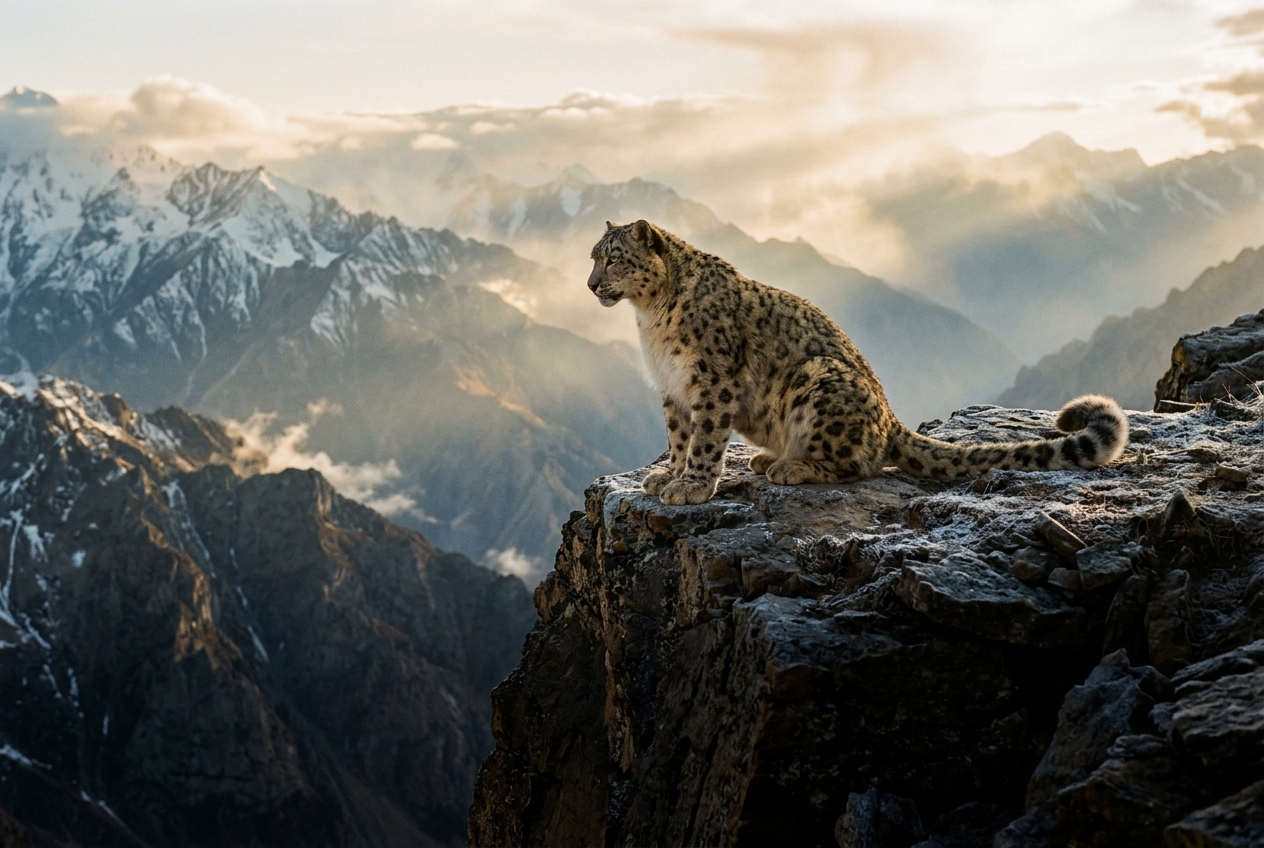
Gemini Omni Flash
Conversational video generation and editing from any input
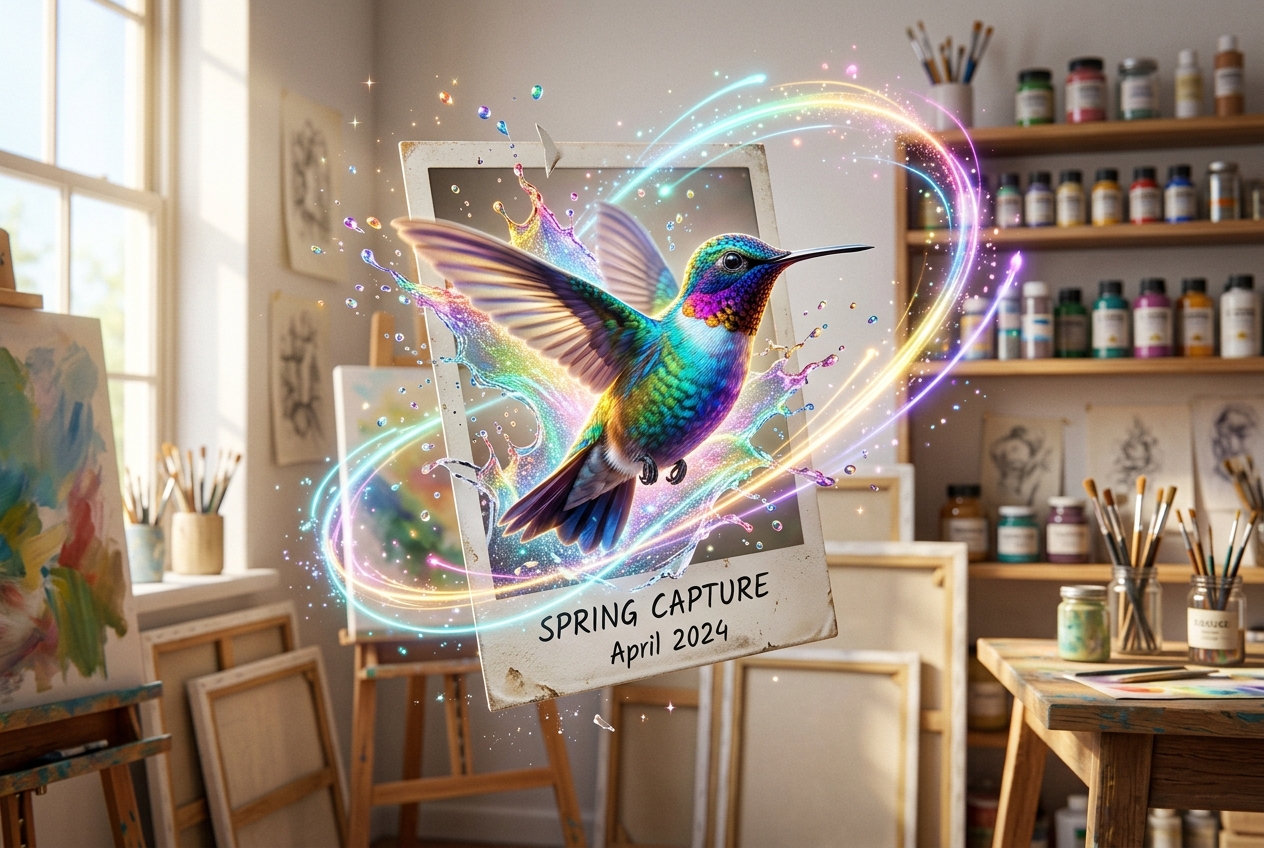
Kling 3.0
Multi-shot director control with native audio, up to 15s
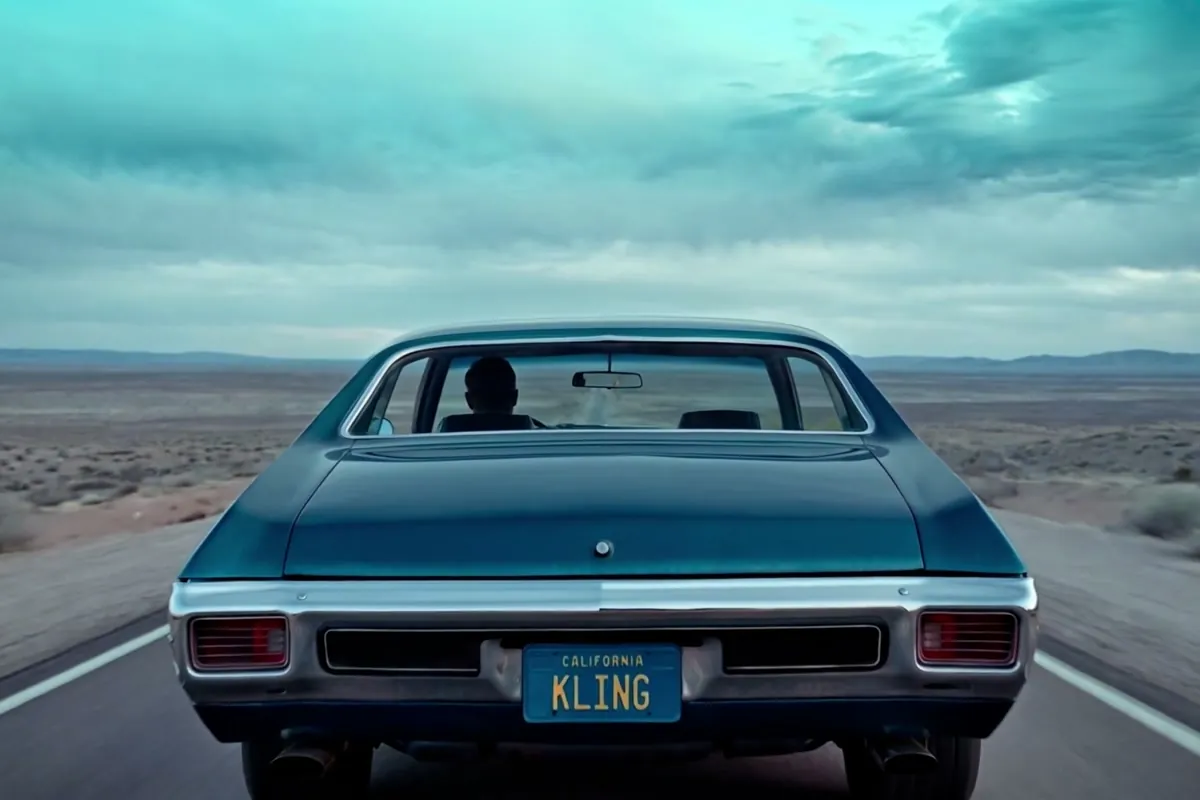
Wan 2.7
Thinking-mode video generation with synced audio, up to 1080p

Grok Imagine Video
Turns images into cinematic clips with synced audio, by xAI

GPT Image 2.5
OpenAI's newest image model — sharper detail, faster edits
Nano Banana Pro
Reasoning-powered generation and editing with 4K output

GPT Image 2
Text-rich visuals and clean product shots

Seedream 5.0 Pro
Pro-grade images with layer editing and multilingual text