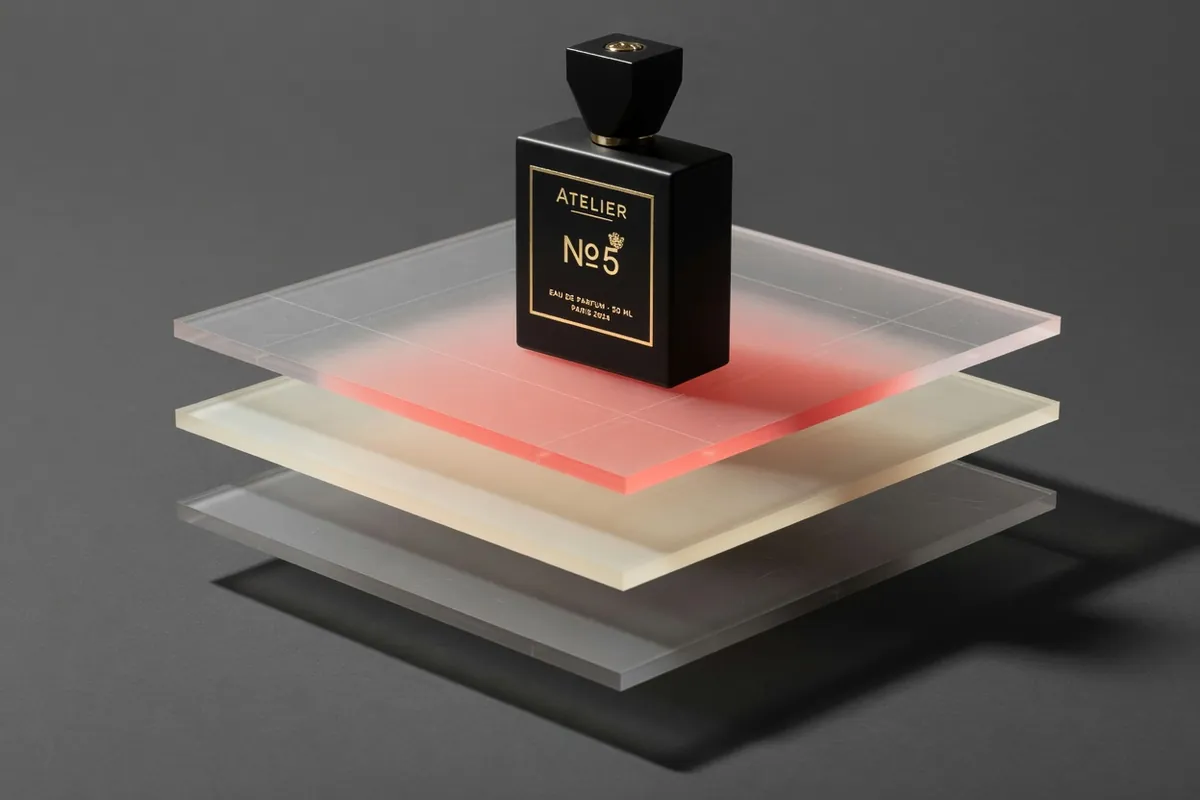
GPT Image 2.5 AI Image Generator
OpenAI's newest image model — sharper detail, faster edits
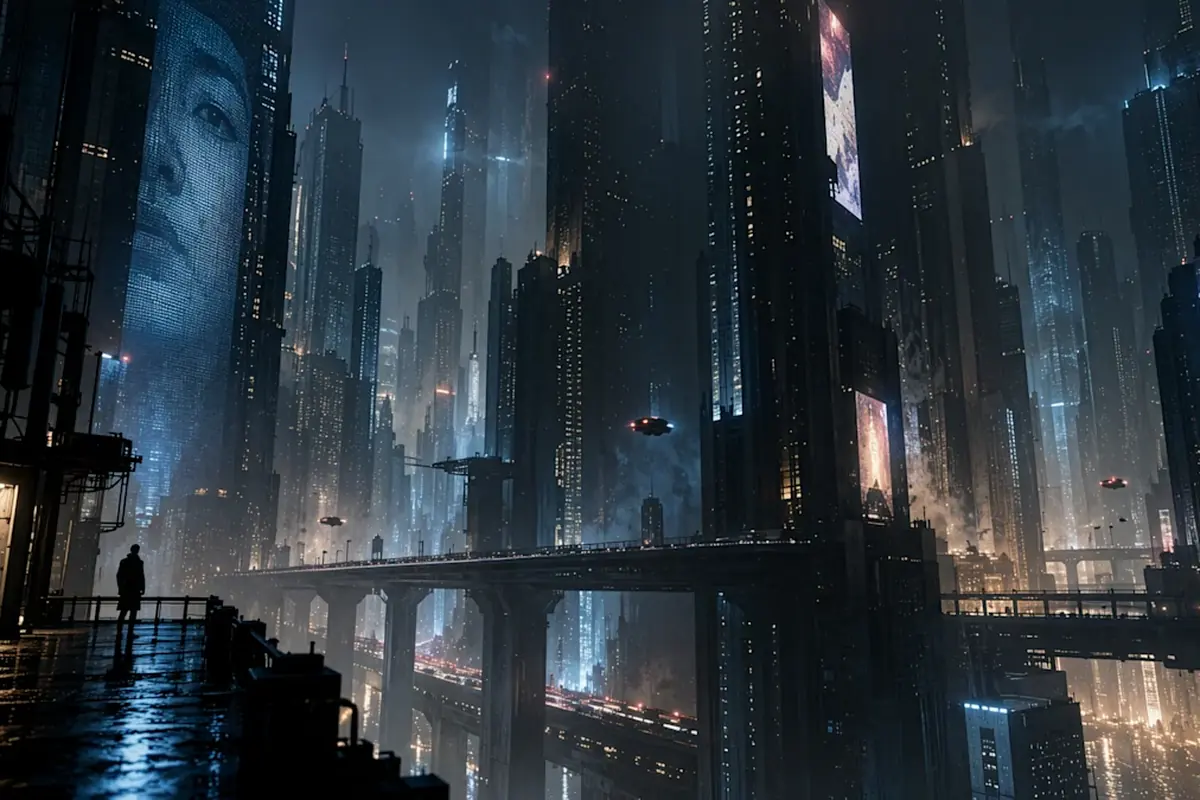
Recreate This Image
Real prompts and reference shots creators used with GPT Image models — click Recreate to load one into the generator.
GPT Image 2.5 AI Image Generator – OpenAI's ChatGPT Images 2.5
GPT Image 2.5 is OpenAI's newest image model, announced on 8 September 2026 — ChatGPT Images 2.5 inside ChatGPT, GPT-Image-2.5 Flare and Sunburst in the API. OpenAI describes it as sharper detail with more natural lighting and richer textures, better preservation of the subjects in your reference photos, and up to 50% lower generation latency than Images 2.0. On TurnVideo it runs in the generator above on the Flare lane, at fal's top quality setting: pick a resolution up to 4K, from 80 credits per image.
Last updated September 10, 2026
Demo images © OpenAI — ChatGPT Images 2.5 announcement
What is GPT Image 2.5?
GPT Image 2.5 is OpenAI's image generation model, announced on 8 September 2026. It ships in two places under two names: ChatGPT Images 2.5, rolling out to ChatGPT, ChatGPT Work and Codex users on every tier, and two API models — GPT-Image-2.5 Flare, the default for fast everyday generation, and GPT-Image-2.5 Sunburst, built for workflows where editing precision matters most. OpenAI's headline claims over the previous Images 2.0 generation are sharper detail with more natural lighting and richer textures, better preservation of subjects from reference photos when the setting or style changes, focused edits that leave the rest of the frame alone across multiple turns, complex layouts including transparent backgrounds, and up to 50% lower generation latency. Alongside the model, ChatGPT gained Sketch — draw directly in the chat and the drawing becomes a visual guide for the image — plus templates for formats like posters and merch. Generated images carry C2PA metadata and an invisible watermark. TurnVideo runs the Flare lane hosted, priced per image in credits.
Core Capabilities of the GPT Image 2.5 AI Image Generator
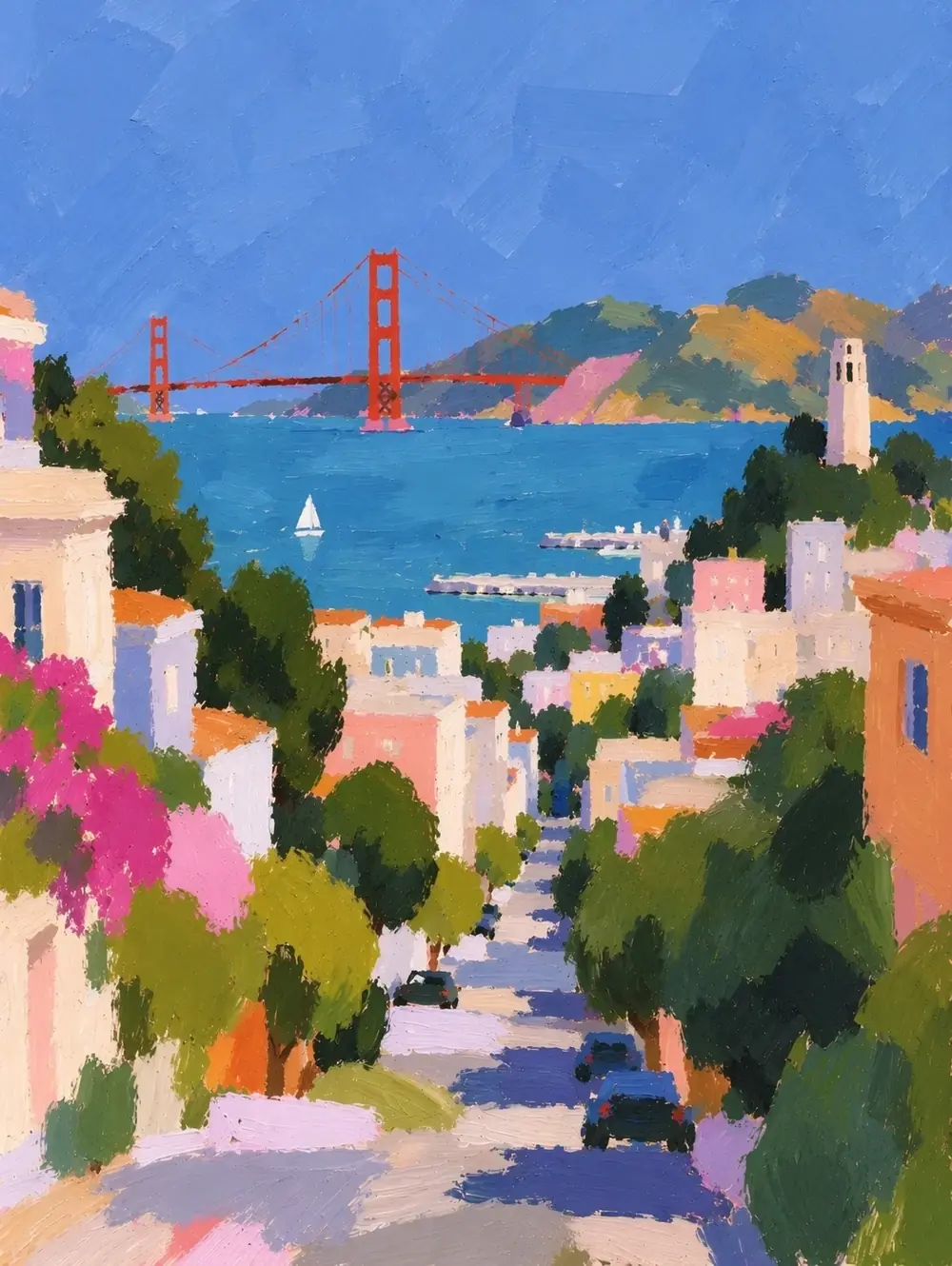
Up to 50% faster than Images 2.0
OpenAI puts the generation-latency cut at up to 50% against the previous generation, and TurnVideo runs the Flare lane — OpenAI’s own fast default — rather than the slower precision lane.
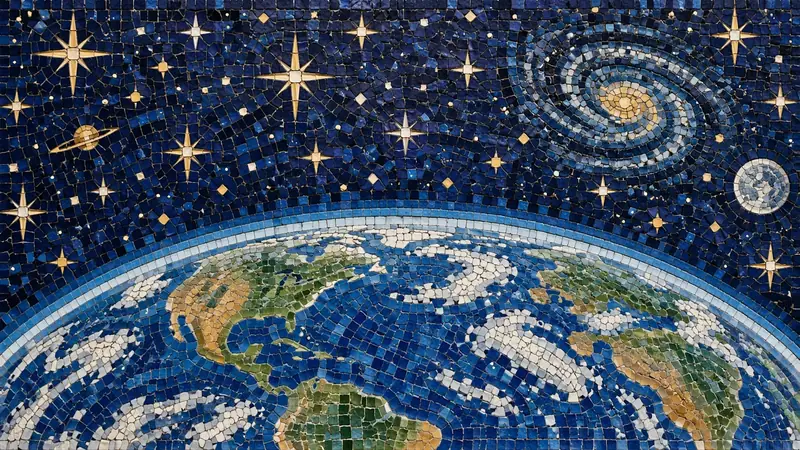
Sharper detail, natural lighting, richer textures
The release's stated quality delta over Images 2.0: more natural light, denser texture, and detail that holds up when you look closely at skin, fabric and materials.
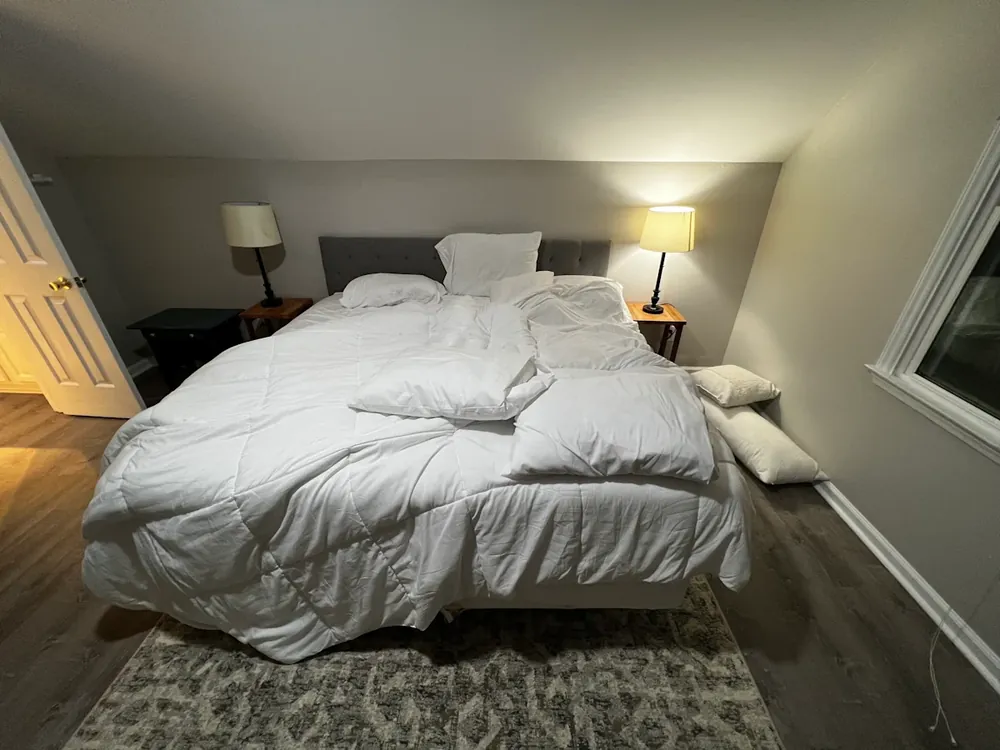
Multi-turn editing that holds the frame
Instructions are followed more reliably across multiple turns, with earlier edits preserved rather than degraded — so a picture can be finished in passes instead of one perfect prompt.
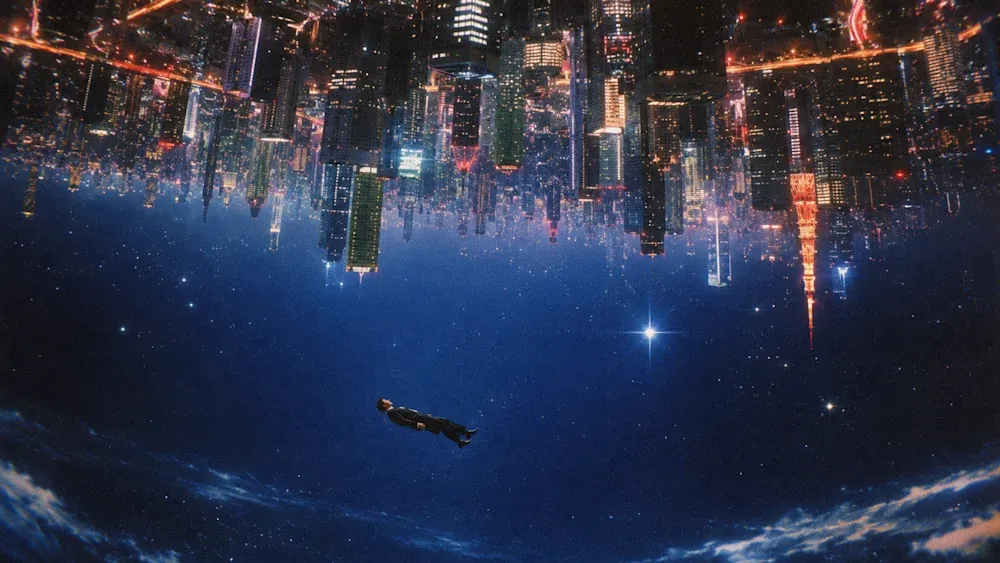
Top quality at every size, up to 4K
1K / 2K / 4K — 80 credits to 140, one number per size. There is no draft tier to trade off against: every run goes out at fal's top quality setting, so the only decision left is how big you need it.
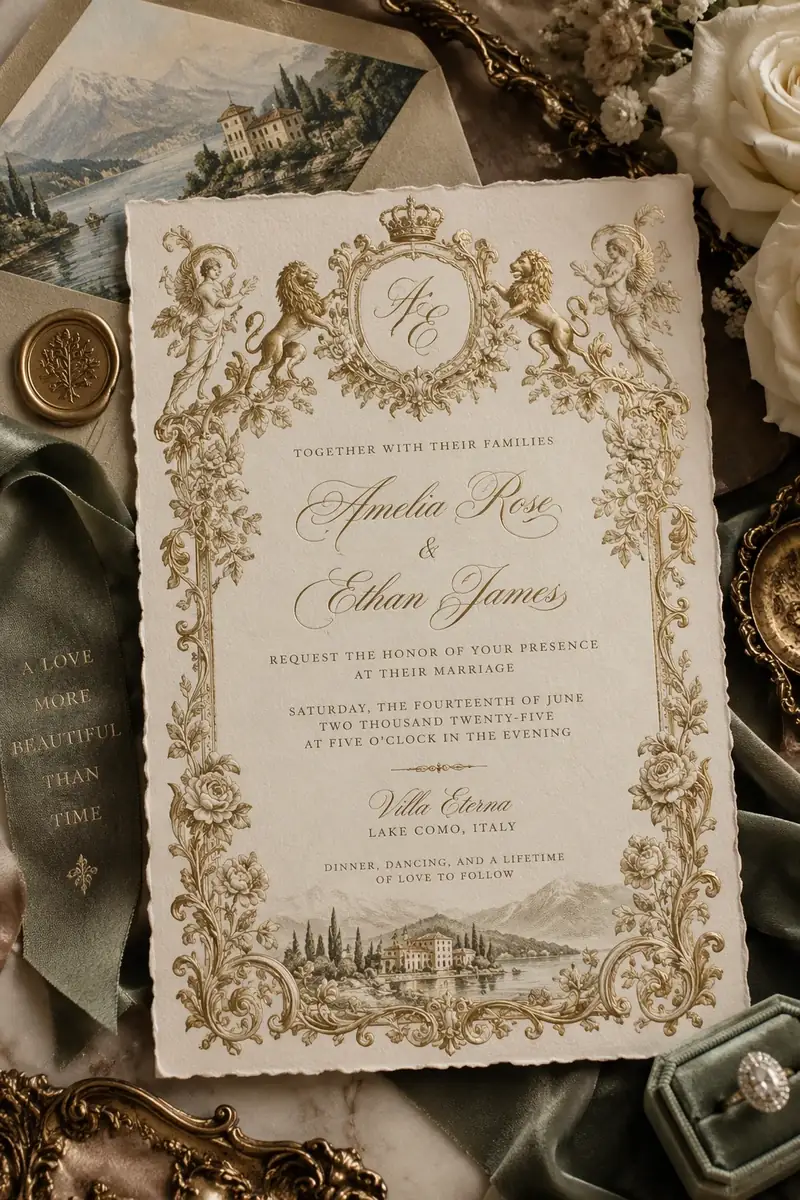
7 aspect ratios, natively framed
1:1, 2:3, 3:2, 3:4, 4:3, 9:16, 16:9 — square posts, portrait stories and widescreen thumbnails, generated at the shape you need instead of cropped afterwards.
How Creators Use the GPT Image 2.5 AI Image Generator
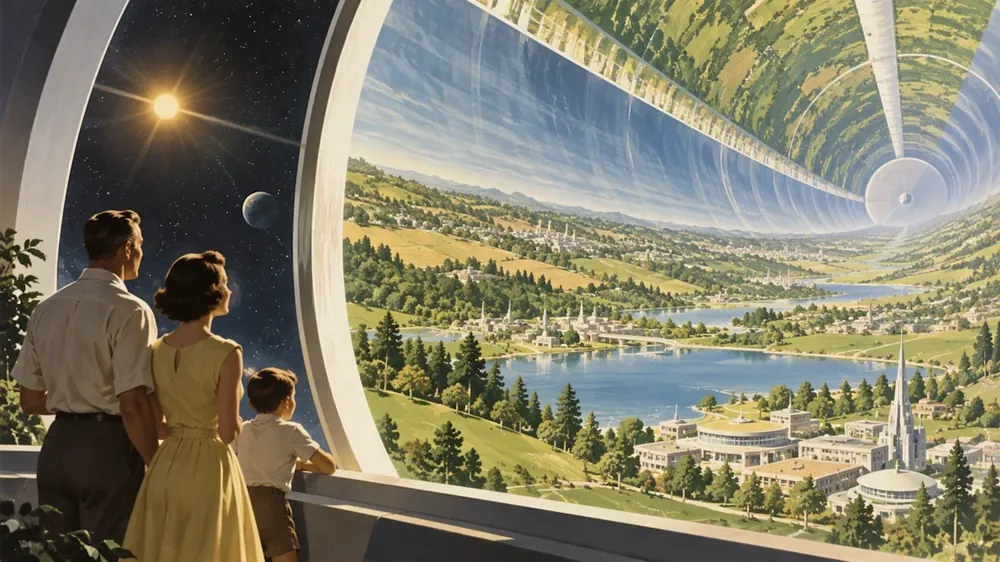
Photoreal work that used to need retries
The headline of the release is image quality: OpenAI describes sharper detail, more natural lighting and richer textures than the previous generation. If GPT Image 2 got you 90% of the way on realism, this is the model to re-run the last 10% on.
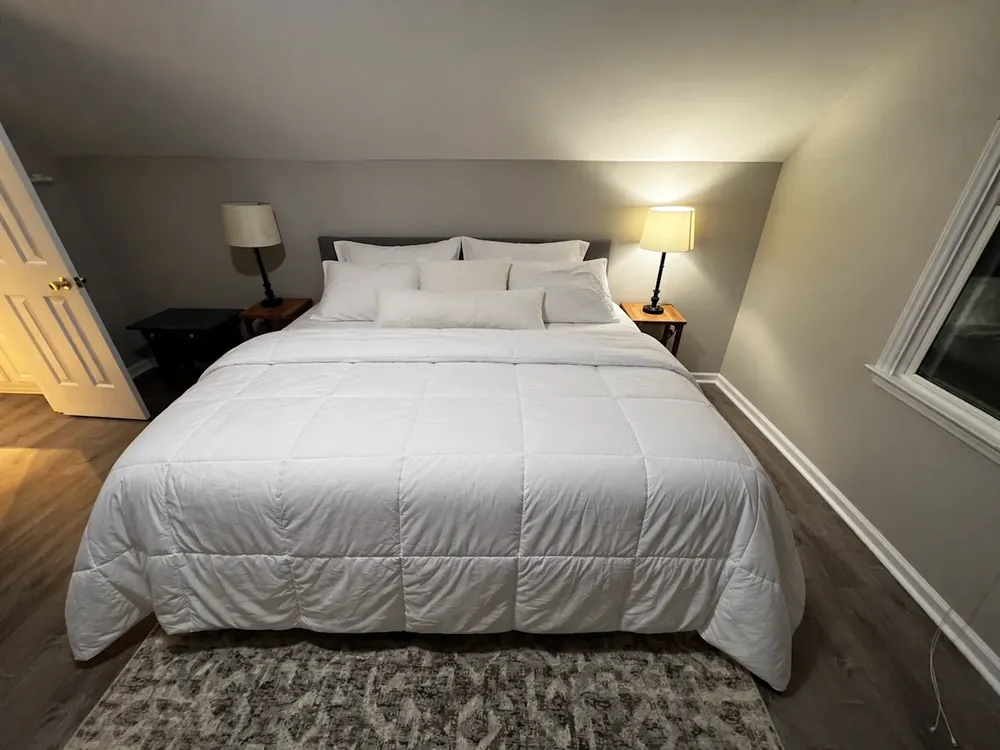
Edits that change one thing and nothing else
OpenAI calls out focused edits: change the jacket, the sky, one line of copy, and the rest of the frame stays as it was — held across several turns rather than drifting further from the original with each pass. Attach up to 2 reference images to start from a picture you already have.
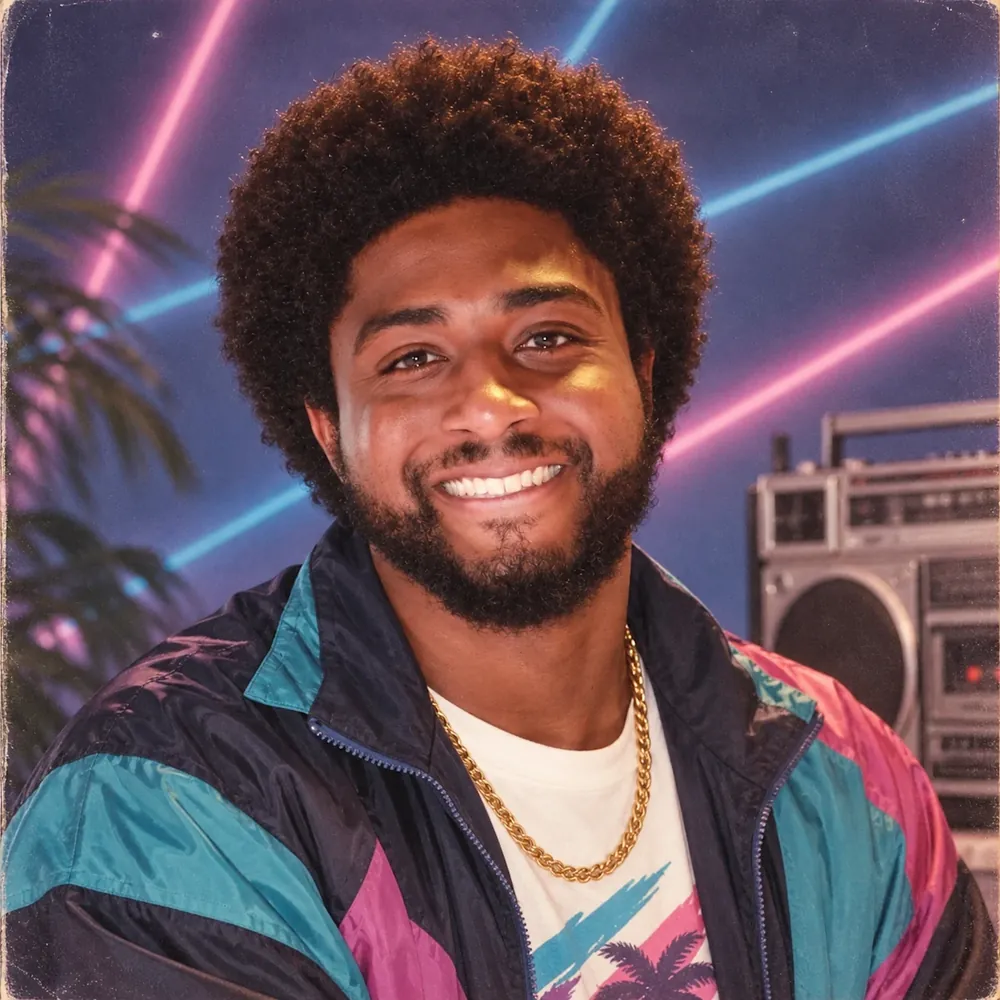
The same subject across settings and styles
Better preservation of the subjects in your reference photos is the other named improvement — the capability behind product shots in ten scenes, a character through a storyboard, or one face across a whole campaign.
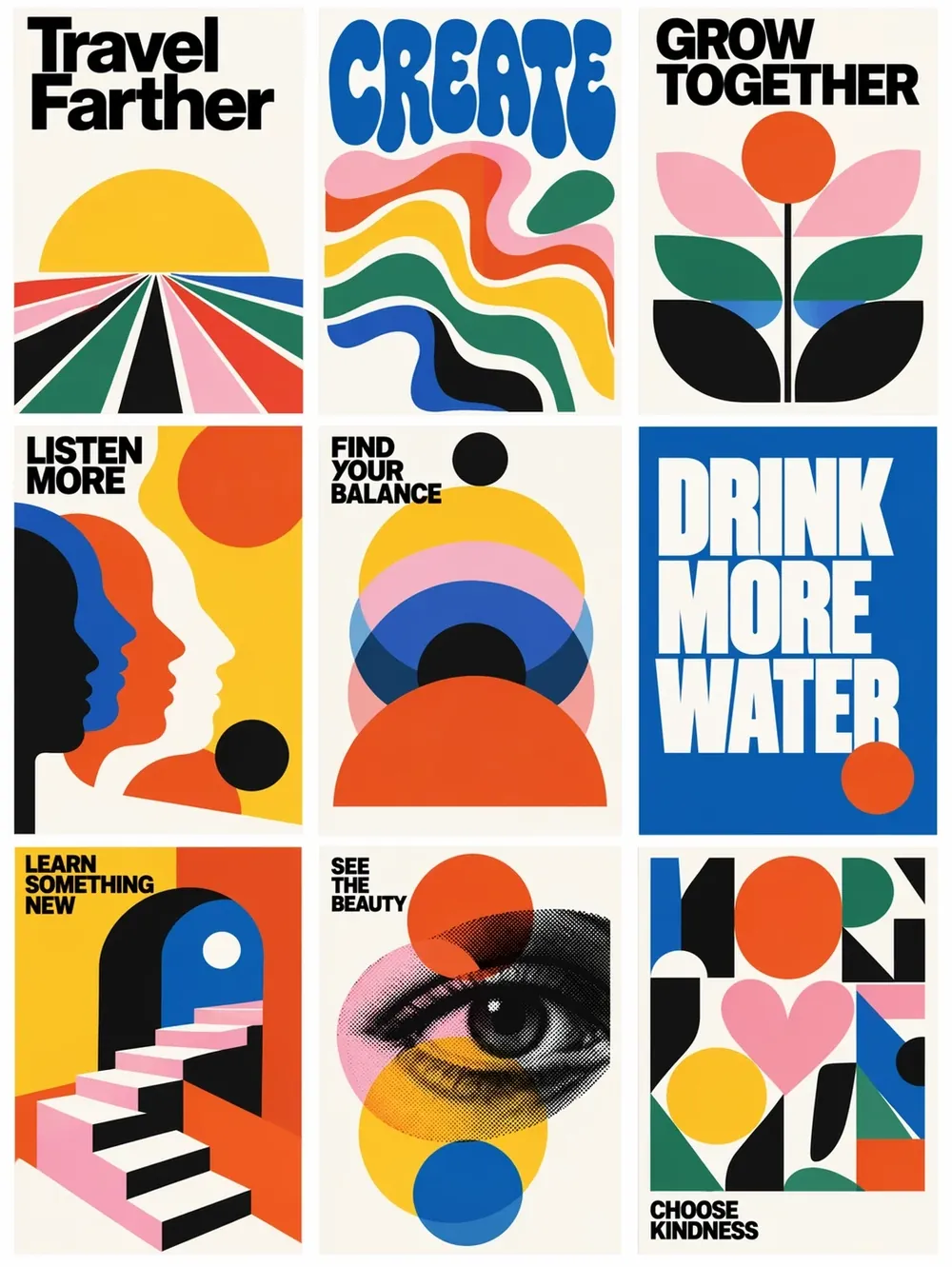
Graphics where the words have to be right
Posters, slides, infographics, UI mockups — dense text rendering is the GPT Image line's signature capability, and 2.5 adds more complex layouts, including transparent backgrounds for assets you will composite later. Frame them natively in any of 7 aspect ratios.
GPT Image 2.5 vs GPT Image 2
Both OpenAI, both in the same generator, same prompt style — so moving a brief between them is a re-run, not a rewrite. 2.5 is the newer, sharper, faster one and costs more per image; 2 stays the cheap tier for volume drafting and for work that needs more than 2 reference images.
| GPT Image 2.5 | GPT Image 2 | |
|---|---|---|
| Best for | Final-quality photoreal work and precise edits | Cheap iteration and text-heavy layouts |
| Credits, 1K image | 80 | 10 |
| Credits, 4K image | 140 | 30 |
| Max resolution here | 4K | 4K |
| Reference images per run | 2 | 5 |
| Speed | Up to 50% lower latency than the previous generation (OpenAI) | The previous generation |
GPT Image 2.5 pricing on TurnVideo
One price per resolution, from 80 credits to 140 — no quality tiers to weigh up, every run uses fal's top setting. The exact cost updates next to the Generate button as you change the size.
| 1K image | 80 credits |
|---|---|
| 2K image | 100 credits |
| 4K image | 140 credits |
Credits are only spent on successful generations — failed jobs are refunded automatically.
Getting Better Results from the GPT Image 2.5 AI Image Generator
Write the brief, not just the vibe
This model line rewards specificity: name the objects, their positions, the exact text in quotes. Treat the prompt like a design brief and it will follow it.
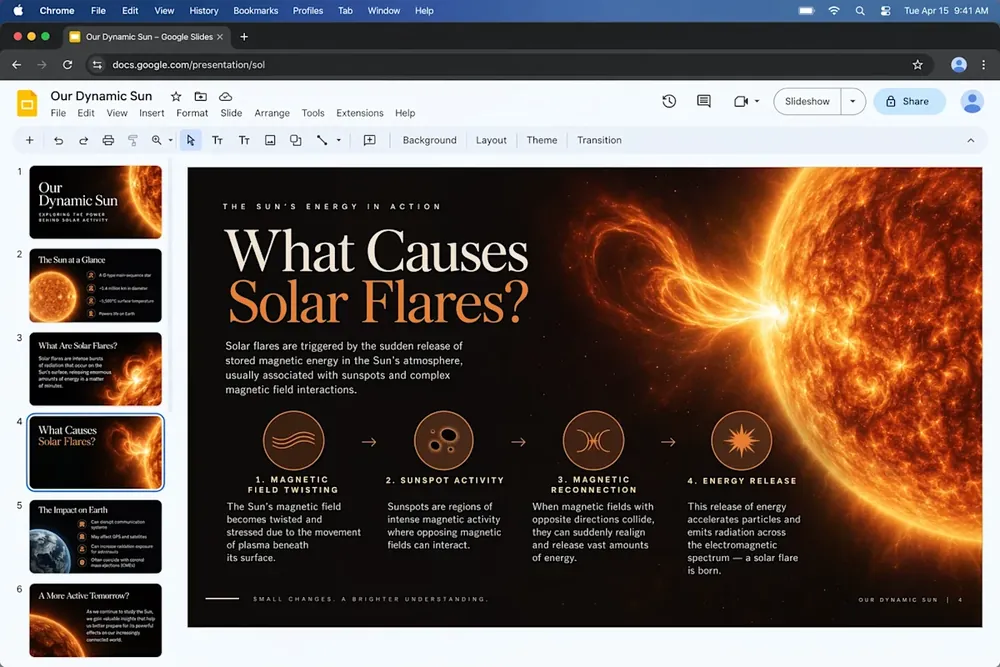
Put the exact text in quotes
For posters and labels, quote the words verbatim in the prompt. GPT Image models render quoted strings much more faithfully than paraphrased intentions.
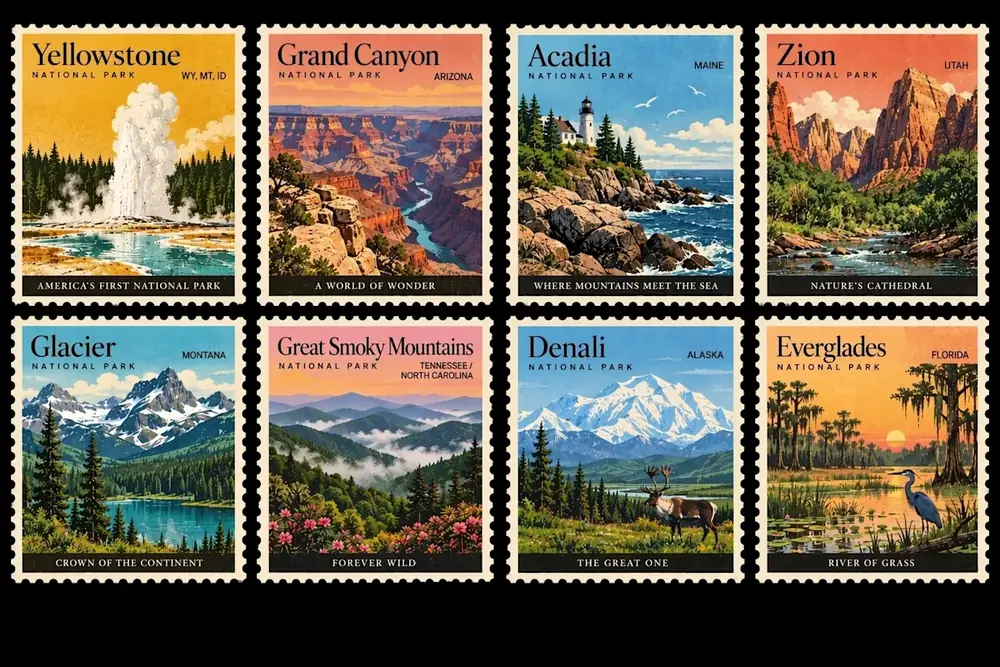
Edit in passes, not in one prompt
Multi-turn editing is where this release improves most: get the composition right first, then fix the lighting, then the copy — one instruction per pass, each one naming only what should change.
Draft small, deliver large
Explore at 80 credits per run at 1K until composition and copy are right, then re-run the winning prompt at 4K for the deliverable — same quality setting either way, so the small runs are a faithful preview.
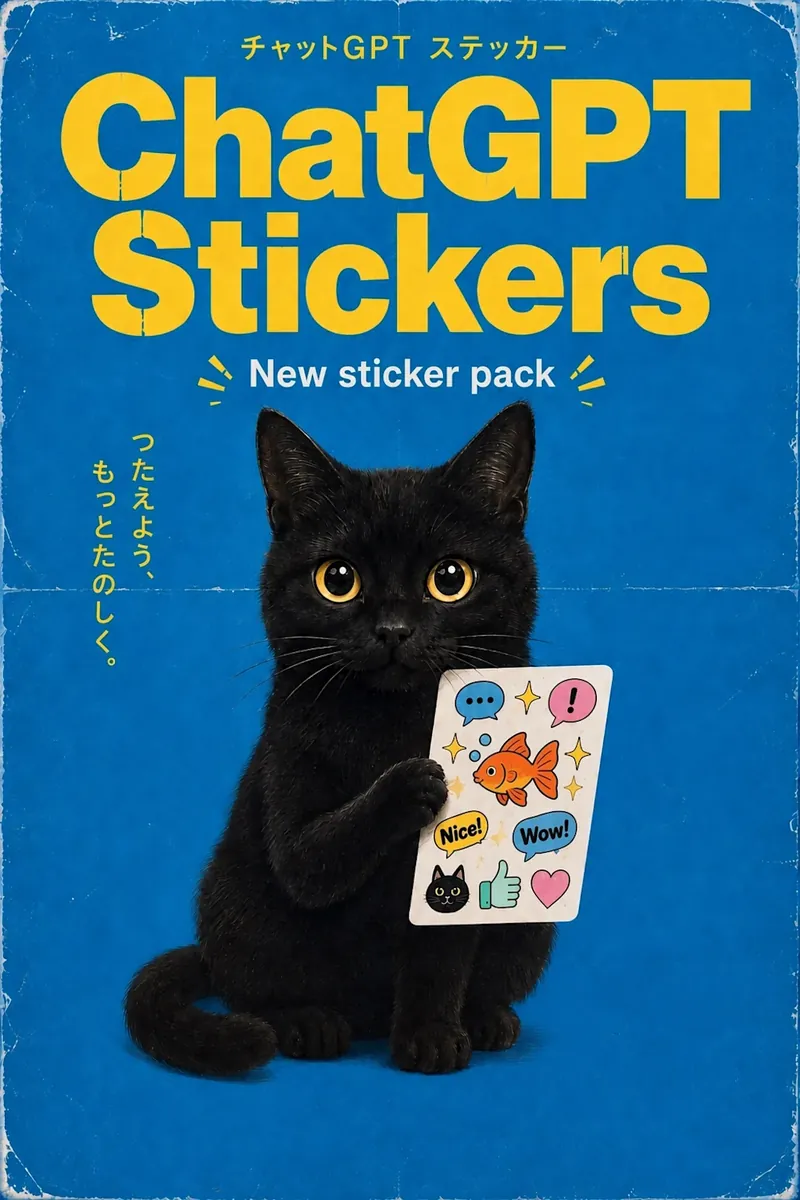
GPT Image 2.5 AI Image Generator FAQ
GPT Image 2.5 is OpenAI's newest image generation model, announced on 8 September 2026 as the successor to GPT Image 2 / Images 2.0. OpenAI describes sharper detail, more natural lighting and richer textures, better subject preservation from reference photos, more reliable multi-turn editing, and up to 50% lower generation latency.
Yes — one model, two names. OpenAI calls it ChatGPT Images 2.5 inside ChatGPT, and ships it to developers as two API models, GPT-Image-2.5 Flare and GPT-Image-2.5 Sunburst.
Flare is the default: fast, high-quality generation for everyday and high-volume work. Sunburst spends longer per image for extra fidelity on intricate detail and tighter control across a series of edits. TurnVideo runs Flare — the two are priced the same upstream, so the trade is purely speed against per-edit precision, and a web workspace wants the fast one.
Resolution is the only thing that moves it: 80 credits at 1K, 140 at 4K. The live cost is always shown next to the Generate button as you change the size.
By OpenAI's own comparison against the previous Images 2.0 generation: sharper detail with more natural lighting and richer textures, better preservation of subjects from your reference photos, edits that stay focused on what you asked while leaving the rest of the frame alone across multiple turns, more complex layouts including transparent backgrounds, and up to 50% lower generation latency. On TurnVideo the practical differences are price (80 vs 10 credits for a 1K image) and reference slots (2 vs 5).
Yes. Attach up to 2 reference images together with your prompt and the request runs on OpenAI's edit endpoint — the mode OpenAI built this release around. For briefs that need more than 2 references at once, GPT Image 2 takes 5.
TurnVideo runs on plans rather than free welcome credits: every generation is paid in credits, and each model shows its exact cost next to the Generate button before you run. Failed generations are refunded automatically.
No. Credits are only consumed for successful generations; failed jobs are refunded automatically.
Yes — images you generate on TurnVideo can be used commercially under your plan terms.
More AI Models to Try on TurnVideo
Nano Banana 2.1
Google's newest image model — better design, edits and consistency
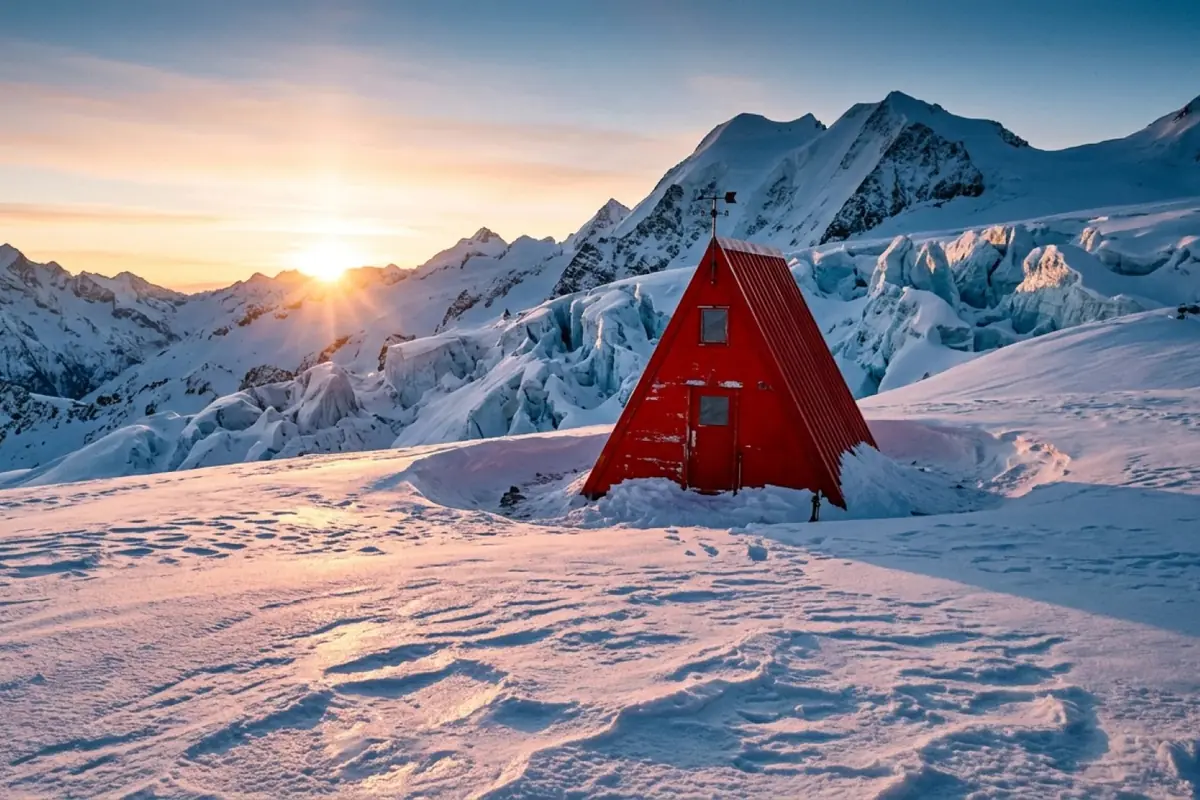
Gemini Omni 1.1 Flash
First-to-last-frame control and flexible 3–10s clips
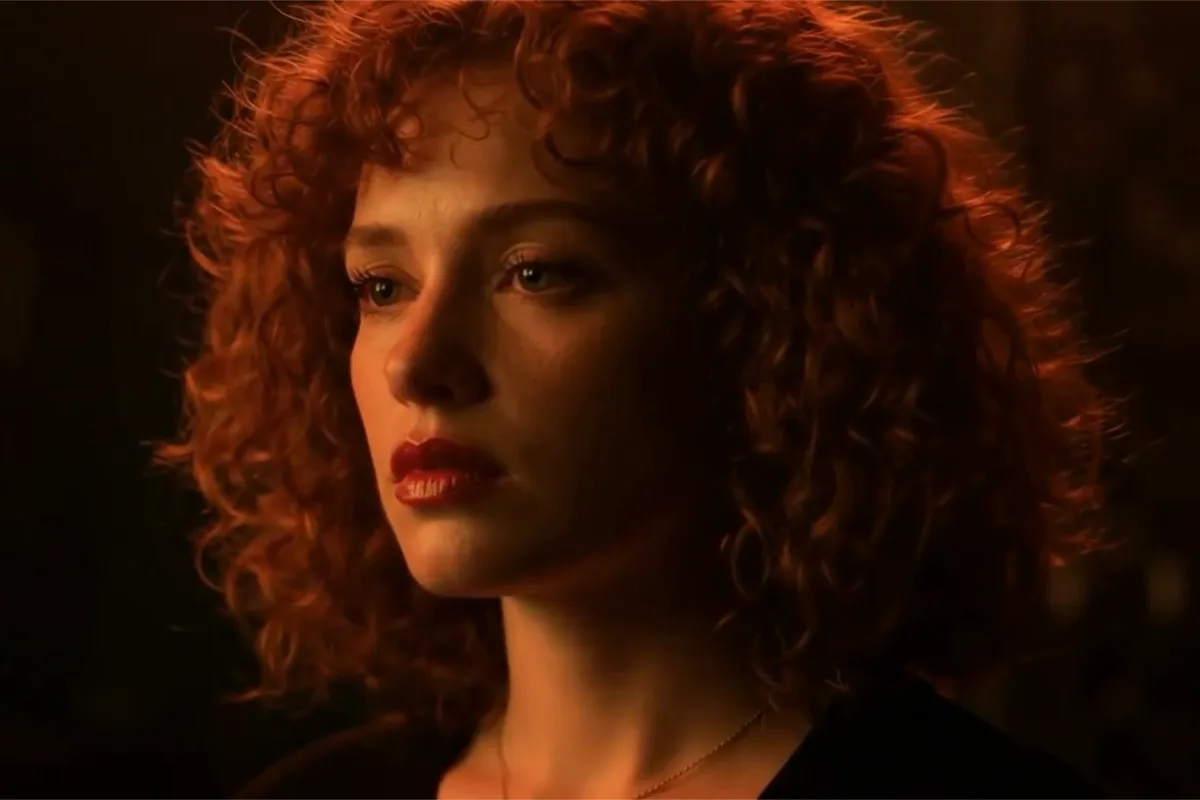
MiniMax H3 Max
Fast 768p clips with native audio, post-trained by fal, 5–15s
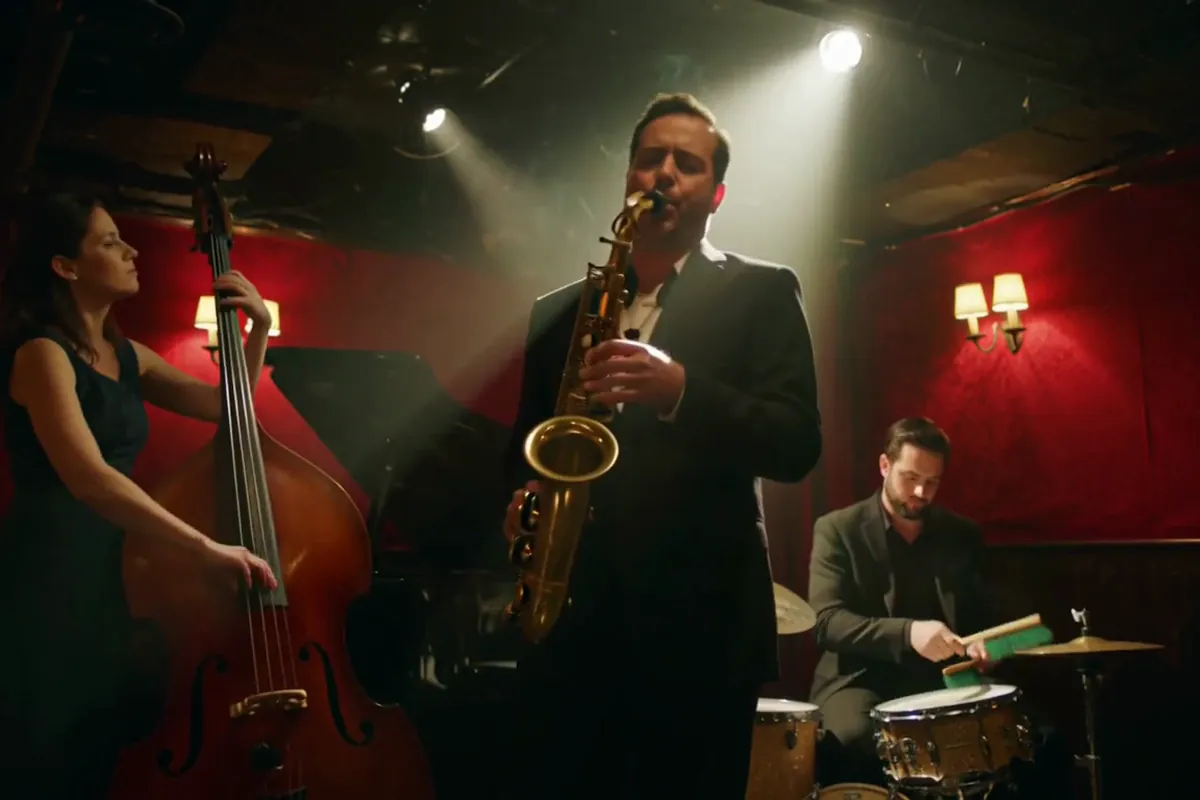
MiniMax H3
Native-2K multimodal video with stereo audio, 5–15s
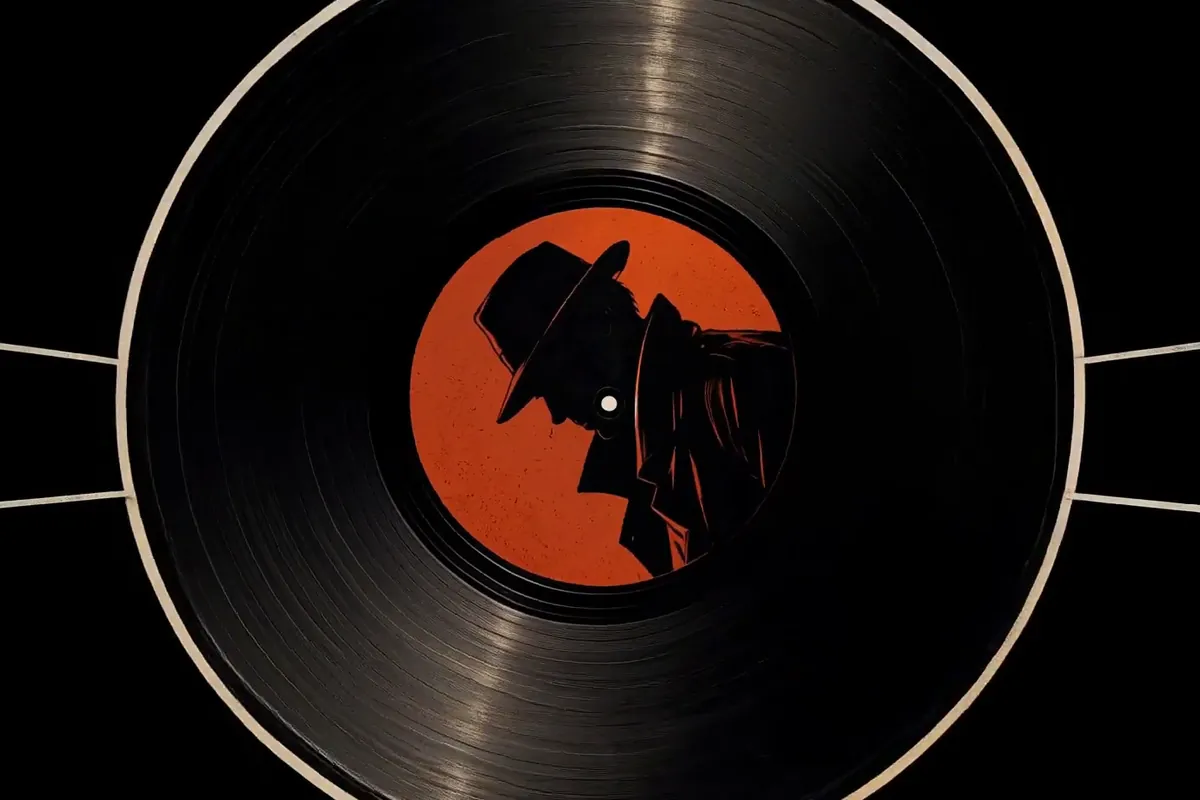
FLUX 3
Cinematic video with native audio from Black Forest Labs
Seedance 2.5
Flagship cinematic video with lip-synced native audio
Veo 3.1
Cinematic text-to-video with native audio from Google DeepMind
Gemini Omni Flash
Conversational video generation and editing from any input
Kling 3.0
Multi-shot director control with native audio, up to 15s
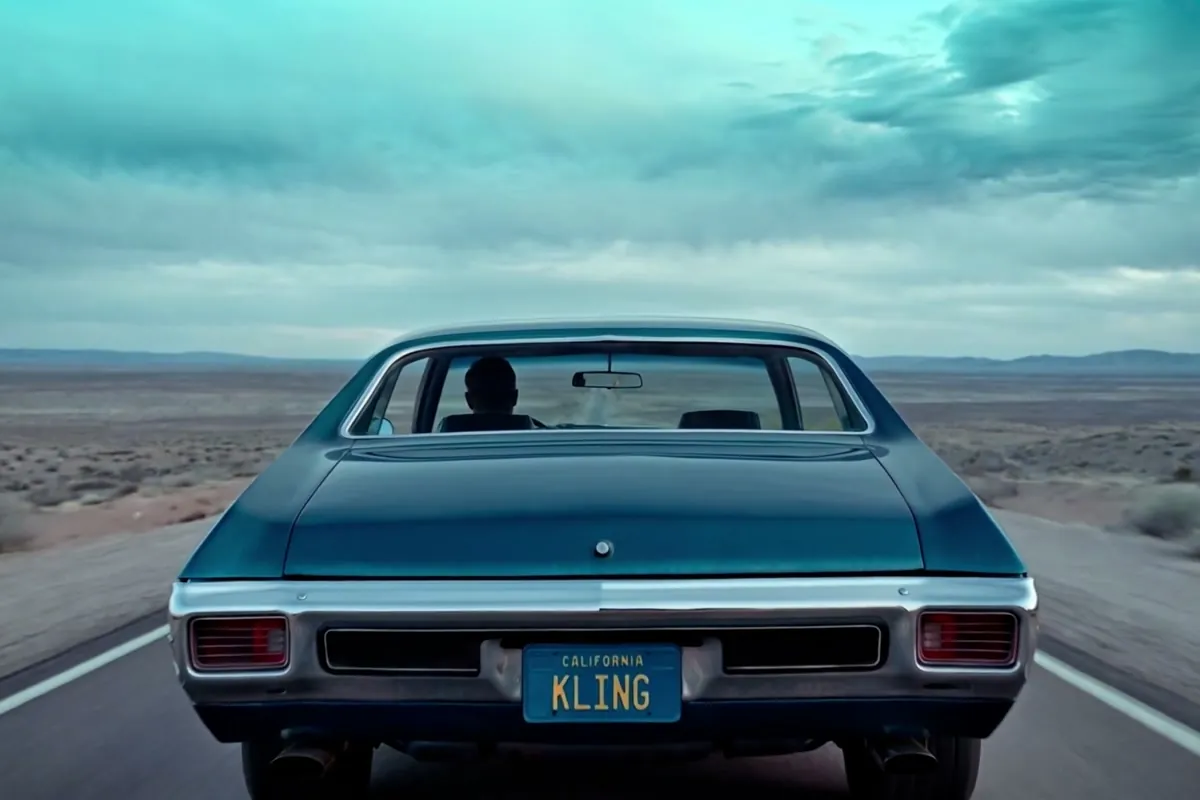
Wan 2.7
Thinking-mode video generation with synced audio, up to 1080p
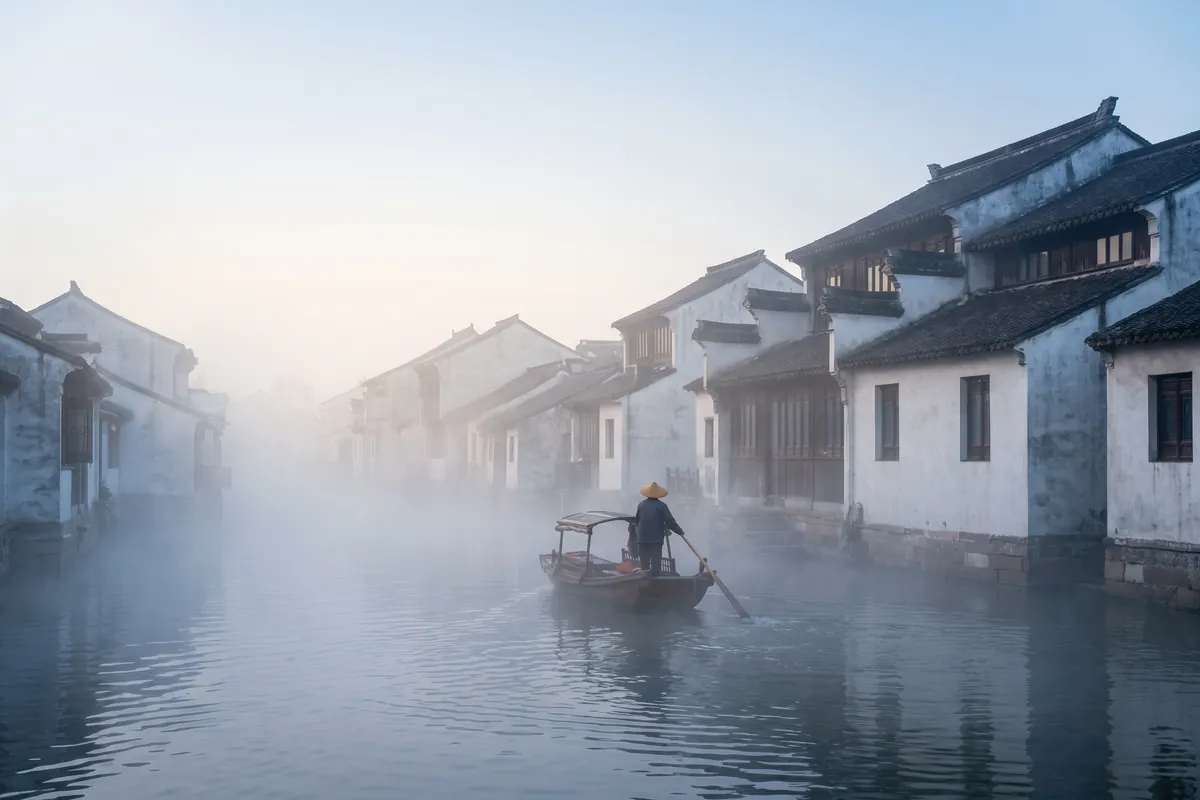
Grok Imagine Video
Turns images into cinematic clips with synced audio, by xAI
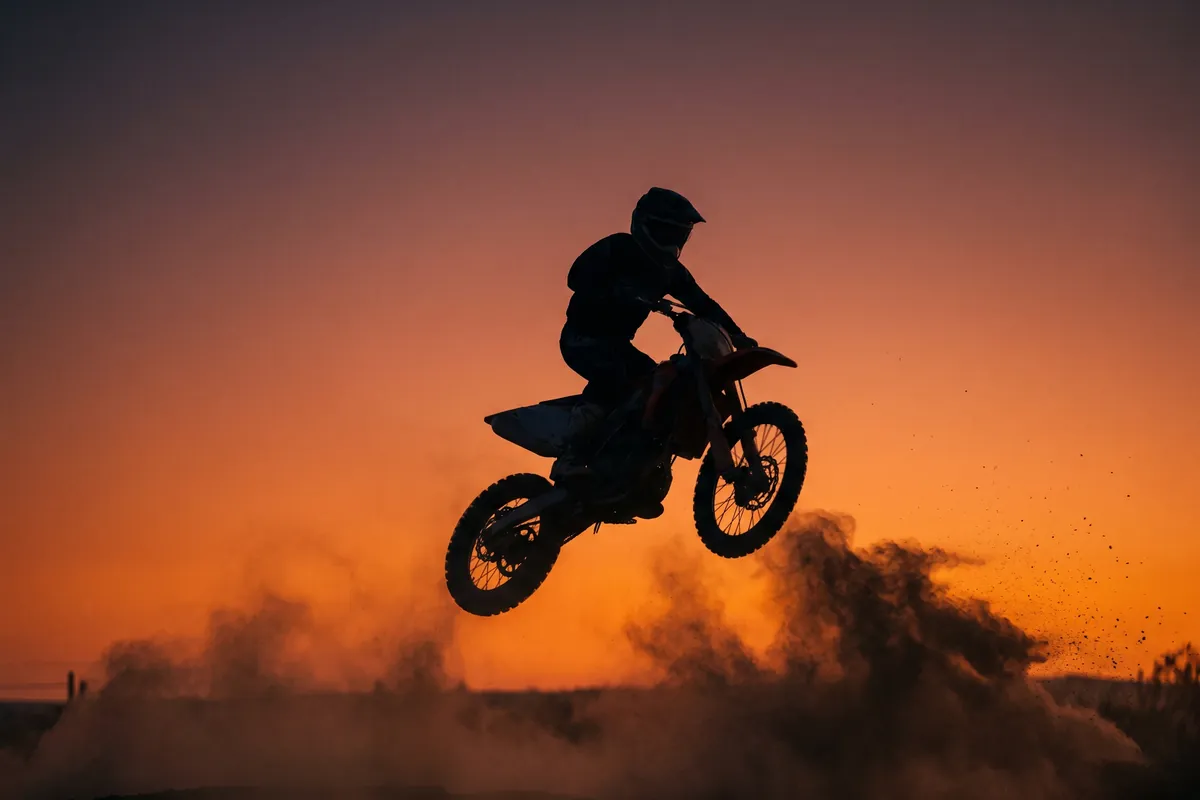
Nano Banana Pro
Reasoning-powered generation and editing with 4K output
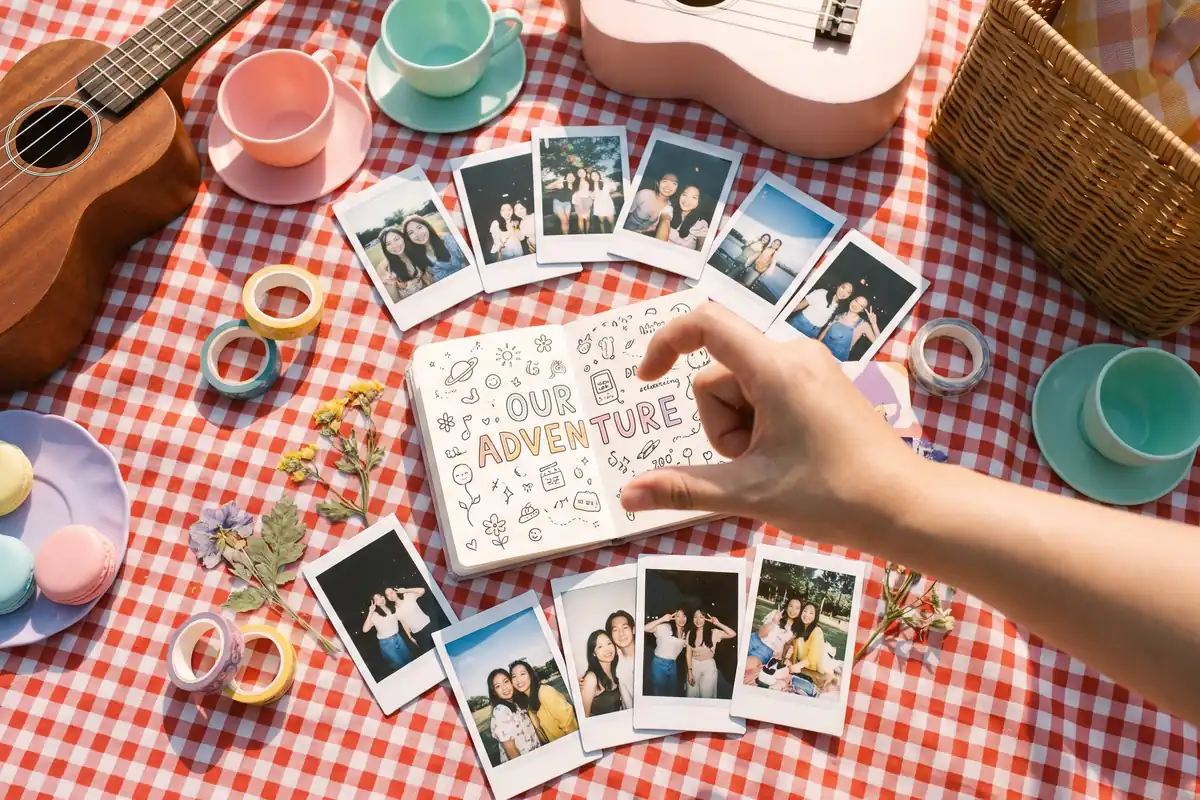
GPT Image 2
Text-rich visuals and clean product shots
Seedream 5.0 Pro
Pro-grade images with layer editing and multilingual text