Nano Banana 2.1 AI Image Generator
Google's newest image model — better design, edits and consistency
Recreate This Image
Real prompts and reference shots creators used with Nano Banana models — click Recreate to load one into the generator.
Nano Banana 2.1 AI Image Generator – Better Design, Mask Edits, Consistency
Nano Banana 2.1 is Google's newest image generation and editing model, released on 6 October 2026 as the update to Nano Banana 2. Google says it outperforms its previous models across the board, with notable leaps in visual design, mask-based editing and subject consistency, while keeping Flash-level speed. On TurnVideo the Nano Banana 2.1 AI Image Generator runs in the generator above, with no API key or Google account: go from text to image with a prompt, or switch to image to image by attaching up to 5 reference images. Output at 1K, 2K, 4K, from 30 credits per image.
Last updated October 7, 2026
Demo images © Google — Nano Banana 2.1 launch
What is Nano Banana 2.1?
Nano Banana 2.1 is Google's high-efficiency image generation and conversational editing model, generally available since 6 October 2026. In the Gemini API it is the model gemini-nano-banana-2.1, an update to Nano Banana 2 (gemini-3.1-flash-image). Google's release notes describe Flash-level speed and cost efficiency with significant improvements in visual quality, prompt adherence, multi-turn character consistency, text rendering and wide panoramic aspect ratios, and Google's documentation calls it the more efficient counterpart to Gemini 3 Pro Image (Nano Banana Pro). The same release notes deprecate gemini-3.1-flash-image: it shuts down in the Gemini API on 29 October 2026, and Google points developers to Nano Banana 2.1. Google is rolling it out across the Gemini app, AI Mode in Search, Google AI Studio, Google Flow, Stitch, Google Ads and Gemini Enterprise. On TurnVideo the model runs hosted through fal, so you can use it in the browser without an API key or a Google Cloud account.
Core Capabilities of the Nano Banana 2.1 AI Image Generator
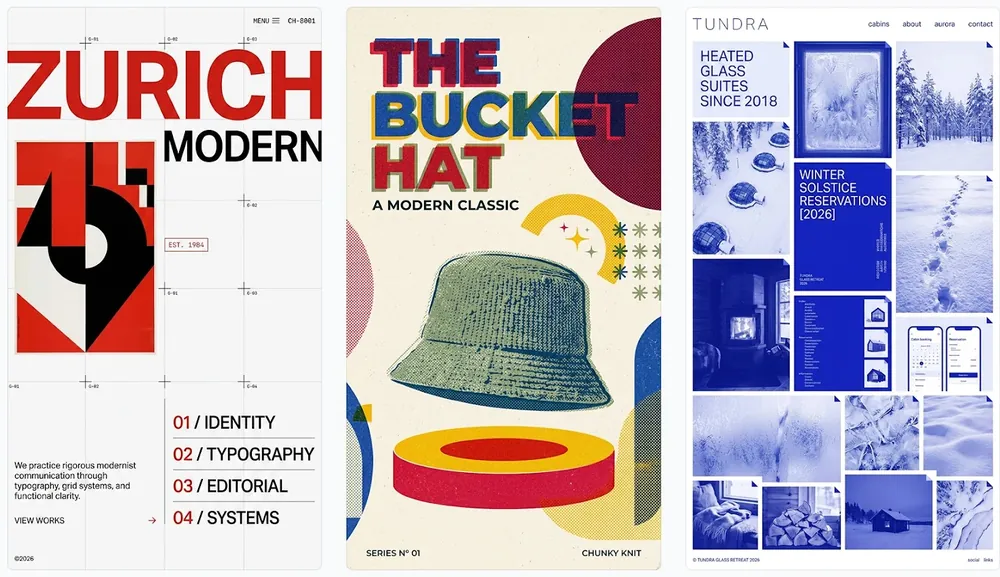
Better visual design
Google calls out visual design as a notable leap in 2.1. Its demos are layouts rather than single pictures: a Swiss design-studio homepage for ZURICH MODERN, a halftone poster for THE BUCKET HAT and a blue resort site for TUNDRA, each with a clear type hierarchy, grids and deliberate negative space — the kind of composition that used to need several prompt rounds.
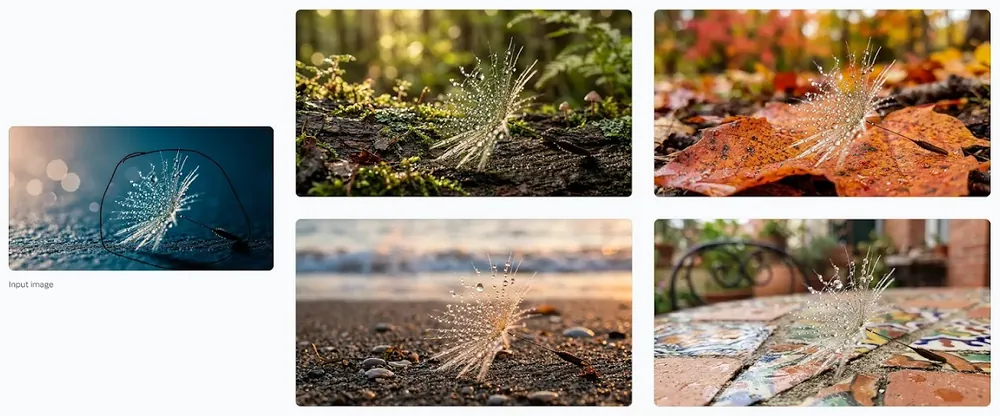
Mask-based editing
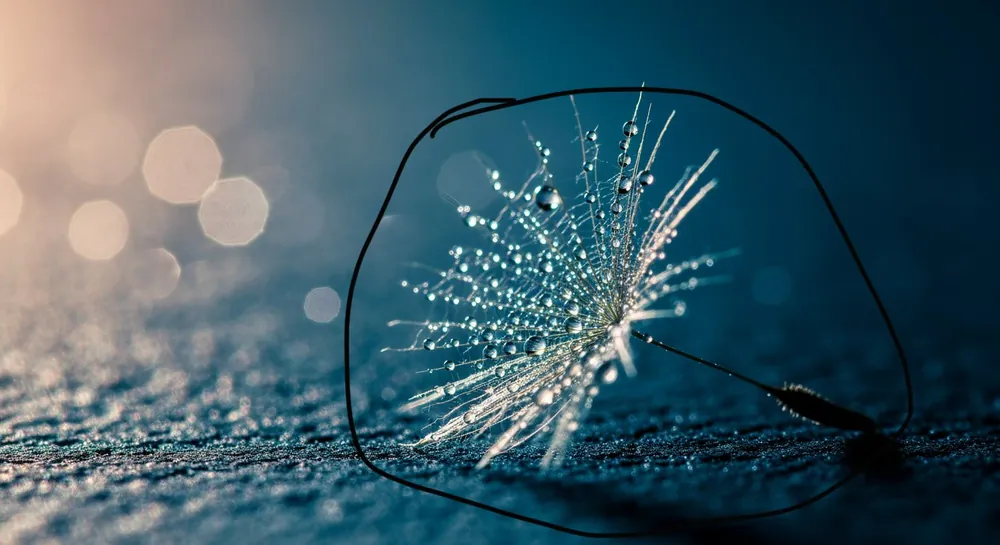
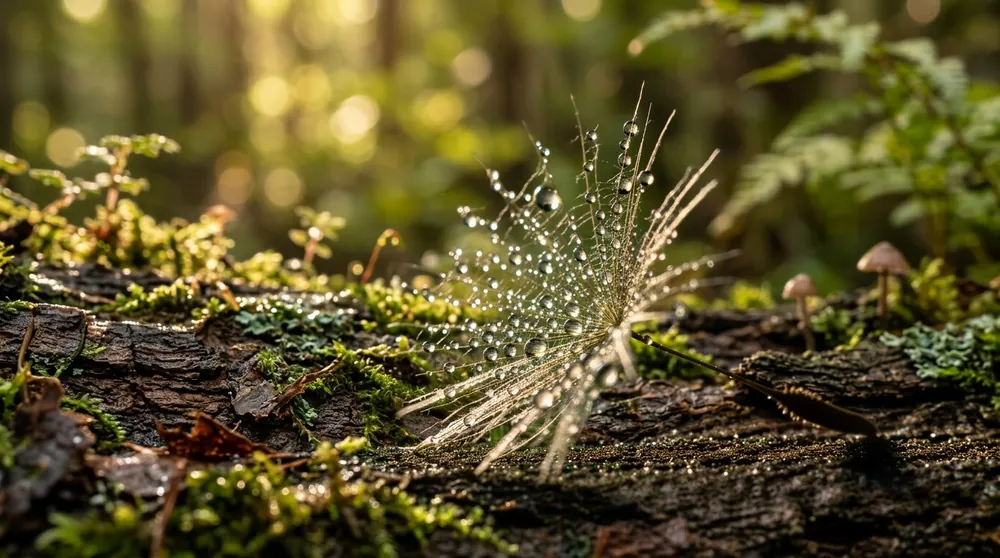
Google highlights mask-based editing: mark what to keep and change everything around it. In Google's demo a dandelion seed circled on the input photo stays the same while four new backgrounds are generated around it. TurnVideo has no brush tool in the composer, but you can draw the outline on your photo in any editor before attaching it.
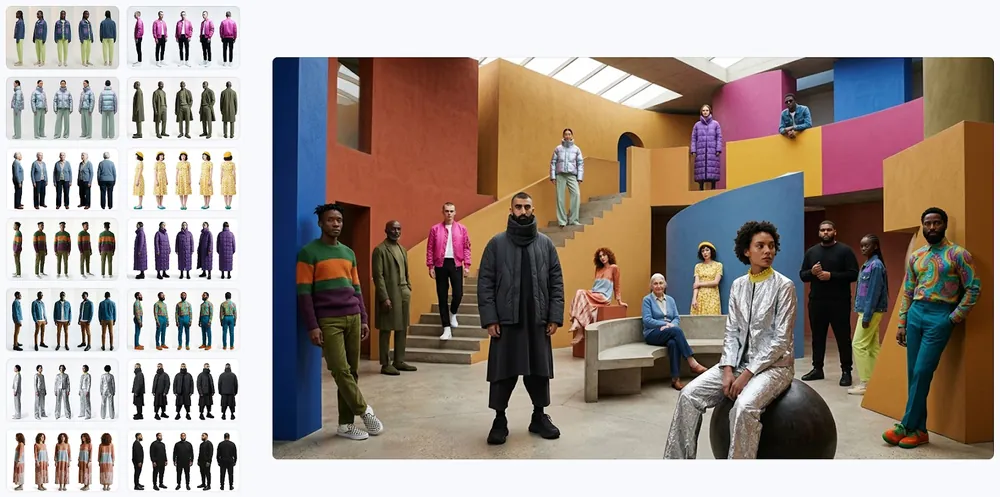
Subject consistency across many references
Google's API docs describe multi-image fusion with up to 14 reference images, keeping up to 4 characters and 10 objects consistent. Google shows it with fourteen character sheets merged into one group photo where every outfit matches its sheet. On TurnVideo you can attach up to 5 reference images per run to hold a person, an outfit or a product steady.
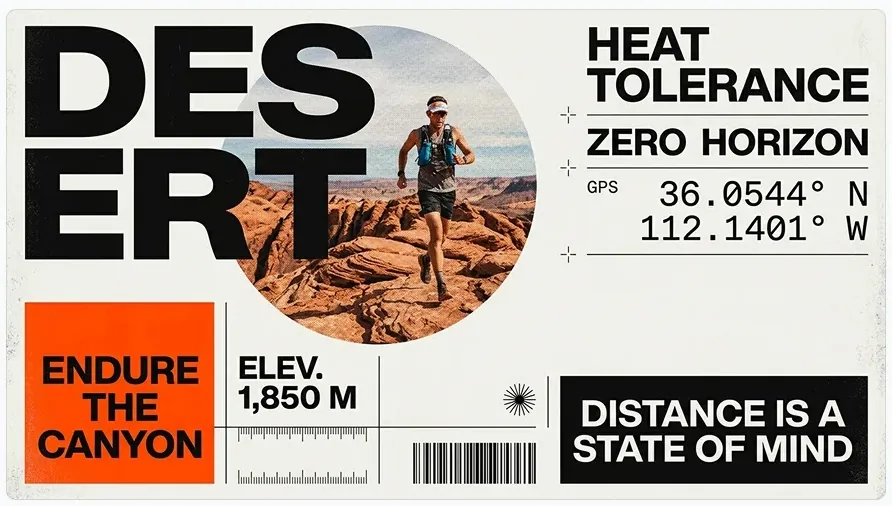
Sharper text inside the image
Enhanced text rendering and infographic layout accuracy are on Google's list of 2.1 updates. In its trail-running poster the model sets DESERT, ENDURE THE CANYON, an elevation figure and GPS coordinates exactly as the prompt quoted them — useful for posters, labels, signage and simple infographics, though dense small print still deserves a close check before you publish.
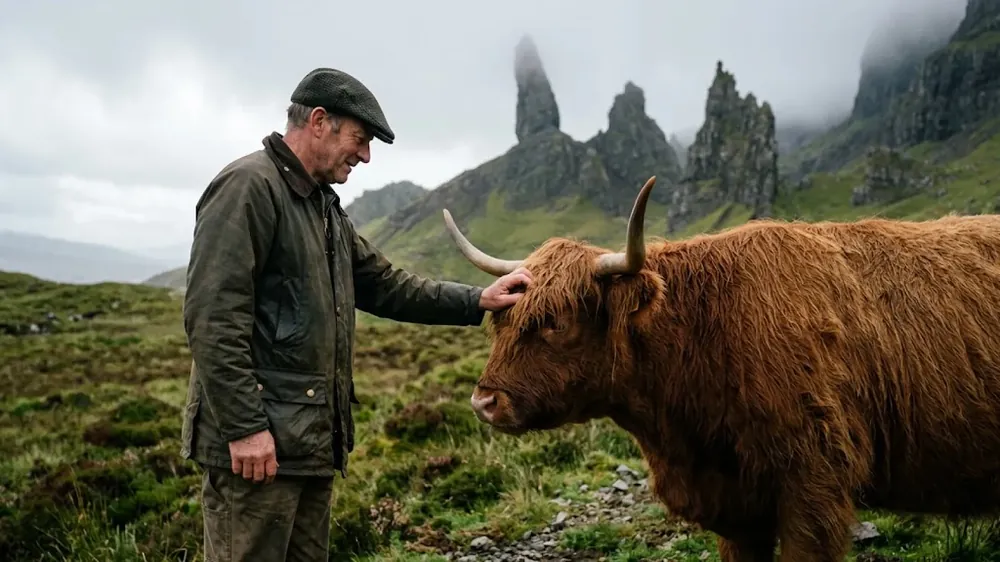
More natural-looking images
Google says the upgrade helps you create more natural-looking images, and the DeepMind page files its photographic demos under improved visual quality. The Isle of Skye scene — an older farmer in a waxed jacket scratching a shaggy Highland cow under the Old Man of Storr — shows weathered skin, coarse fur and soft overcast light without the over-smoothed look of earlier generations.
How Creators Use the Nano Banana 2.1 AI Image Generator
Editorial posters and graphic layouts
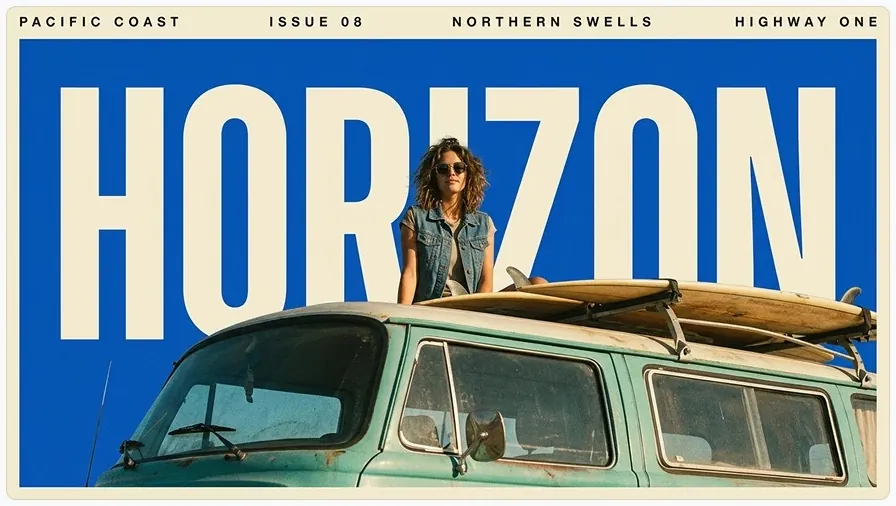
Better visual design is one of the three headline gains Google names for Nano Banana 2.1, which makes posters and editorial covers a natural first job. Google's retro travel poster shows the idea: giant cream HORIZON lettering on cobalt blue, a camper van with surfboards and small header copy, arranged into one coherent print layout rather than a picture with text pasted on top.
The same product across campaign scenes
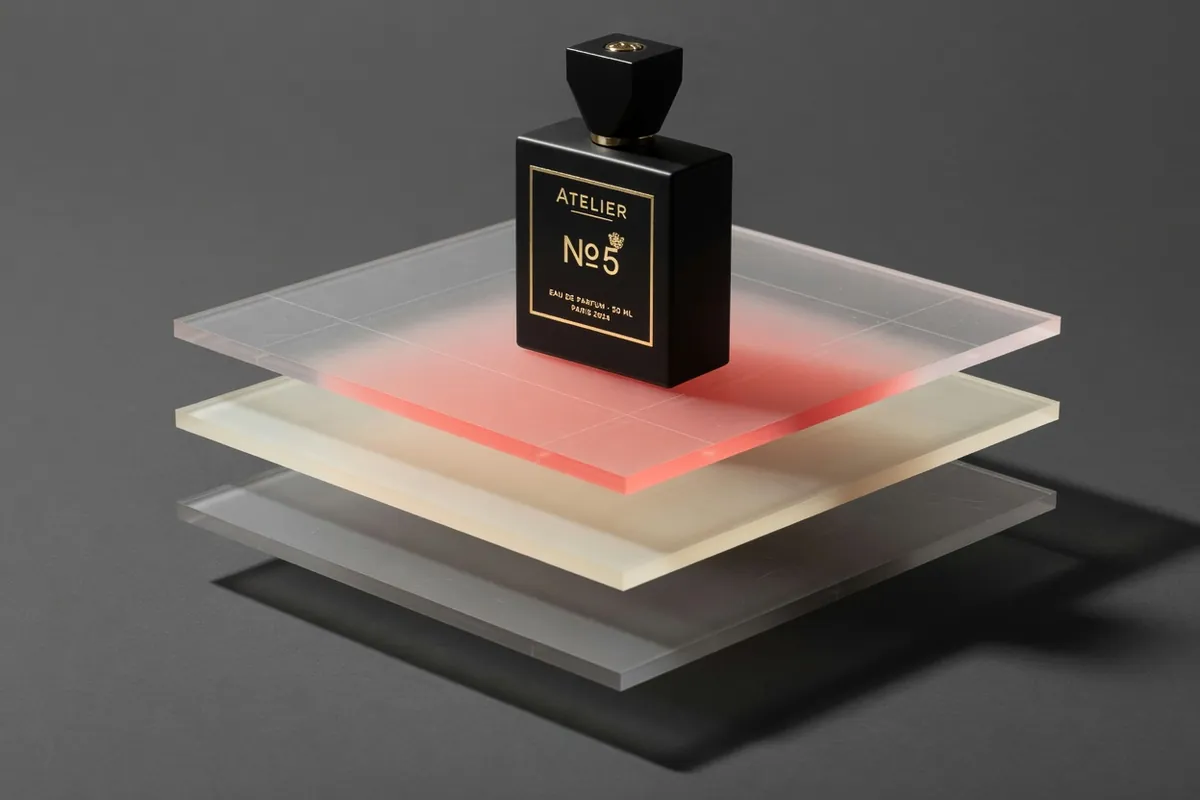
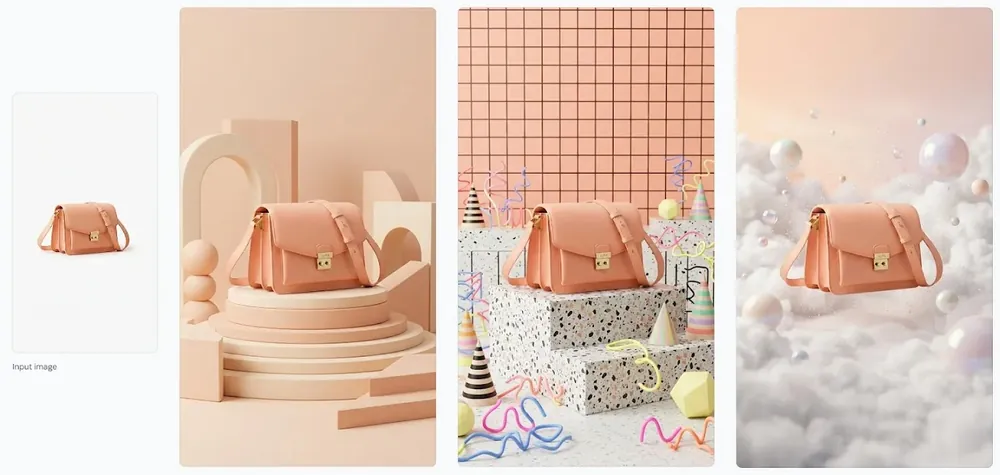
Subject consistency lets you place one product in many settings without it drifting between shots. In Google's demo, a single photo of a peach leather crossbody bag becomes three new scenes — a stepped podium, a Memphis-style plinth, a sky of pink clouds — with the bag's shape and hardware unchanged. Attach your own product photo (up to 5 references) and describe each scene.
Cinematic stills and mood frames
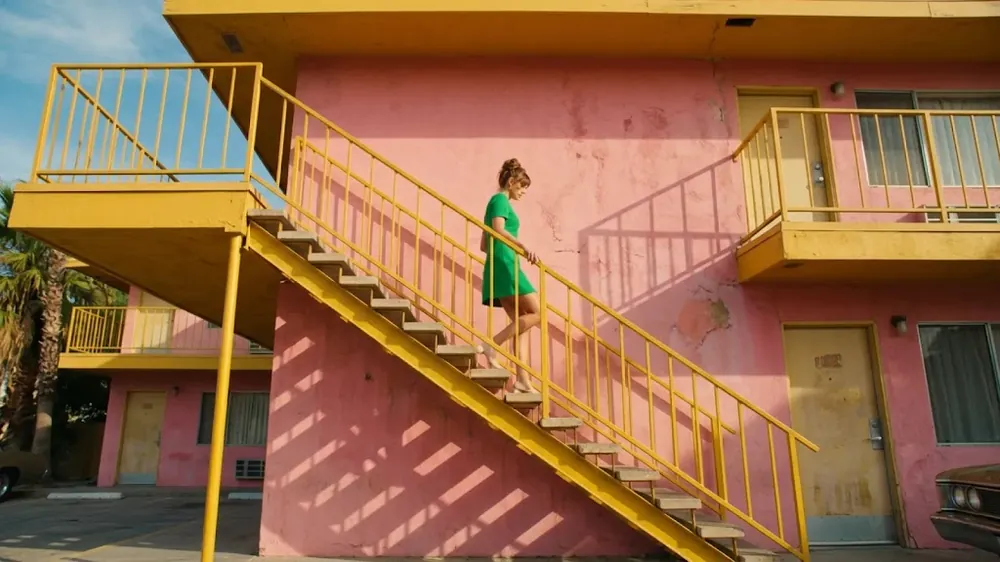
Directors, storyboard artists and art directors can sketch a scene as a finished-looking frame. Google's 16:9 cinematic still — a low-angle retro motel with a mustard staircase, a flamingo-pink wall and a woman in an emerald dress walking down in hard sun — shows how far a prompt that names the shot, the light and the palette can carry a mood.
Painterly artwork and illustration
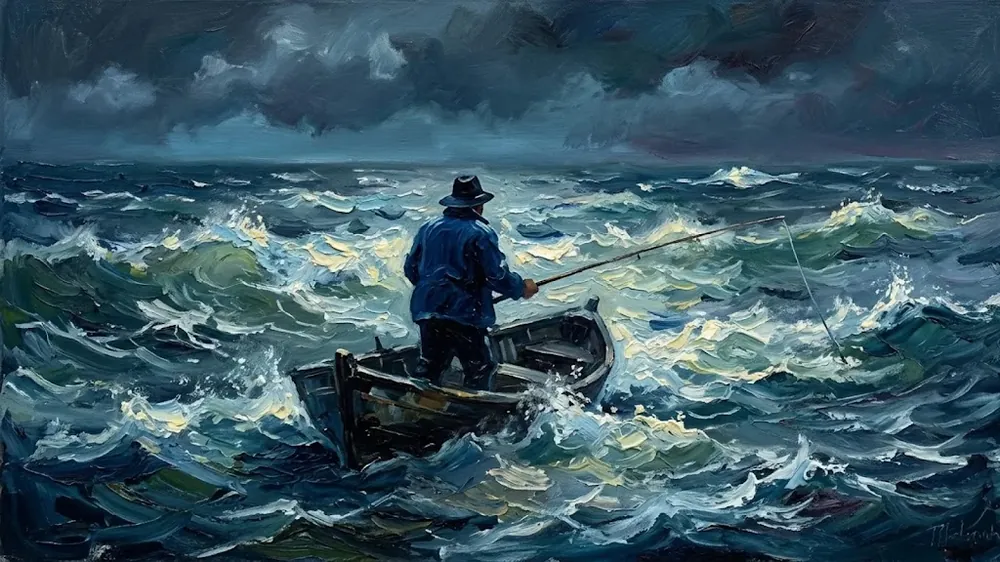
Google's improved visual quality is not only about photographs. Its impasto oil-painting demo — a fisherman casting from a small boat on a stormy night sea — keeps heavy, visible brushstrokes and one consistent painted texture across the whole canvas: the coherence a style prompt needs for illustration, book covers or wall art.
Nano Banana 2.1 vs Nano Banana 2 vs Nano Banana Pro
All three are Google models and run in the same generator with the same prompt style, so moving a brief between them is a re-run, not a rewrite. Google says 2.1 improves on Nano Banana 2 in visual quality, prompt adherence and character consistency while keeping Flash-level speed, and positions it as the more efficient counterpart to Nano Banana Pro.
| Nano Banana 2.1 | Nano Banana 2 | Nano Banana Pro | |
|---|---|---|---|
| Best for | Design-led layouts, focused edits and consistent subjects | The cheapest 1K drafts here | Google's Pro tier for demanding final renders |
| Credits, 1K image | 30 | 12 | 50 |
| Credits, 4K image | 60 | 50 | 100 |
| Google's positioning | High-efficiency generation and editing at Flash-level speed | The previous Flash model; retired from the Gemini API on 29 October 2026 | Gemini 3 Pro Image, the Pro-tier model |
| Reference images per run | 5 | 5 | 5 |
Nano Banana 2.1 pricing on TurnVideo
One price per resolution, from 30 credits at 1K to 60 at 4K — no quality tiers to weigh up. The exact cost updates next to the Generate button as you change the size.
| 1K image | 30 credits |
|---|---|
| 2K image | 40 credits |
| 4K image | 60 credits |
Credits are only spent on successful generations — failed jobs are refunded automatically.
Getting Better Results from the Nano Banana 2.1 AI Image Generator
Mark the photo before you upload it
To keep one subject and replace its surroundings, follow Google's own mask demo: open the photo in any editor, draw a clear closed outline around what should stay, and attach that marked photo. Then describe the new setting and light in the prompt and say that the outlined subject must stay unchanged.
One scene per run, one change at a time
Each run returns a single image, so treat variations as a series. Google's dandelion results were made one scene per request — a mossy log, autumn leaves, a beach at dusk. Keep the subject part of your prompt fixed and change only the setting, the light or the surface between runs, so you can see exactly what each change does.
Name the shot, the light and the ratio
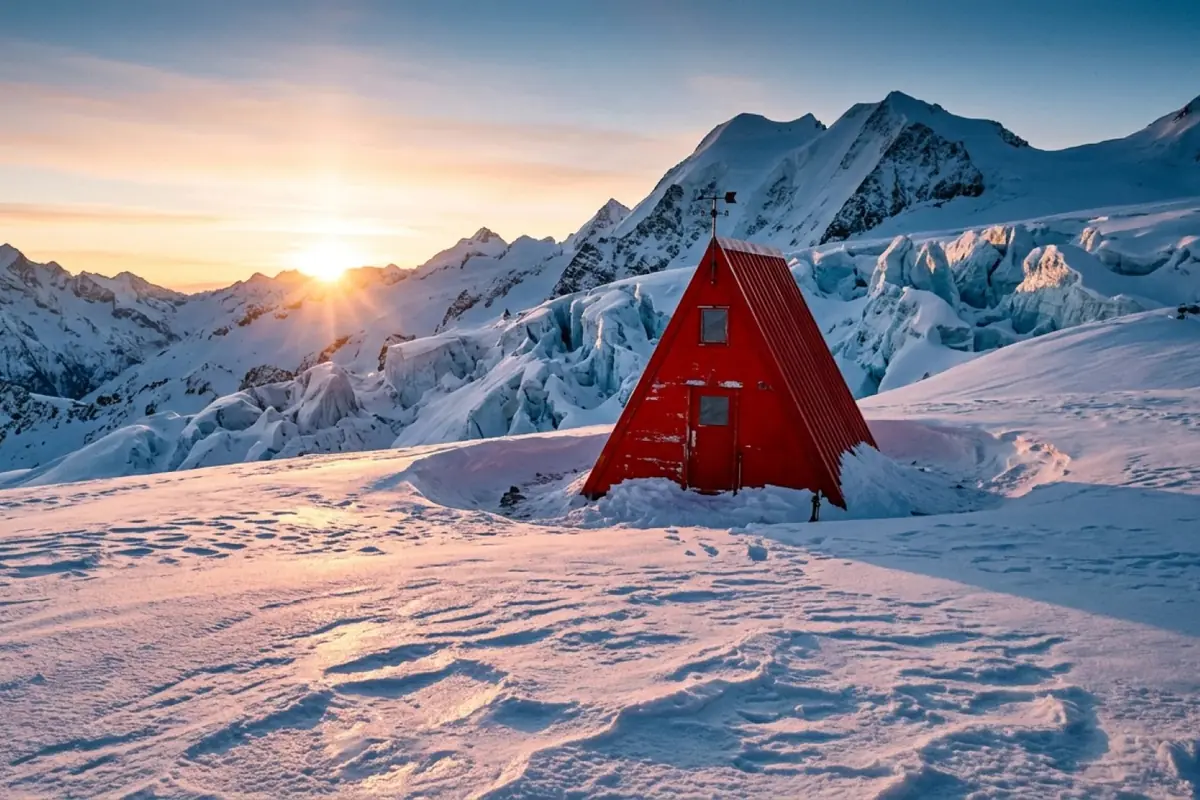
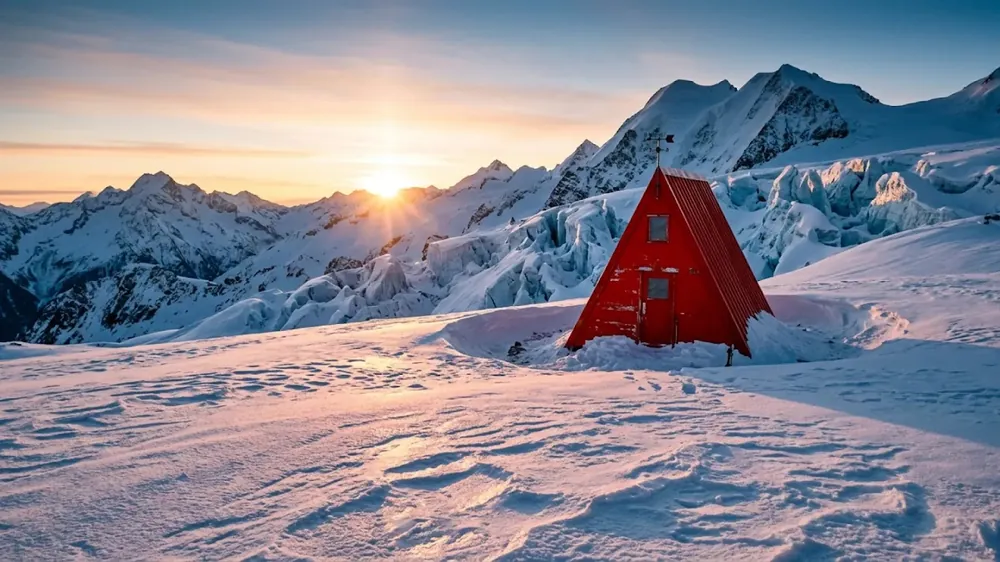
Camera language moves the result more than adjectives. Google's alpine hut prompt opens with "A 16:9 horizontal cinematic wide still" and sets the time at sunrise. Put the shot type, the camera distance and the time of day in your prompt, then pick the matching frame from the 7 aspect ratios in the composer.
Spell out texture, then finish large
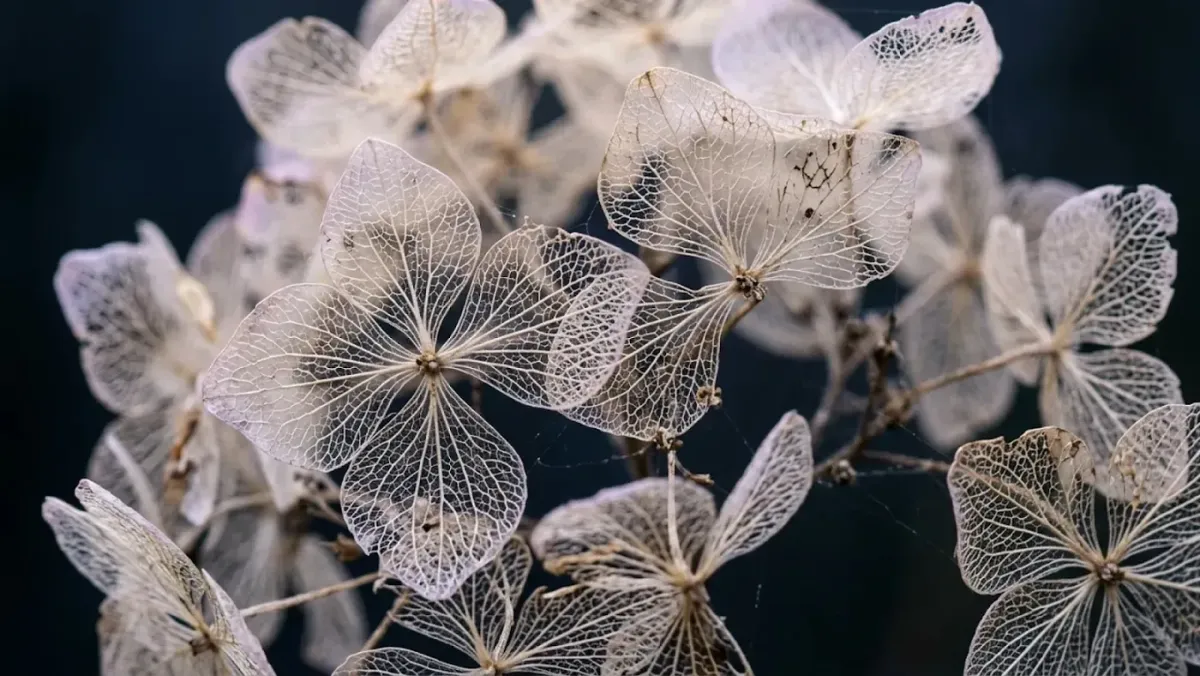
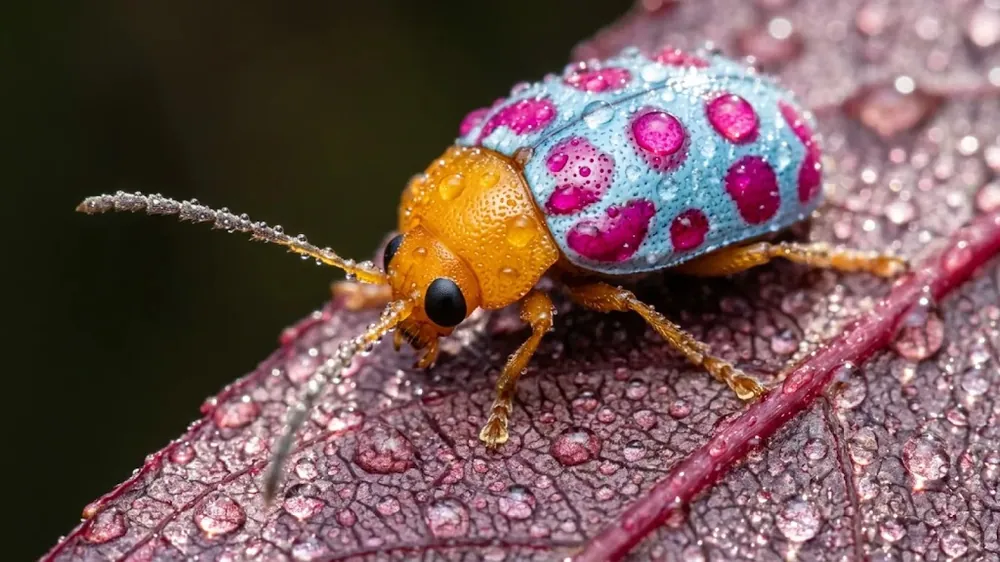
Describe materials and light as precisely as you would brief a photographer: droplets on a leaf, the sheen of a beetle's shell, the direction of the light. Draft at 1K for 30 credits until the framing is right, then re-run the winning prompt at 4K for the deliverable.
Nano Banana 2.1 AI Image Generator FAQ
Nano Banana 2.1 is Google's image generation and conversational editing model, released on 6 October 2026 as the update to Nano Banana 2. Google says it outperforms its previous Nano Banana models, with better visual design, mask-based editing, subject consistency and more natural-looking images, at Flash-level speed. On TurnVideo you can run it from this page without an API key or Google account.
Google's release notes list significant improvements in visual quality, prompt adherence, multi-turn character consistency and text rendering, plus fixed tiling artifacts on panoramic ratios at 2K and 4K; the 512px tier was dropped. On TurnVideo the practical difference is price: 30 credits for a 1K image against 12 for Nano Banana 2.
Google calls Nano Banana 2.1 the more efficient counterpart to Gemini 3 Pro Image (Nano Banana Pro). Here it costs 30 credits at 1K against 50 for Pro, and 60 against 100 at 4K. Both run in the same generator, so you can try a prompt on 2.1 first and re-run it on Pro if you want to compare.
In Google's Gemini API, yes. Google's release notes from 6 October 2026 deprecate gemini-3.1-flash-image (Nano Banana 2) with a shutdown date of 29 October 2026, and tell developers to migrate to gemini-nano-banana-2.1. That timeline is about Google's API service.
Resolution is the only thing that moves it: 1K = 30 credits, 2K = 40 credits, 4K = 60 credits. The live cost is always shown next to the Generate button before you run.
1K, 2K, 4K, in 7 aspect ratios: 1:1, 2:3, 3:2, 3:4, 4:3, 9:16, 16:9. Google's API also supports the panoramic 1:4, 4:1, 1:8 and 8:1 ratios for this model; TurnVideo's composer does not offer those yet.
Yes. Attach up to 5 reference images with your prompt for image to image editing or to keep a subject consistent. Google's API accepts up to 14 references for this model, keeping up to 4 characters and 10 objects consistent; TurnVideo takes 5 per run.
TurnVideo runs on plans rather than free welcome credits: every generation is paid in credits, and each model shows its exact cost next to the Generate button before you run. Failed generations are refunded automatically.
No. Credits are only consumed for successful generations; failed jobs are refunded automatically.
Yes — images you generate on TurnVideo can be used commercially under your plan terms.
More AI Models to Try on TurnVideo
Gemini Omni 1.1 Flash
First-to-last-frame control and flexible 3–10s clips
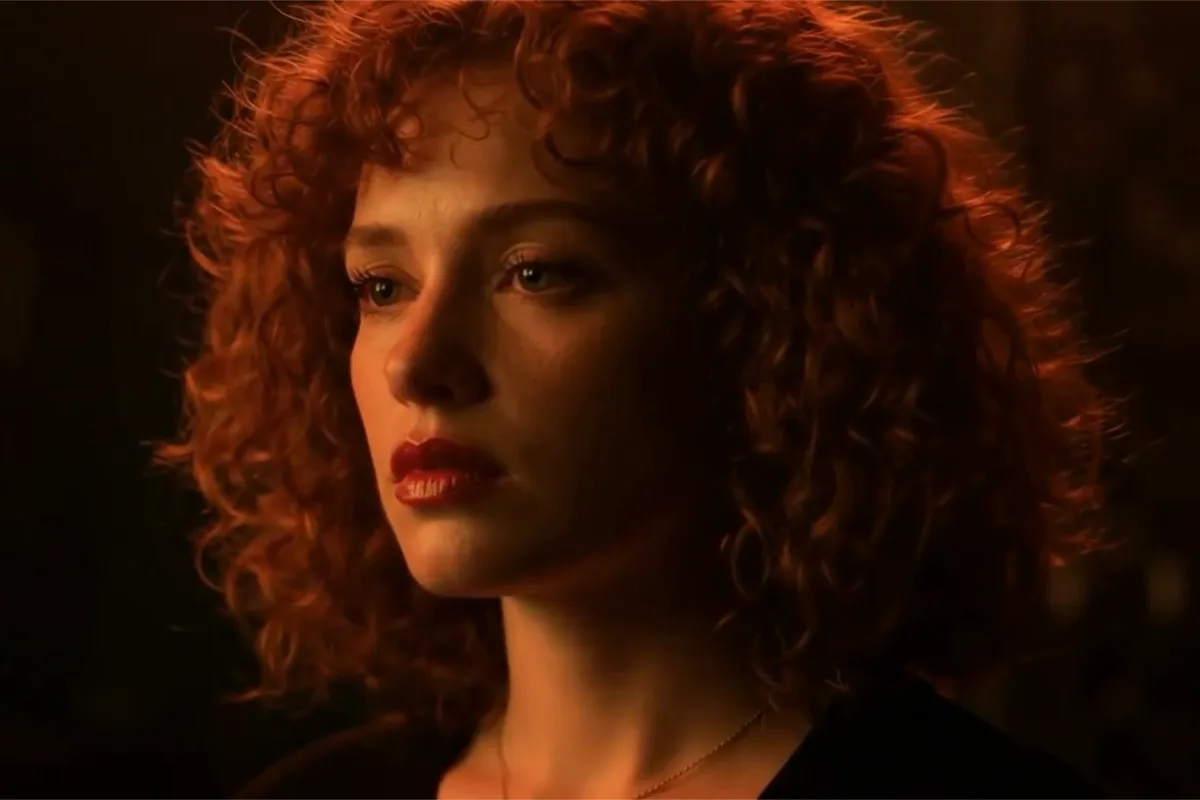
MiniMax H3 Max
Fast 768p clips with native audio, post-trained by fal, 5–15s
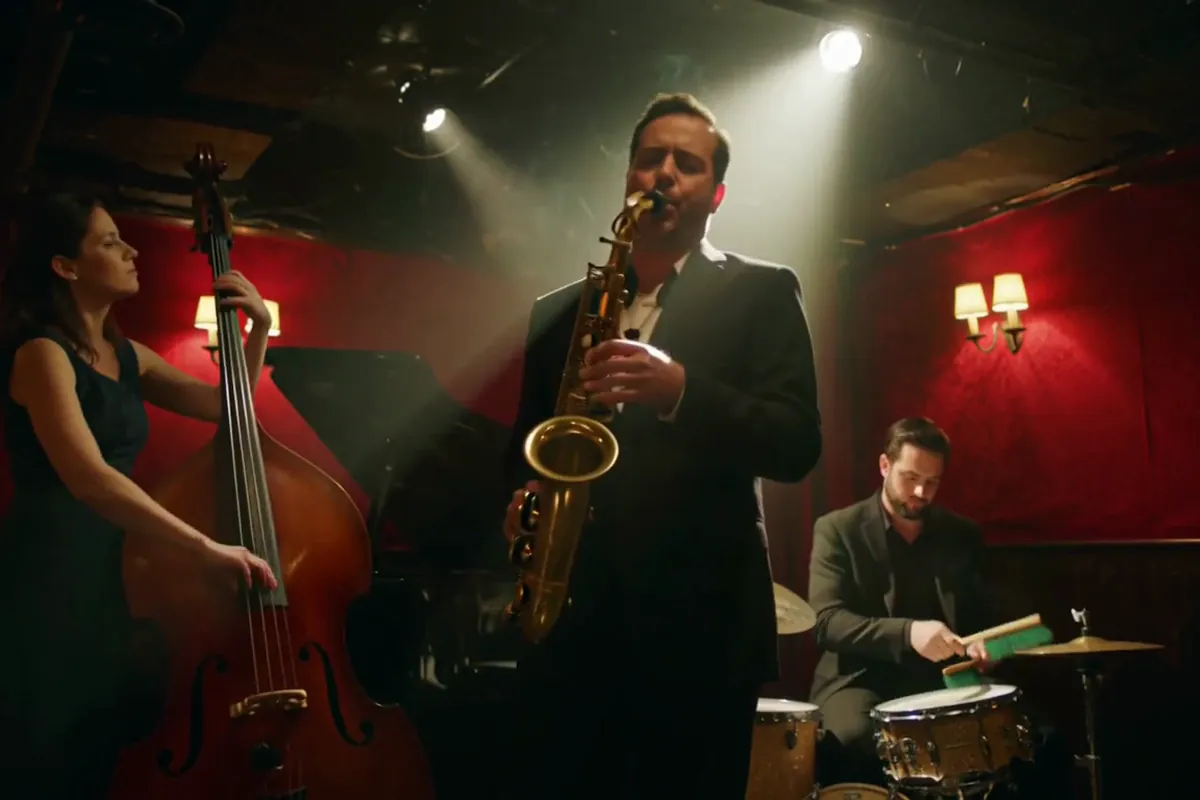
MiniMax H3
Native-2K multimodal video with stereo audio, 5–15s
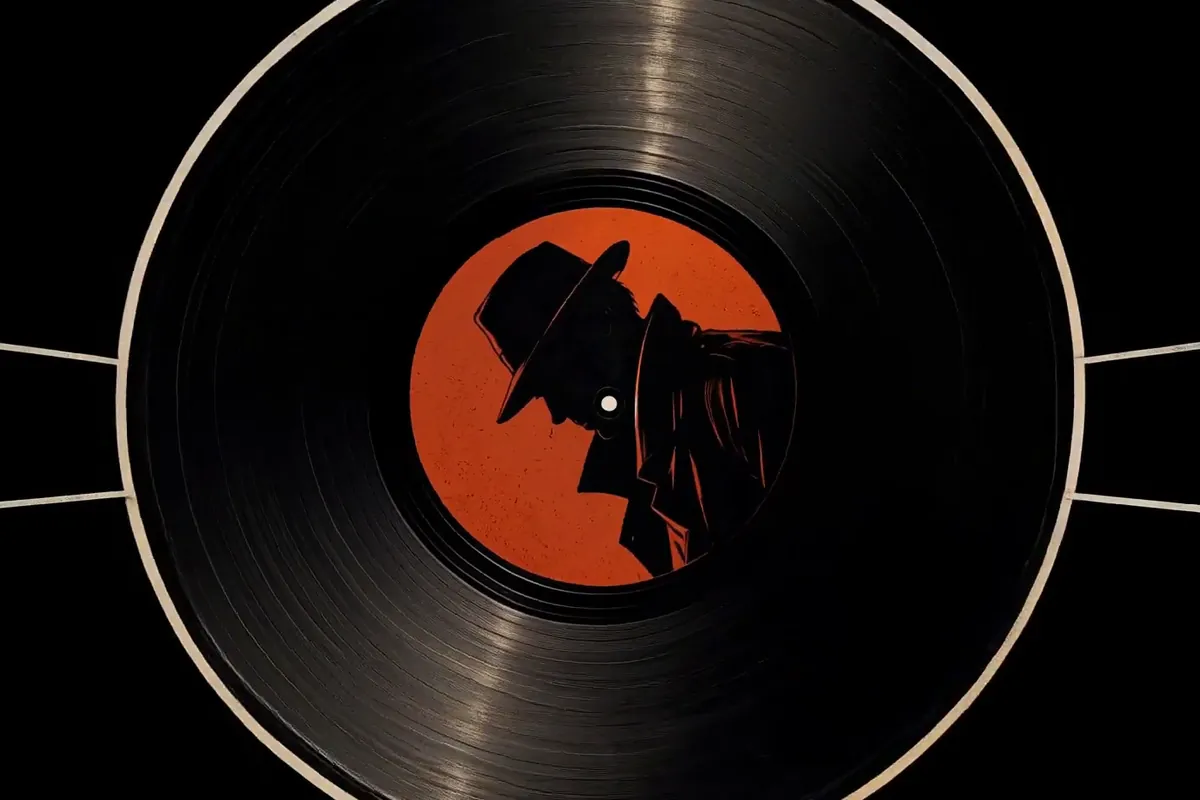
FLUX 3
Cinematic video with native audio from Black Forest Labs
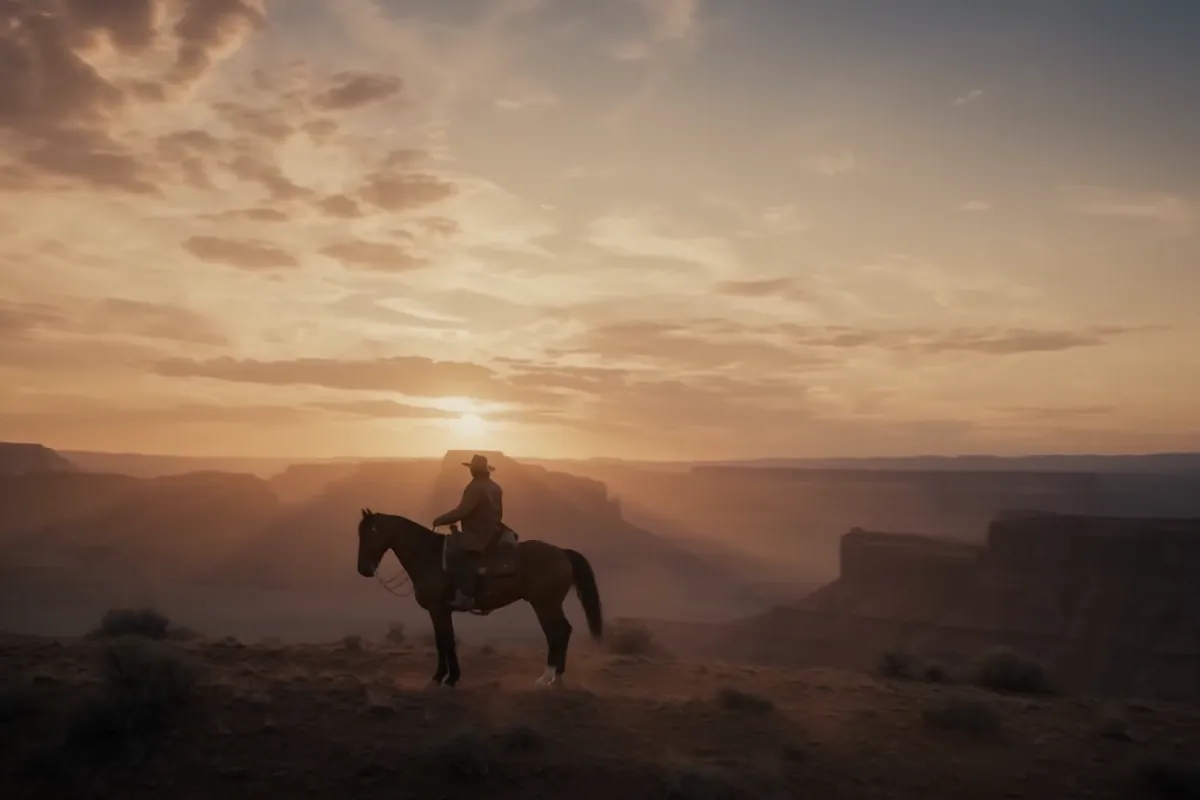
Seedance 2.5
Flagship cinematic video with lip-synced native audio
Veo 3.1
Cinematic text-to-video with native audio from Google DeepMind
Gemini Omni Flash
Conversational video generation and editing from any input
Kling 3.0
Multi-shot director control with native audio, up to 15s
Wan 2.7
Thinking-mode video generation with synced audio, up to 1080p
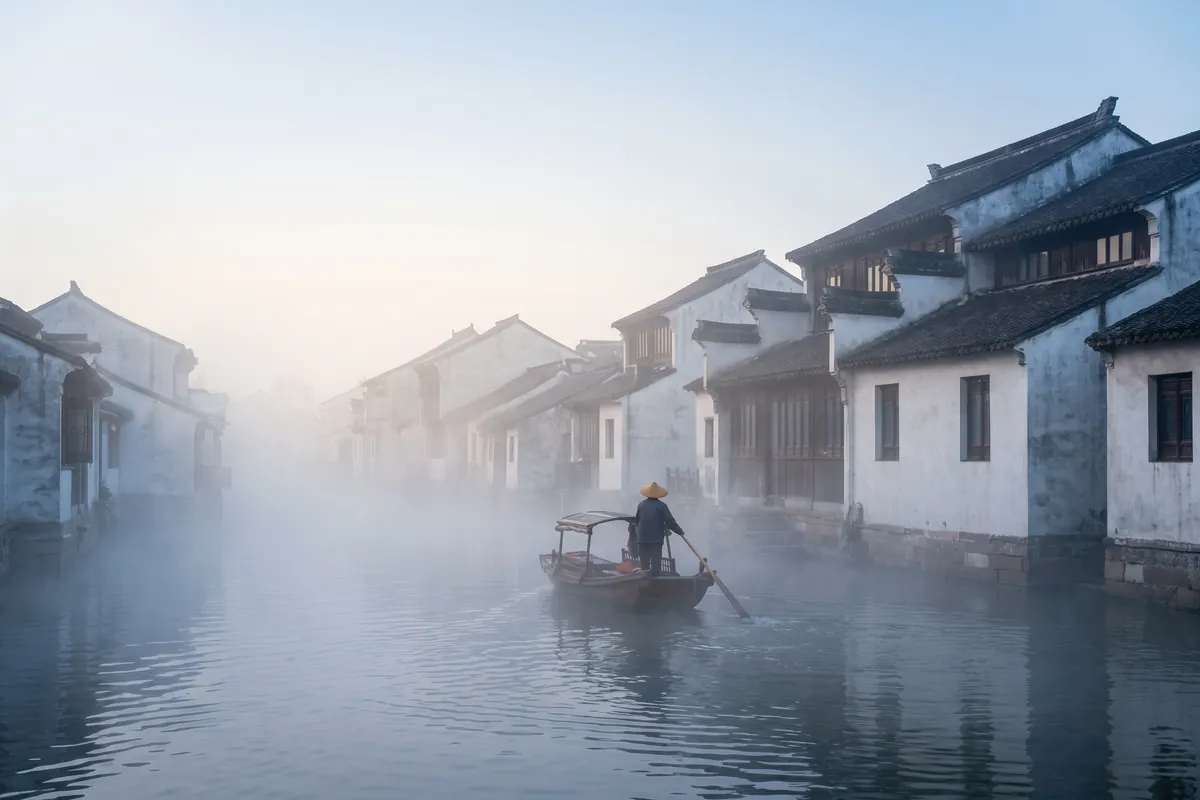
Grok Imagine Video
Turns images into cinematic clips with synced audio, by xAI
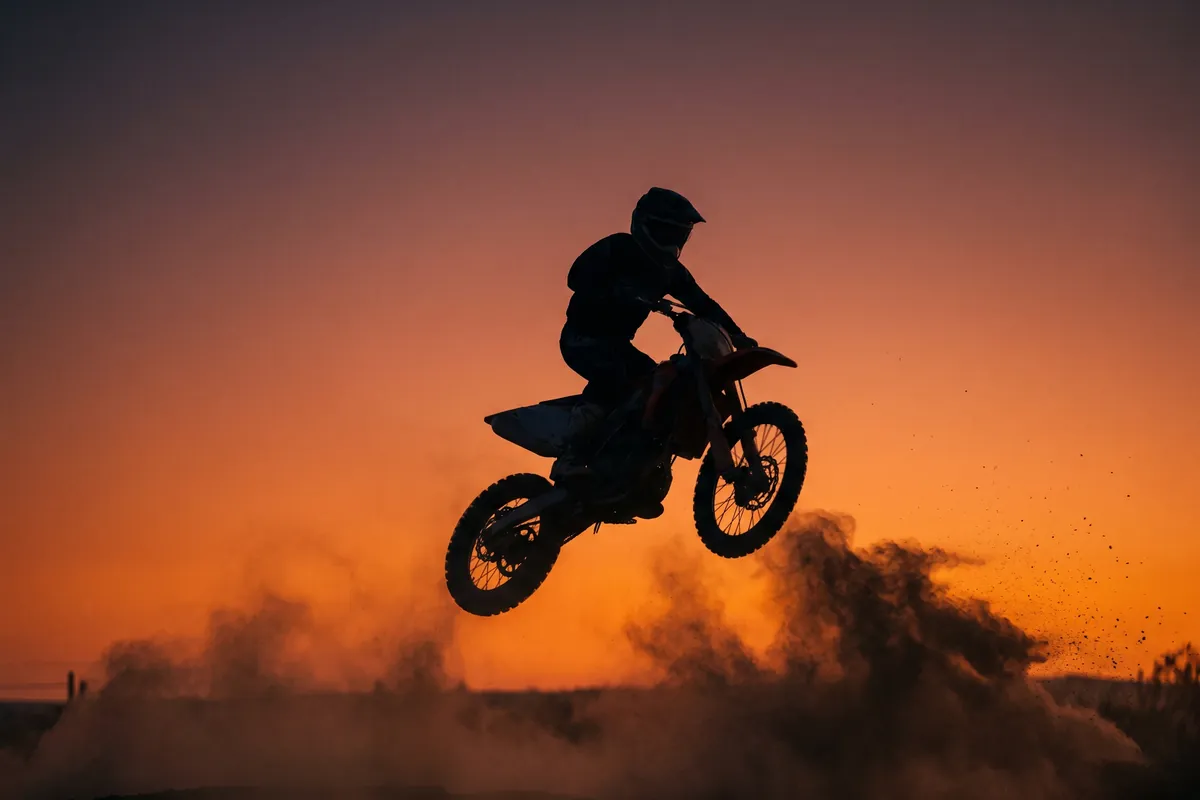
GPT Image 2.5
OpenAI's newest image model — sharper detail, faster edits
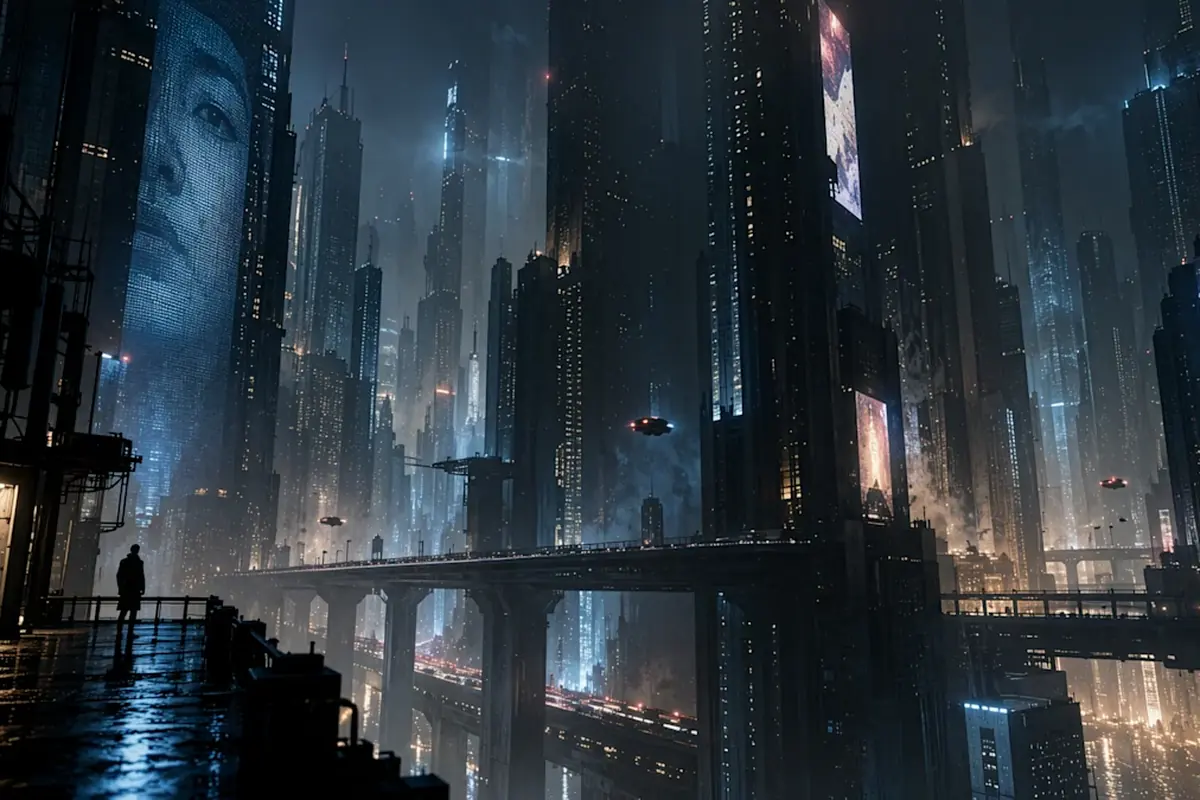
Nano Banana Pro
Reasoning-powered generation and editing with 4K output
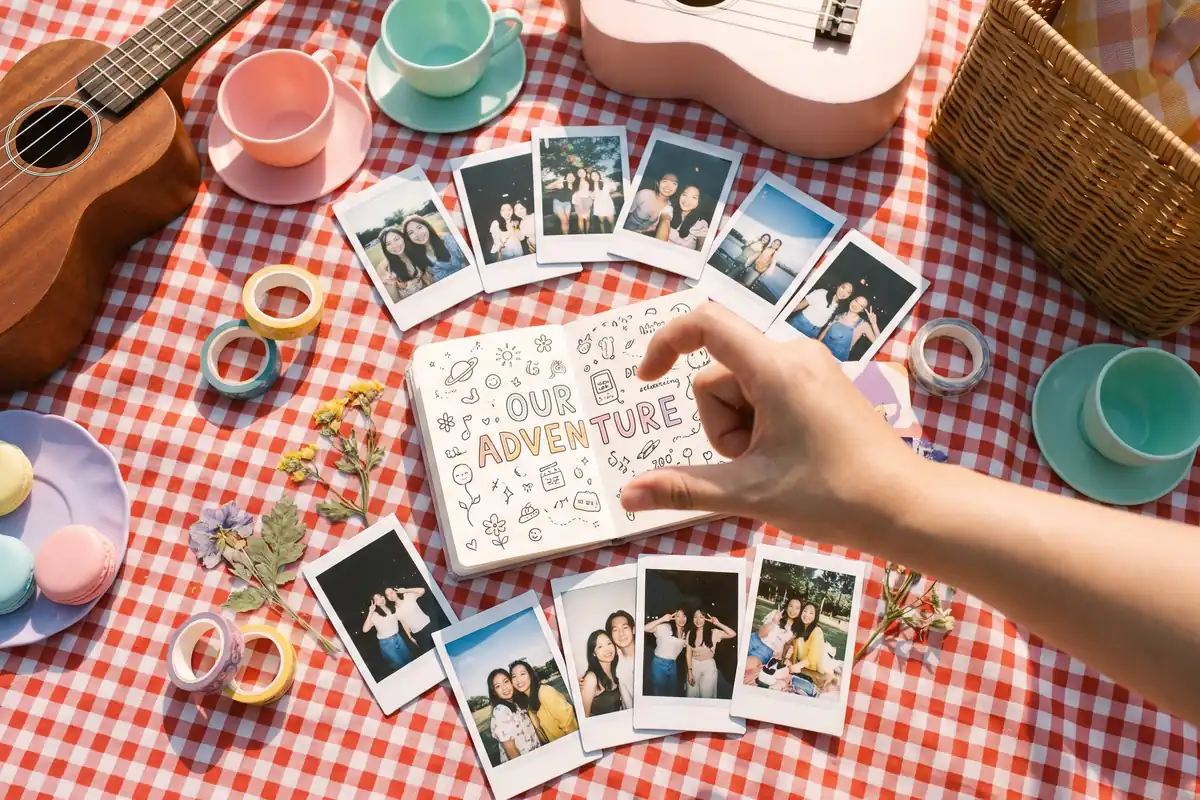
GPT Image 2
Text-rich visuals and clean product shots
Seedream 5.0 Pro
Pro-grade images with layer editing and multilingual text