
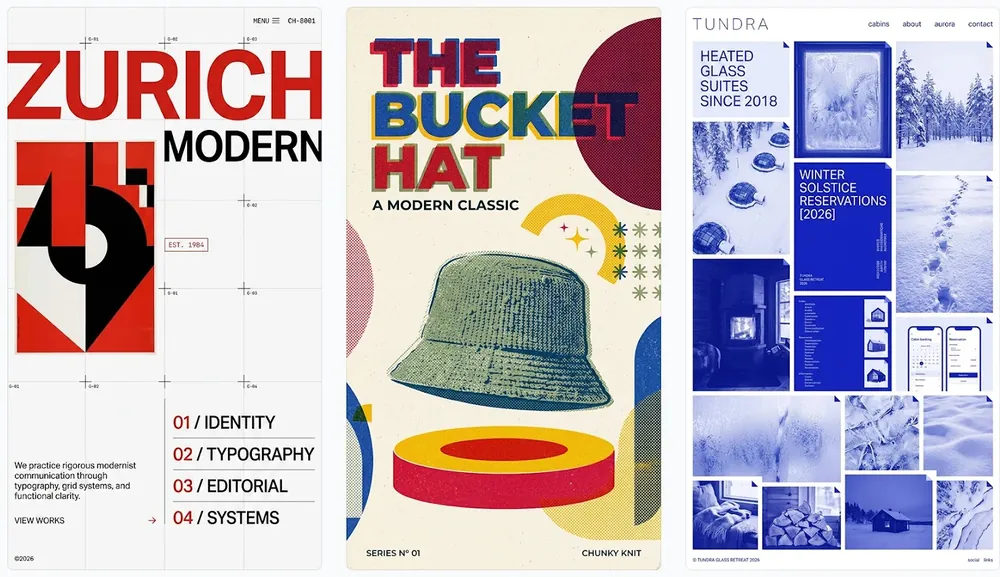
Prompt like an art director using grids, not adjectives
Words like "modern", "sleek" or "professional" rarely produce usable design layouts on their own — they default to generic stock-looking gradients.
Nano Banana 2.1 responds strongly to structural design vocabulary: Swiss international grid, asymmetrical two-column layout, oversized sans-serif headline, hairline divider rules, and explicit background color values. Describing the grid turns the model into a layout engine.
1. Define the layout grid and surface color
Specify the exact layout structure first — such as a minimalist two-column Swiss editorial hero or a 3-card brand presentation sheet on warm off-white paper (#F6F4EF). Give each column a single job.
Tip: Keep the background solid matte white, off-white or deep charcoal so brand photography pops cleanly.
2. Pair one display headline with one hero object
Assign the left or upper block to an oversized quoted brand name in clean grotesk typography, and place one crisp studio object or architectural visual in the companion panel with matching directional studio lighting.
3. Specify alignment, margins and finish
Call out generous outer margins, sharp rectangular image crops, crisp hairline rules and flat graphic clarity. Avoid mixing photoreal lens flare or heavy 3D gloss into flat editorial systems.
Reuse the exact generation prompt
Use this prompt as a starting layout brief for landing hero concepts, pitch-deck visuals or brand moodboards.
"A minimalist Swiss graphic design studio hero layout in 16:9 widescreen composition on a crisp warm off-white background. Left column features oversized bold black neo-grotesk uppercase typography reading "ZURICH MODERN" aligned cleanly to a strict left grid margin, with a thin black horizontal rule and minimal caption "ARCHITECTURE & OBJECTS" underneath. Right column displays a sharp rectangular studio photograph of a matte anodized aluminum desk lamp casting soft architectural daylight shadows. Generous whitespace, razor-sharp edges, museum-grade editorial design clarity."
- Model
- Nano Banana 2.1
- Mode
- Text to Image
- Aspect Ratio
- 16:9 (web hero) or 4:5 (social card)
- Credits
- 30 cr (1K) · 40 cr (2K) · 60 cr (4K)
Inspect the result before reusing it
Evaluate your generated design system frame against four quick art-direction checks:
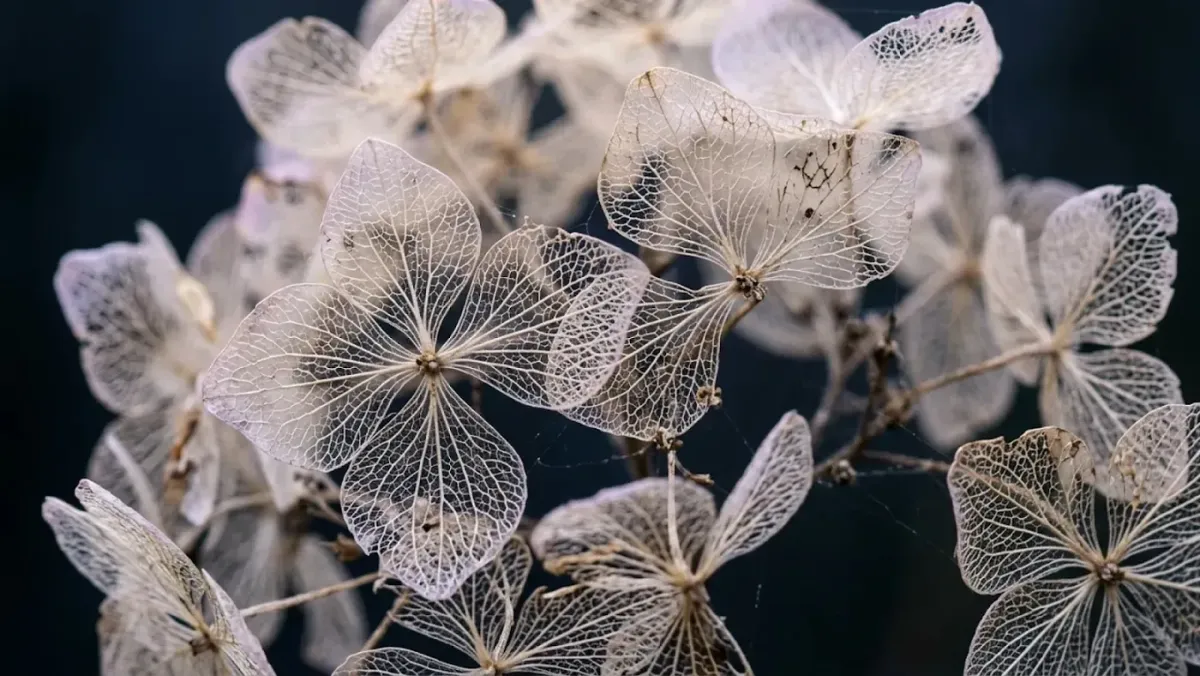
Grid alignment and straight lines
Confirm divider lines, photo crop edges and text baselines align cleanly along shared vertical and horizontal axes.
Zero phantom UI clutter
Check corners for unintended fake browser chrome, garbled micro-text or random decorative icons.
Typography weight consistency
Make sure every letter in the main display headline shares the same stroke weight and x-height.
Usable crop room
Verify there is enough clean margin around the layout to adapt it for slides, headers or social previews.
Try this workflow with your own brief
Load this Swiss grid prompt directly into Nano Banana 2.1, replace "ZURICH MODERN" and the hero object with your own brand concept, and iterate at 1K (30 credits per draft).
Frequently Asked Questions
Yes. Once you lock a hero visual you like in Nano Banana 2.1, you can pass the image into our video models such as Kling 3.0 or Veo 3.1 to create a smooth camera pan or reveal clip.
Google specifically highlighted visual design and text rendering as headline upgrades in Nano Banana 2.1, giving it stronger type hierarchy and negative-space control than earlier Flash models.
Explore grid variations at 1K (30 credits) to keep iteration cheap, then re-run your chosen composition at 2K (40 credits) or 4K (60 credits) for crisp type edges.
More Workflow Guides
All solutions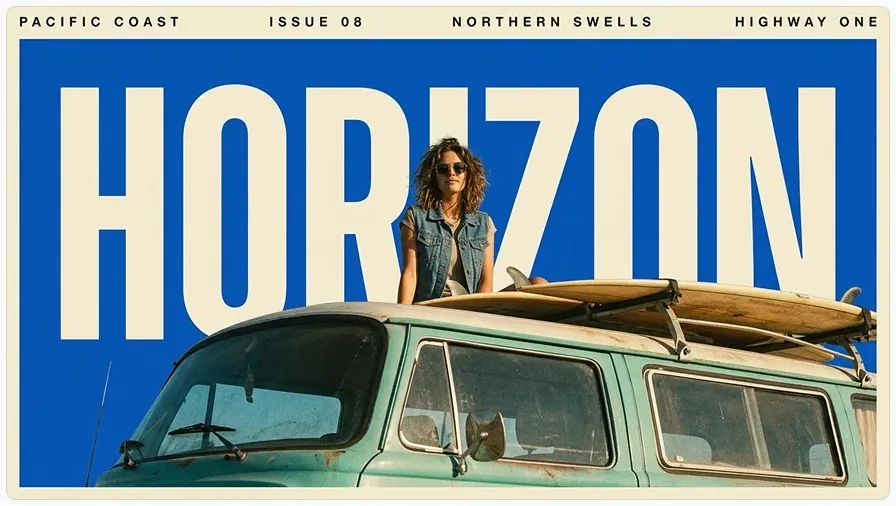
Create Editorial Posters with Clean Lettering in Nano Banana 2.1
Build a coherent retro travel or event poster in a single text-to-image pass — with crisp headline lettering, balanced negative space and reliable spelling.
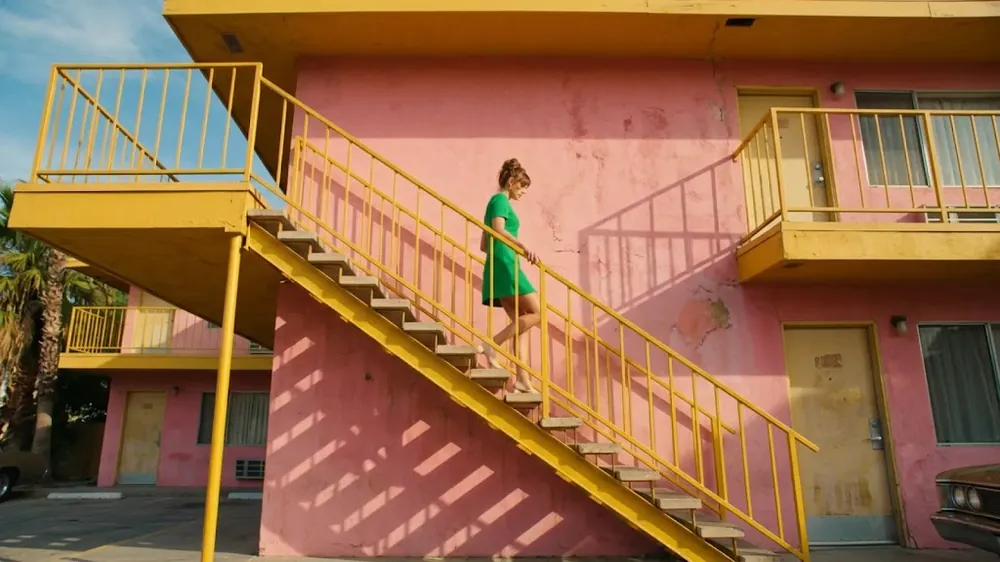
Generate Cinematic Mood Frames with Nano Banana 2.1
Use concrete camera language — shot distance, lens angle, time of day and color palette — to create finished-looking 16:9 film stills that double as video starting frames.