GPT Image 2 AI Image Generator
Text-rich visuals and clean product shots
Recreate This Image
Real prompts and reference shots creators used with GPT Image models — click Recreate to load one into the generator.
GPT Image 2 AI Image Generator – OpenAI's Best for Text and Instructions
GPT Image 2 is OpenAI's image generation model — the release they describe as a step change in detailed instruction following, object placement and dense text rendering, with reasoning applied before the image is drawn. On TurnVideo you pick a resolution up to 4K, from 10 credits per image, straight from the generator above.
Last updated September 9, 2026
Core Capabilities of the GPT Image 2 AI Image Generator
Dense text rendering
OpenAI describes GPT Image 2 as a step change in rendering dense text: paragraphs, labels and multilingual type that other models reduce to glyph soup. If your image is really a document, start here.
Reasoning before generating
The model plans the image before drawing it — researching structure, layout and context from the prompt. In practice that means complex briefs need fewer retries to land.
3 resolutions, one price each
1K / 2K / 4K — 10 credits at 1K, 30 at 4K. One number per size, shown live next to the Generate button; draft small, deliver large.
Edit with reference images
Attach up to 5 reference images to edit an existing picture or hold a subject consistent across generations, same as the other image models on TurnVideo.
7 aspect ratios up to 4K
1:1, 2:3, 3:2, 3:4, 4:3, 9:16, 16:9 — square posts, portrait stories and widescreen thumbnails, natively framed rather than cropped.
How Creators Use the GPT Image 2 AI Image Generator
Graphics where the words have to be right
Posters, slides, infographics, UI mockups — OpenAI highlights dense text rendering as a headline capability of this release, and it is the model to reach for when a layout carries full sentences rather than a two-word headline.
Scenes with many objects in exact relationships
"Five products on a shelf, price tags below each, brand logo top-right" is an instruction-following problem more than an aesthetics problem. GPT Image 2 was built for exactly this kind of spatial precision — it plans the structure before drawing.
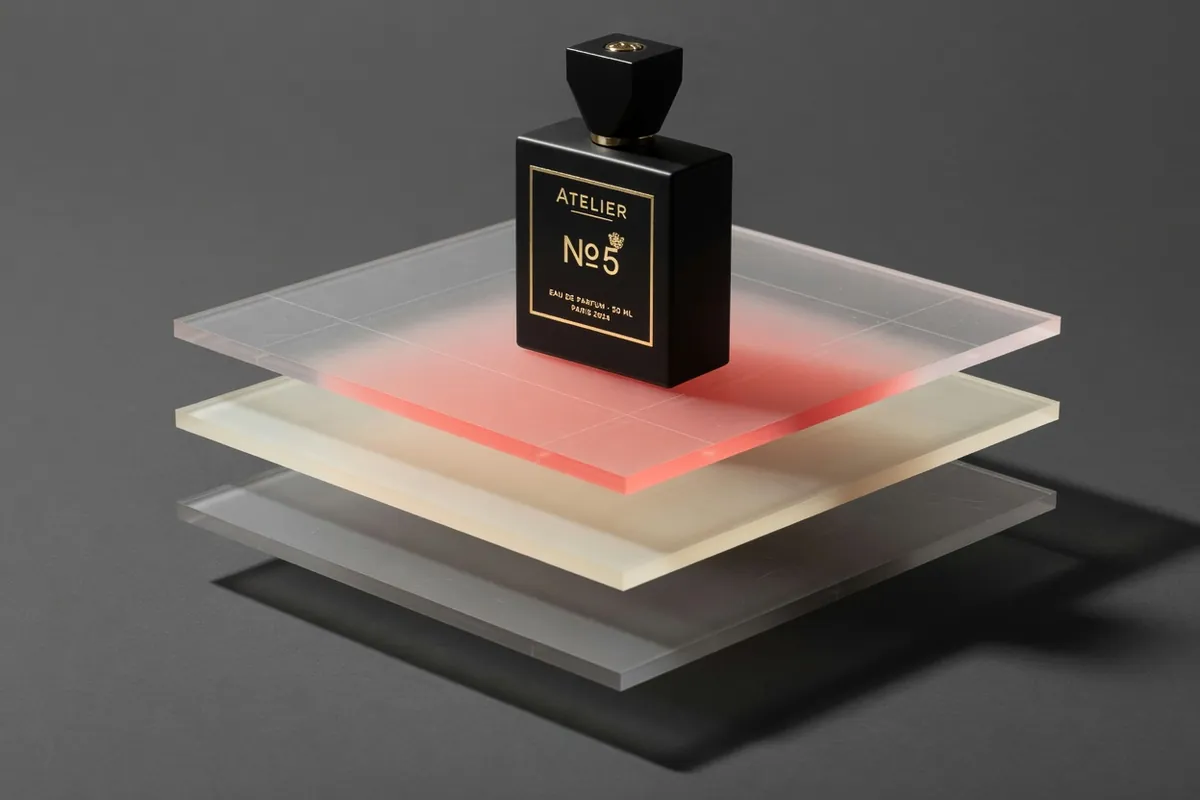
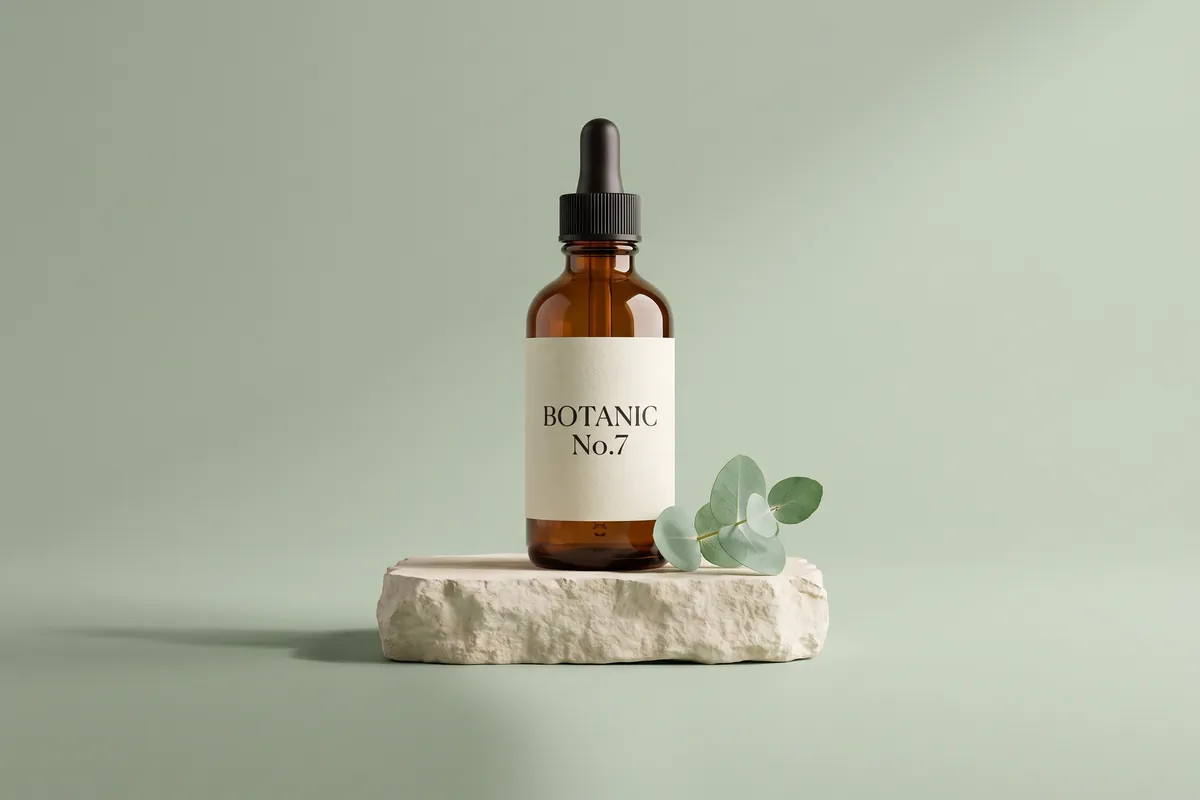
Clean product shots with controllable staging
Describe the product, the surface, the lighting and the mood, and iterate at 1K until the staging is right — then re-run at 4K for the deliverable.
Images that need world knowledge
Because the model reasons before it draws — with knowledge current through late 2025 — prompts that lean on real-world context ("a correct London Underground roundel", "a plausible periodic-table poster") come out more accurate with less prompting.
Getting Better Results from the GPT Image 2 AI Image Generator
Write the brief, not just the vibe
This model rewards specificity: name the objects, their positions, the exact text in quotes. Treat the prompt like a design brief and it will follow it.
Iterate small, deliver large
Explore at 10 credits per run at 1K until composition and copy are right, then re-run the winning prompt at 4K for the final asset.
Put the exact text in quotes
For posters and labels, quote the words verbatim in the prompt. The model renders quoted strings much more faithfully than paraphrased intentions.
Edit an existing image
Attach up to 5 references and describe only what should change — background, styling, layout tweaks — while the anchored subject stays put.
GPT Image 2 AI Image Generator FAQ
GPT Image 2 is OpenAI's image generation model (released April 2026). OpenAI positions it as a step change in detailed instruction following, accurate object placement and dense text rendering, with reasoning applied before generation.
Yes — GPT Image 2.5 (ChatGPT Images 2.5), announced 8 September 2026 and live here since the same day: sharper detail, better subject preservation from reference photos and up to 50% lower latency, from 80 credits per image at /tools/gpt-image-2-5 (linked under "More AI Models" below). GPT Image 2 stays the cheaper tier for volume drafting and takes 5 reference images to 2.5's 2.
Resolution is the only thing that moves it: 10 credits at 1K, 30 at 4K. The live cost is always shown next to the Generate button as you change the size.
TurnVideo runs on plans rather than free welcome credits: every generation is paid in credits, and each model shows its exact cost next to the Generate button before you run. Failed generations are refunded automatically. GPT Image 2 is the cheapest OpenAI engine here (from 10 credits per image), which keeps experimenting cheap once you start a plan.
1K, 2K, 4K, in 7 aspect ratios: 1:1, 2:3, 3:2, 3:4, 4:3, 9:16, 16:9.
Yes. Attach up to 5 reference images together with your prompt for image-to-image editing and subject consistency.
No. Credits are only consumed for successful generations; failed jobs are refunded automatically.
Yes — images you generate on TurnVideo can be used commercially under your plan terms.
More AI Models to Try on TurnVideo
Nano Banana 2.1
Google's newest image model — better design, edits and consistency
Gemini Omni 1.1 Flash
First-to-last-frame control and flexible 3–10s clips
MiniMax H3 Max
Fast 768p clips with native audio, post-trained by fal, 5–15s
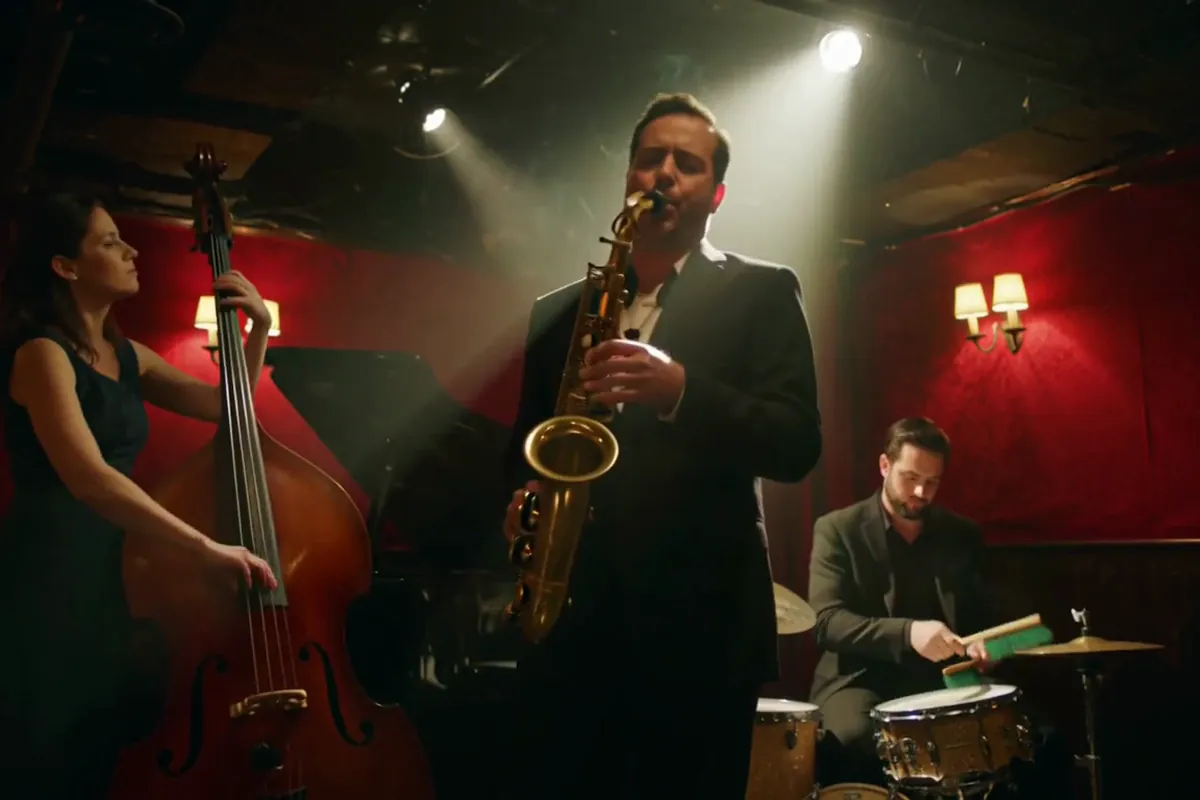
MiniMax H3
Native-2K multimodal video with stereo audio, 5–15s
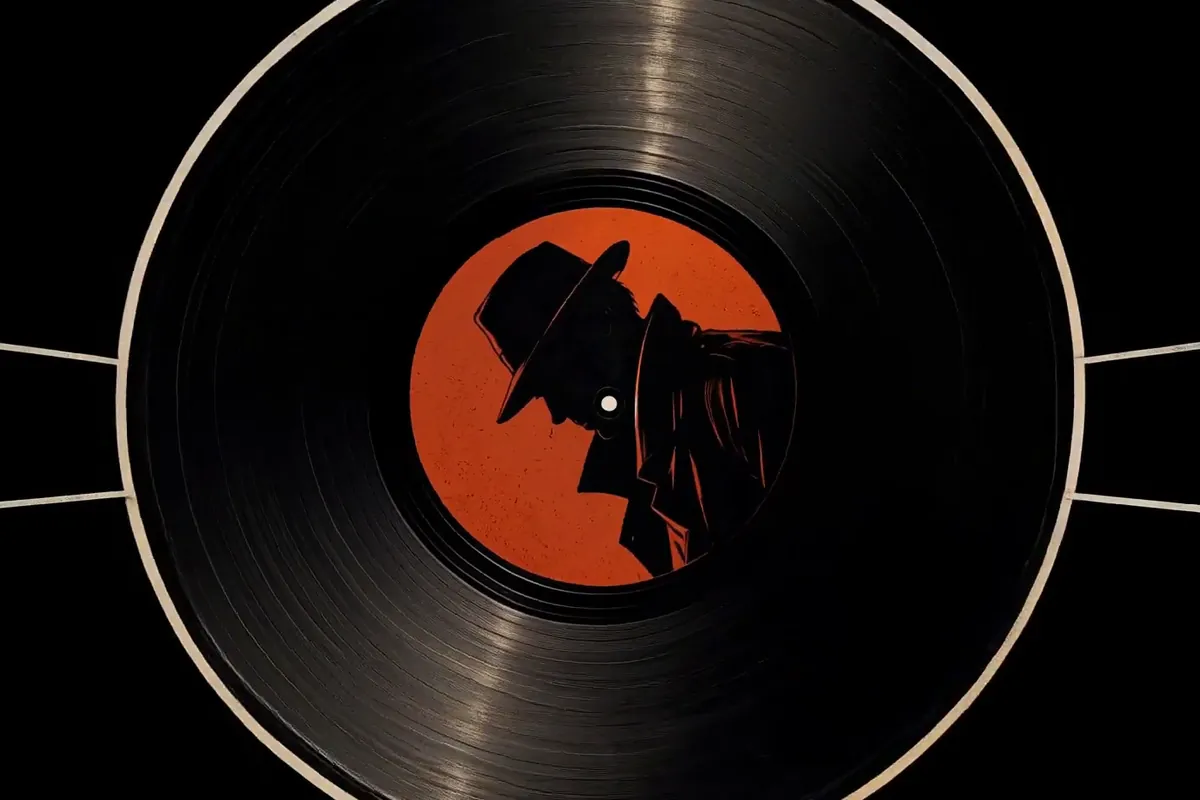
FLUX 3
Cinematic video with native audio from Black Forest Labs
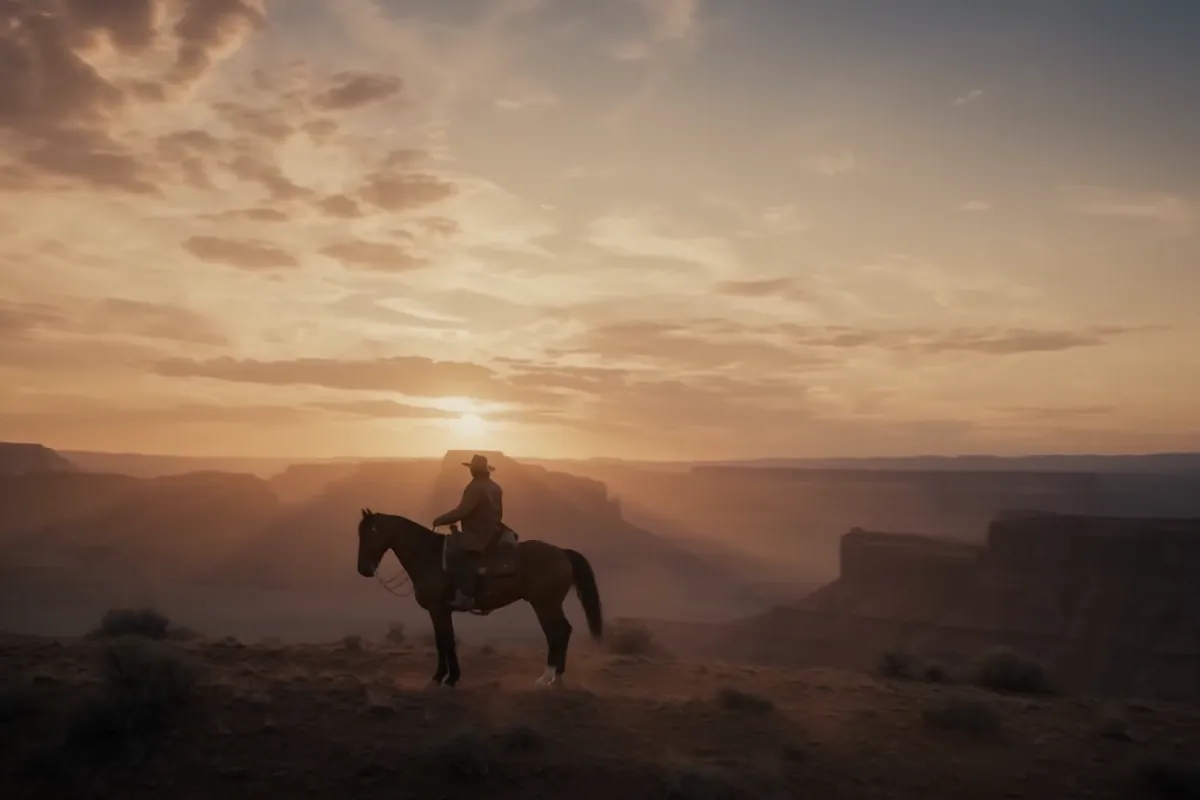
Seedance 2.5
Flagship cinematic video with lip-synced native audio
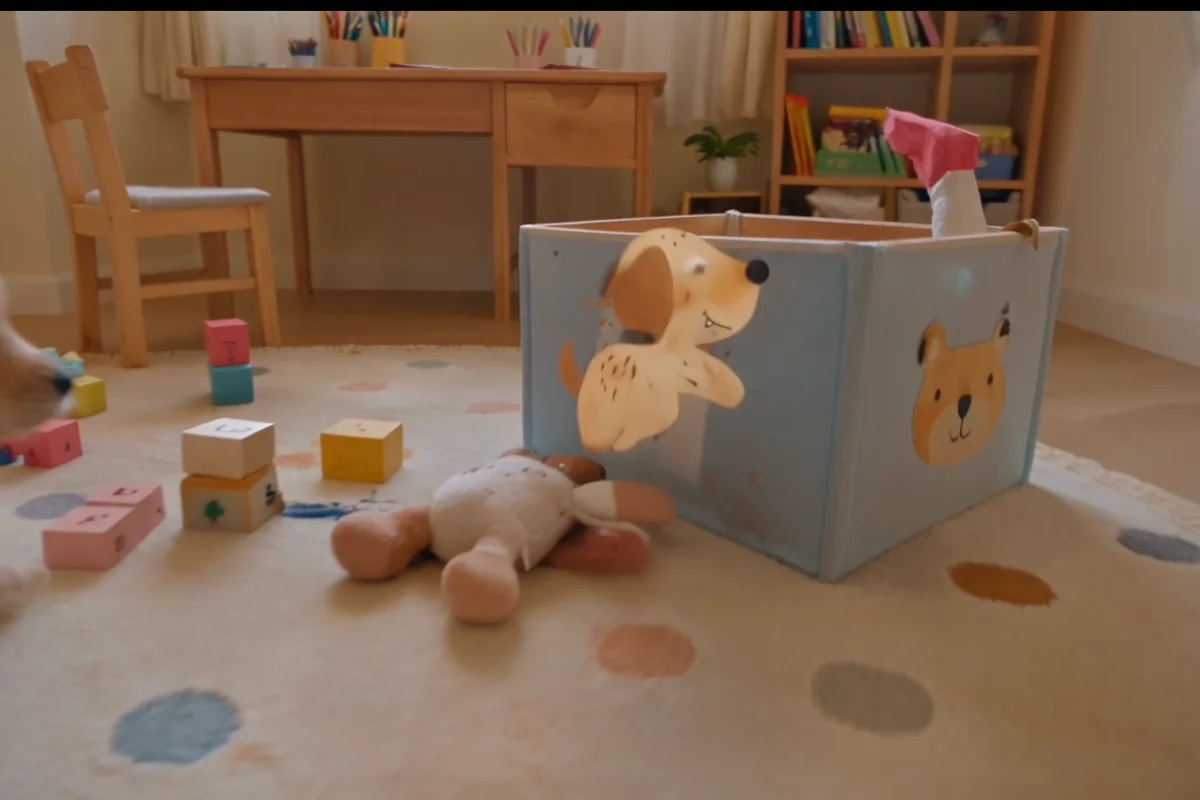
Veo 3.1
Cinematic text-to-video with native audio from Google DeepMind
Gemini Omni Flash
Conversational video generation and editing from any input
Kling 3.0
Multi-shot director control with native audio, up to 15s
Wan 2.7
Thinking-mode video generation with synced audio, up to 1080p
Grok Imagine Video
Turns images into cinematic clips with synced audio, by xAI
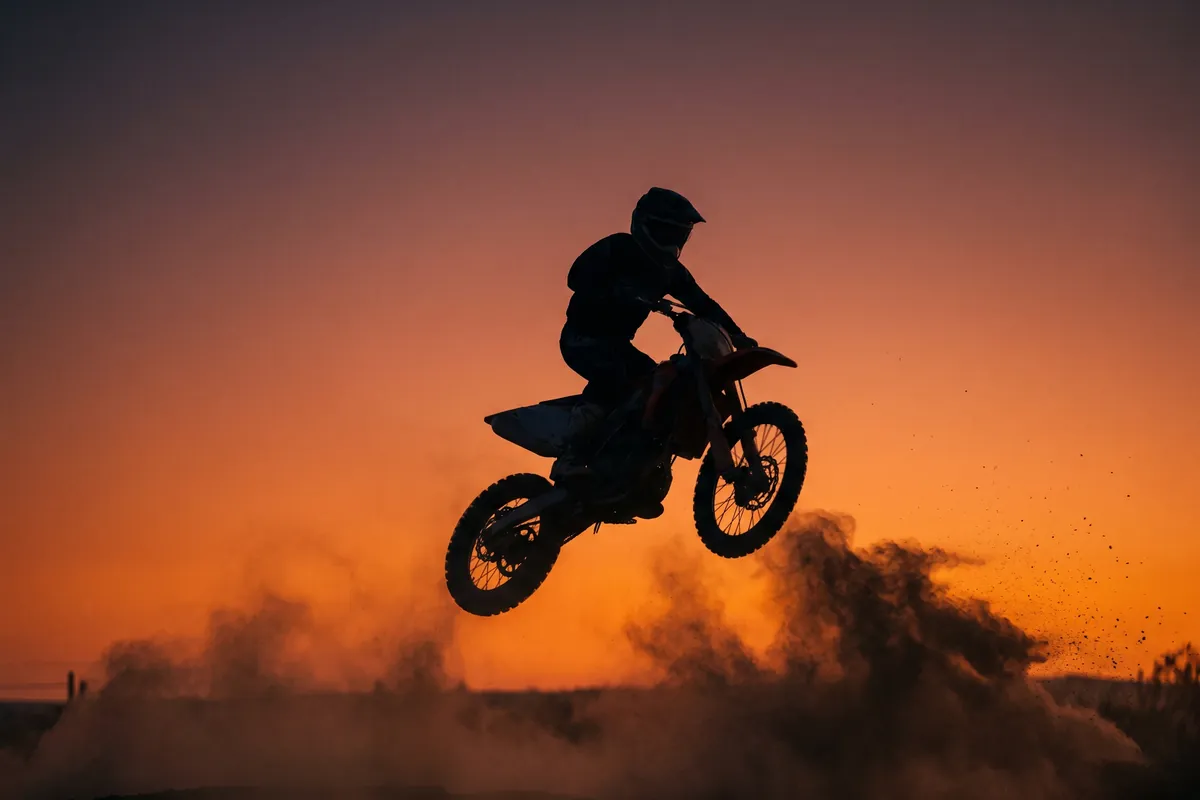
GPT Image 2.5
OpenAI's newest image model — sharper detail, faster edits
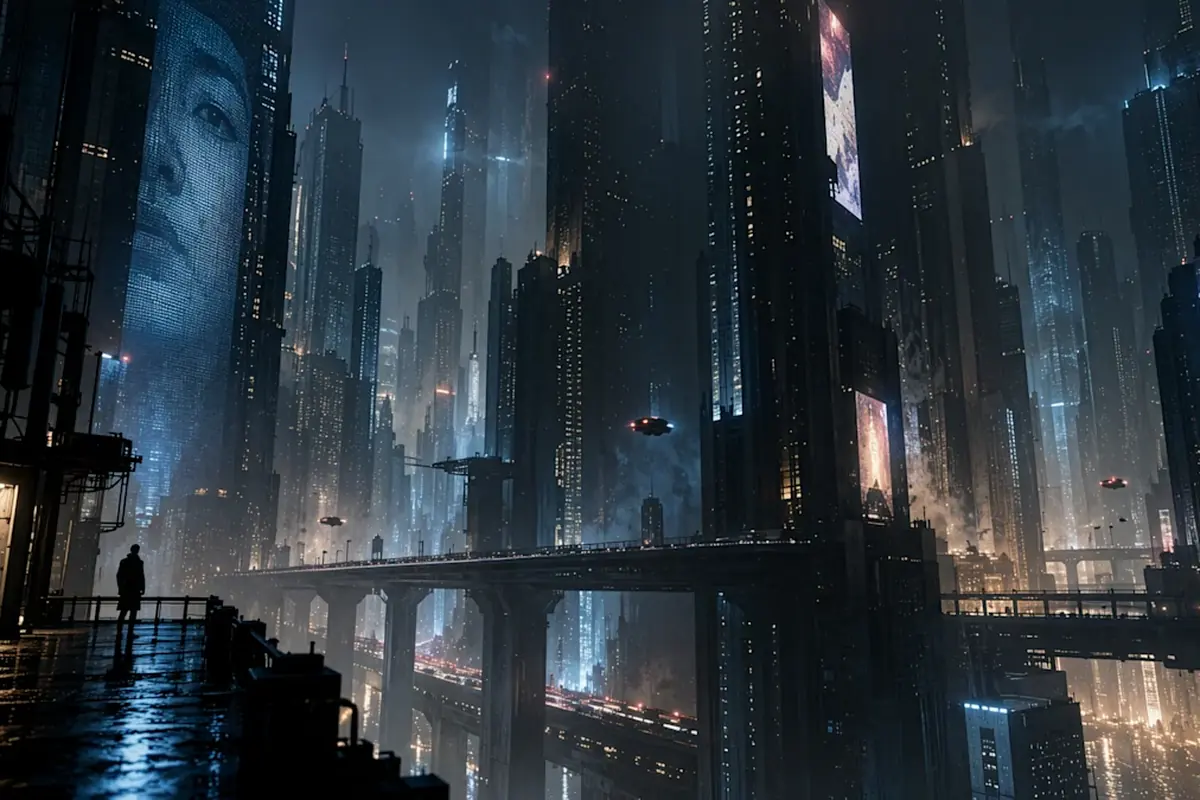
Nano Banana Pro
Reasoning-powered generation and editing with 4K output
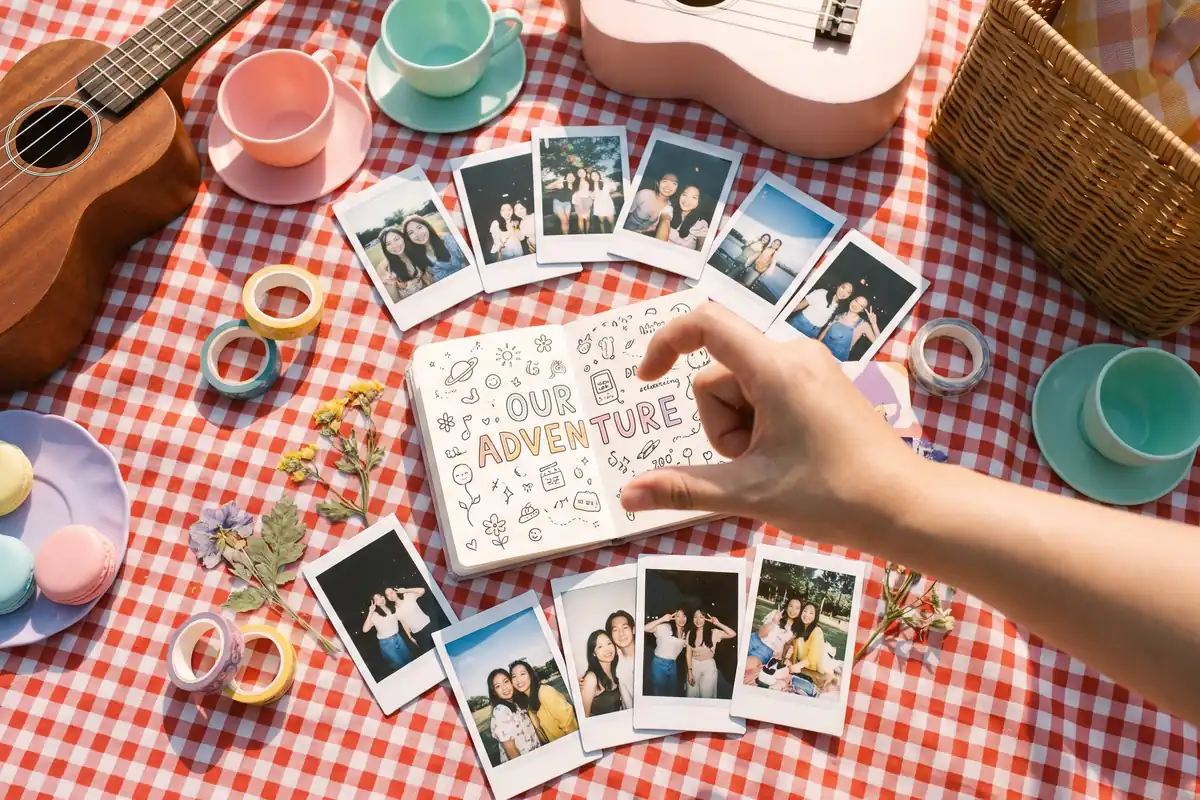
Seedream 5.0 Pro
Pro-grade images with layer editing and multilingual text