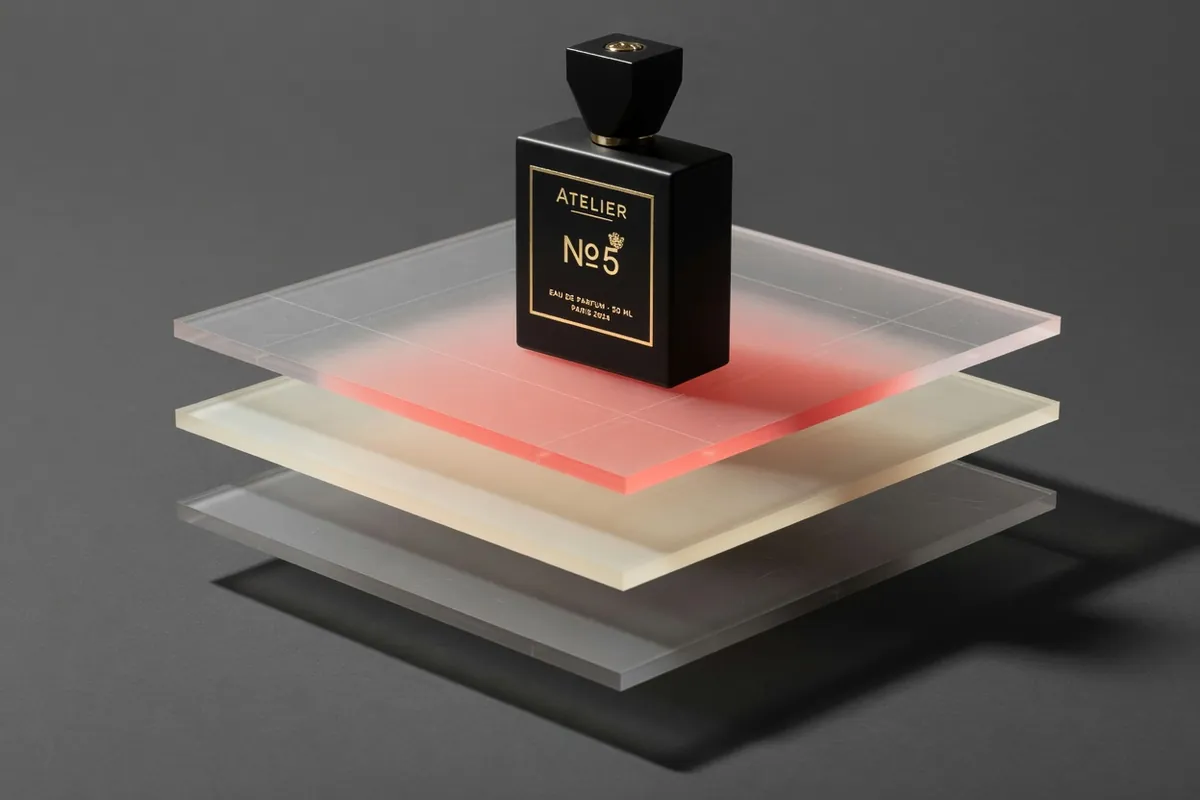
Qwen Image Edit AI Image Generator
Precise semantic edits and bilingual text rewriting
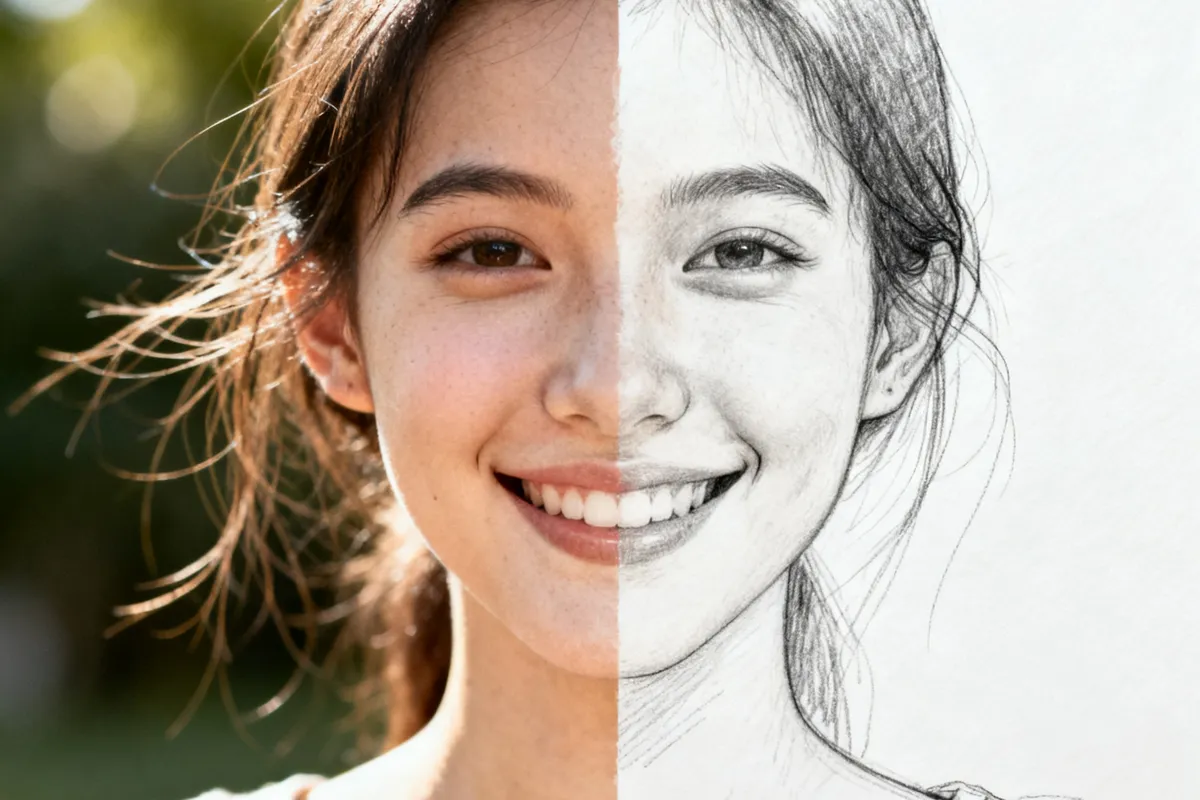
Recreate This Image
Real prompts and reference shots creators used with Nano Banana models — click Recreate to load one into the generator.
Qwen Image Edit – AI Photo Editing with a Prompt
Qwen Image Edit is the Qwen team's open-source editing model (Apache 2.0): upload a photo, describe the change in plain language, and it edits the picture while keeping the subject recognisably itself. Qwen Image Edit is no longer offered on TurnVideo — the generator above runs our current image models instead, and Nano Banana Pro covers the same attach-a-photo, describe-the-change editing workflow this page describes.
Last updated August 28, 2026
Core Capabilities of the Qwen Image Edit AI Image Generator
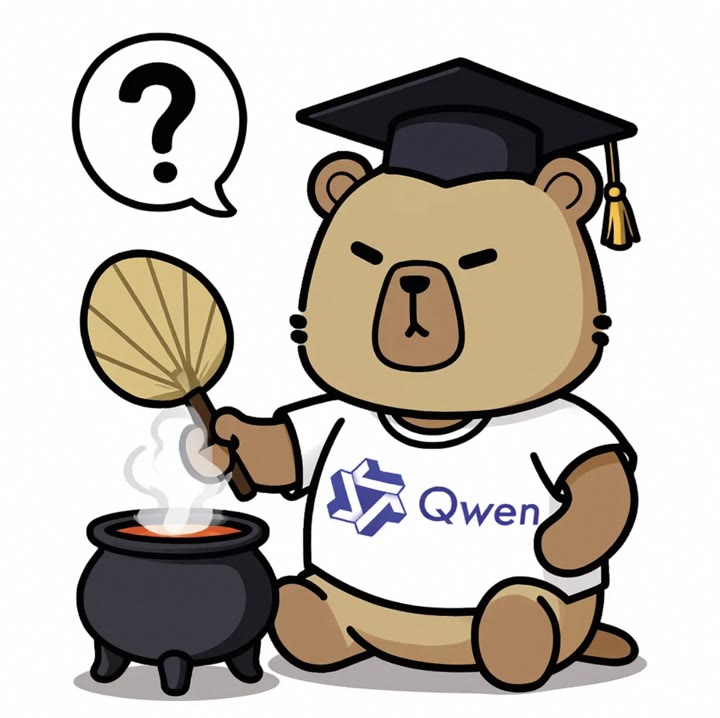
A true edit model, not a re-roll
Qwen's design feeds your image through both a vision-language model (what the picture means) and a VAE encoder (what it looks like), so edits respect both the semantics and the appearance of the original. In practice: what you did not ask to change, does not change.
Bilingual in-image text editing
Add, delete or modify English and Chinese text inside an image while the surrounding design stays intact — one of the documented strengths that sets it apart from general-purpose image models.
7 output ratios
1:1, 2:3, 3:2, 3:4, 4:3, 9:16, 16:9 — reframe while you edit, so the result comes out in the format the destination needs.
Open source, commercially usable
The Qwen team ships the model weights under Apache 2.0. On TurnVideo the practical version of that is simple: edits you make here can be used commercially under your plan terms.
How Creators Use the Qwen Image Edit AI Image Generator
Add, remove or swap objects in a photo
Describe the change — "remove the coffee cup", "put a red scarf on him" — and the edit lands while composition, lighting and everything you did not mention stay put. The Qwen team built the model specifically around this kind of semantic editing.
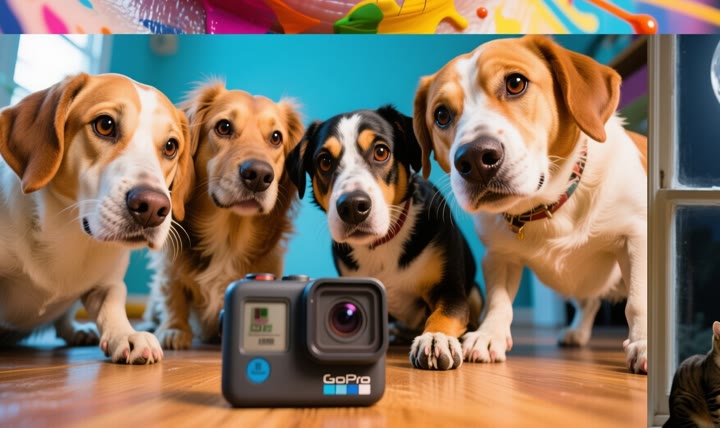
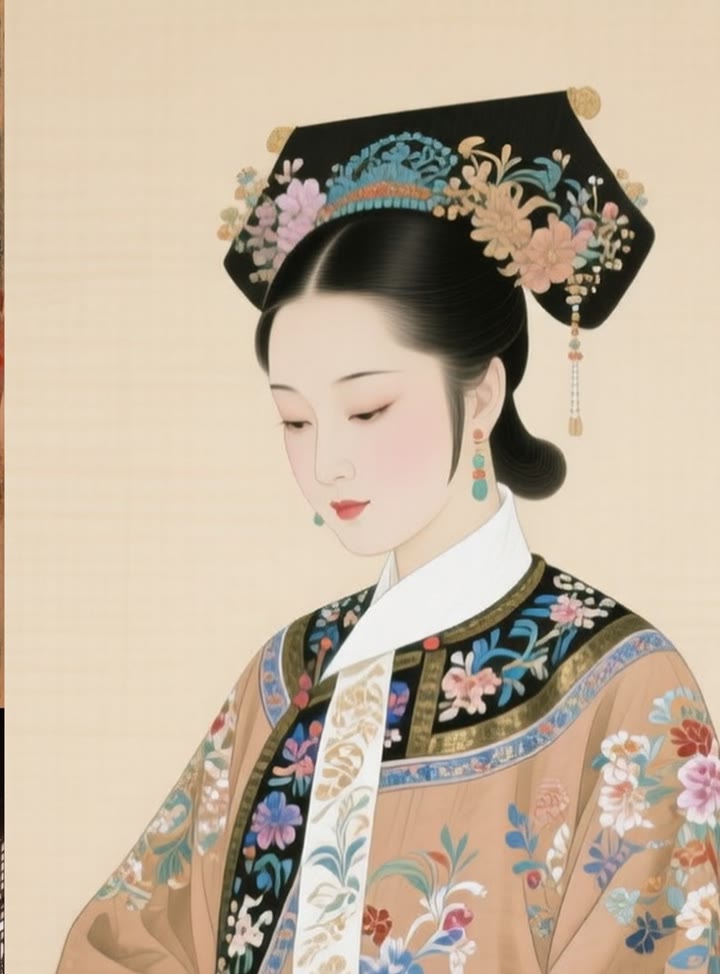
Restyle a character without losing them
The same subject can change outfit, art style or setting and remain recognisably the same character — the consistency that makes mascots, brand characters and episodic content practical to produce.

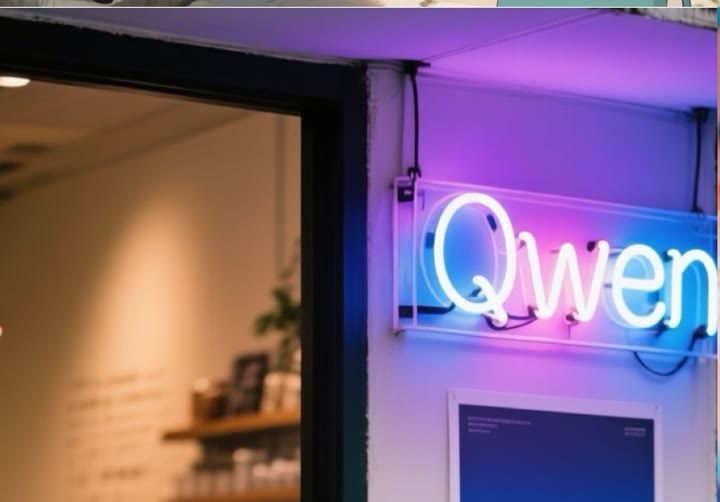
Rewrite the text inside an image
Qwen documents direct editing of bilingual (English and Chinese) text in images while preserving the original font, size and style — fix a typo on a poster or localise a sign without rebuilding the design.
Background replacement that keeps the subject
Swap an office for a beach, a grey sky for golden hour. The subject you uploaded survives the move — which is the entire difference between an edit and a re-generation that merely resembles your photo.
Getting Better Results from the Qwen Image Edit AI Image Generator
Upload, then describe only the change
Attach the photo first — the model requires one — then write the delta, not the whole scene: "replace the background with a sunset beach, keep the person and lighting natural".
Chain small edits instead of one giant one
Three focused edits ("remove the sign", then "warm up the light", then "add rain") each preserve more of the original than one paragraph asking for everything at once.
Fix the text, keep the design
For posters and signs, quote the exact replacement text in your prompt. The model preserves font, size and style of the original lettering.
Know when to generate instead
Editing needs a source photo. When you want a new image from nothing, generate it first — Nano Banana 2 for drafts, Nano Banana Pro for finals — then attach the result and describe the surgical change.
Qwen Image Edit AI Image Generator FAQ
Qwen Image Edit is an open-source (Apache 2.0) image editing model from Alibaba's Qwen team. It edits existing photos from natural-language instructions — objects, backgrounds, styles and even the text inside the image — while keeping the subject consistent.
No — Qwen Image Edit was retired from the TurnVideo catalog in August 2026. The generator on this page runs our current image models; Nano Banana Pro covers the same prompt-based photo editing with reference images, and edits you made before the retirement stay in your history.
TurnVideo runs on plans rather than free welcome credits: every generation is paid in credits, and each model shows its exact cost next to the Generate button before you run. Failed generations are refunded automatically. The model itself is open source under Apache 2.0, so it can also be self-hosted from the Qwen team's official release.
Yes — an edit model requires a source photo. For generating images from text alone, use Nano Banana Pro, Nano Banana 2 or GPT Image 2 in the generator above.
Yes — adding, deleting and modifying English and Chinese text while preserving the original font, size and style is one of the capabilities the Qwen team documents for this model.
No. Credits are only consumed for successful generations; failed jobs are refunded automatically.
Yes — images you edit on TurnVideo can be used commercially under your plan terms.
More AI Models to Try on TurnVideo
Nano Banana 2.1
Google's newest image model — better design, edits and consistency

Gemini Omni 1.1 Flash
First-to-last-frame control and flexible 3–10s clips
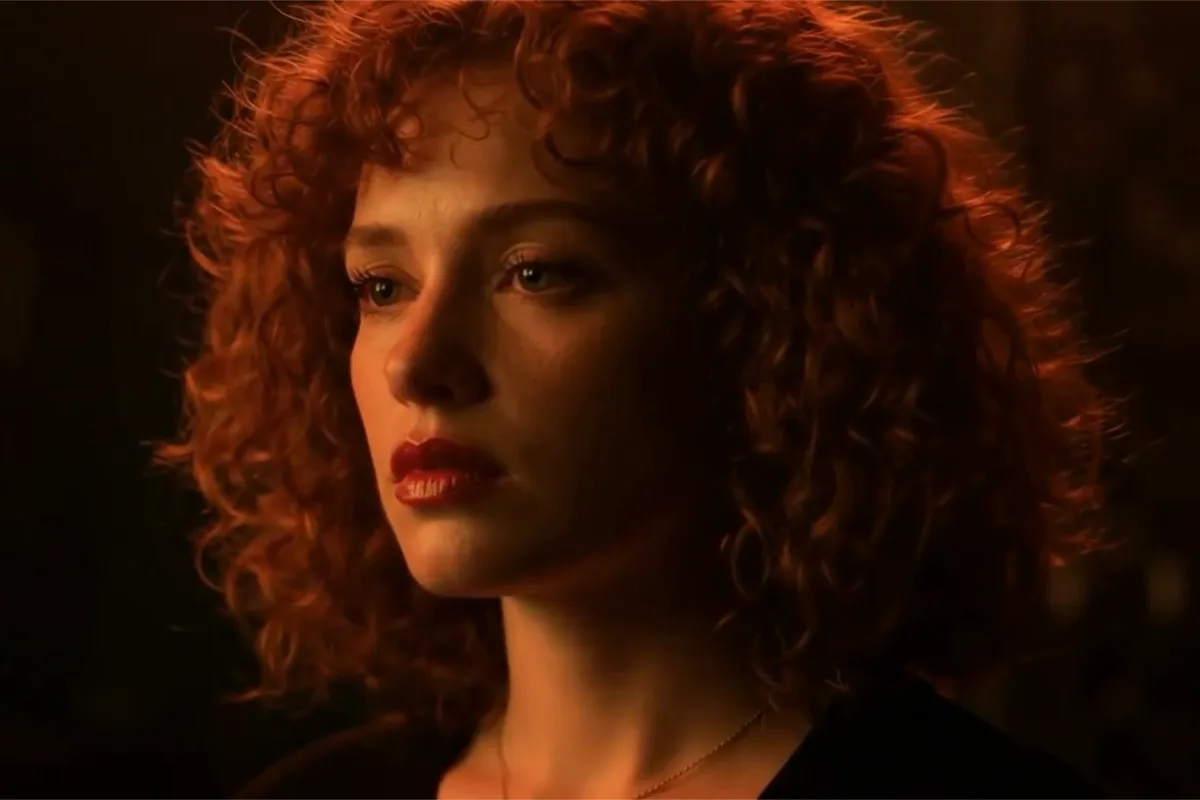
MiniMax H3 Max
Fast 768p clips with native audio, post-trained by fal, 5–15s
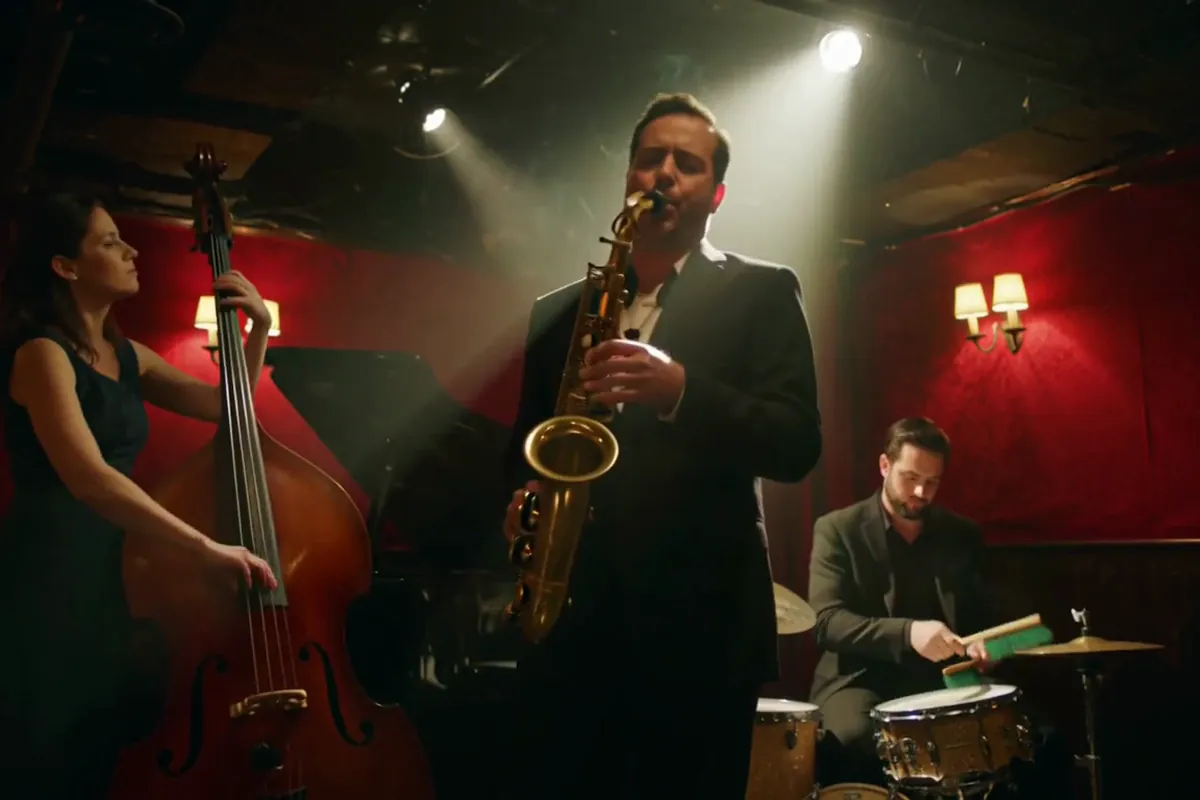
MiniMax H3
Native-2K multimodal video with stereo audio, 5–15s
FLUX 3
Cinematic video with native audio from Black Forest Labs
Seedance 2.5
Flagship cinematic video with lip-synced native audio
Veo 3.1
Cinematic text-to-video with native audio from Google DeepMind
Gemini Omni Flash
Conversational video generation and editing from any input
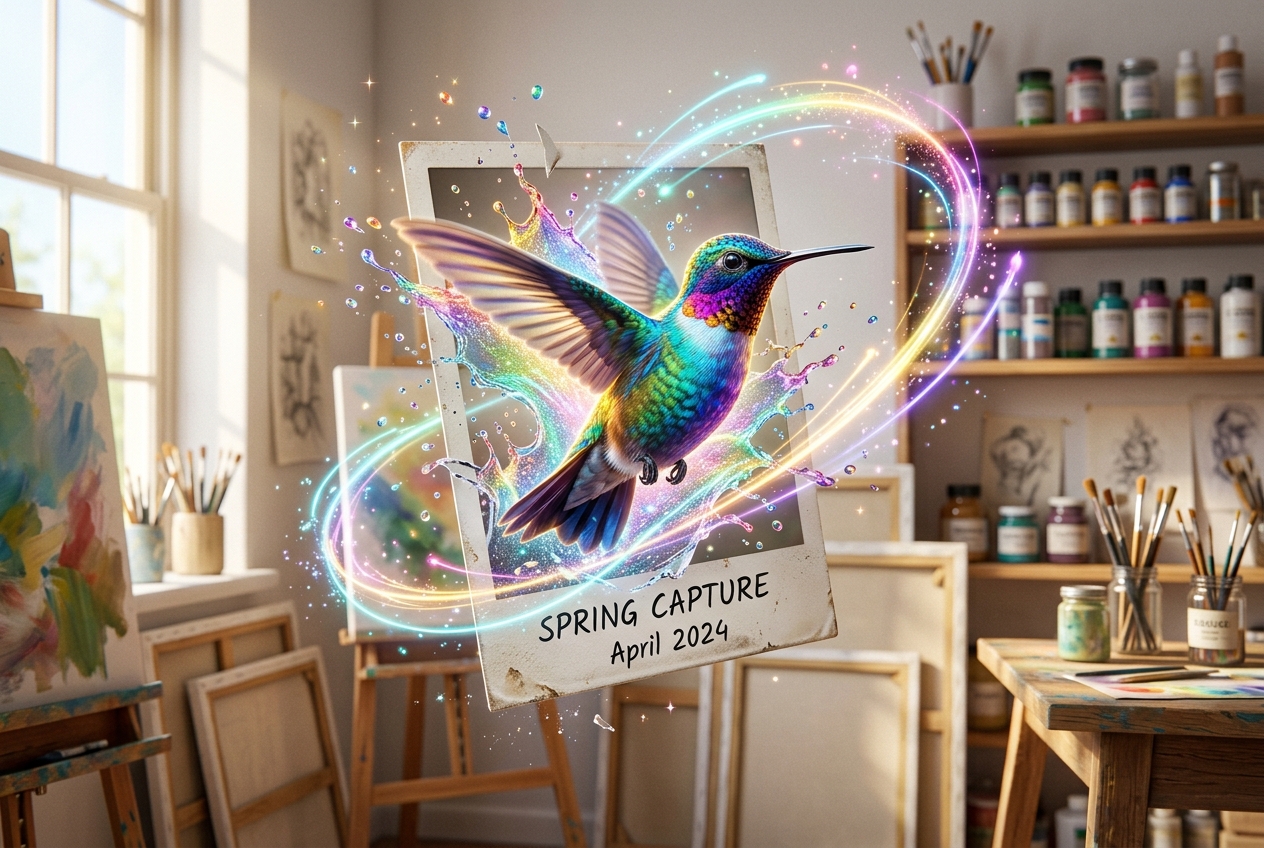
Kling 3.0
Multi-shot director control with native audio, up to 15s
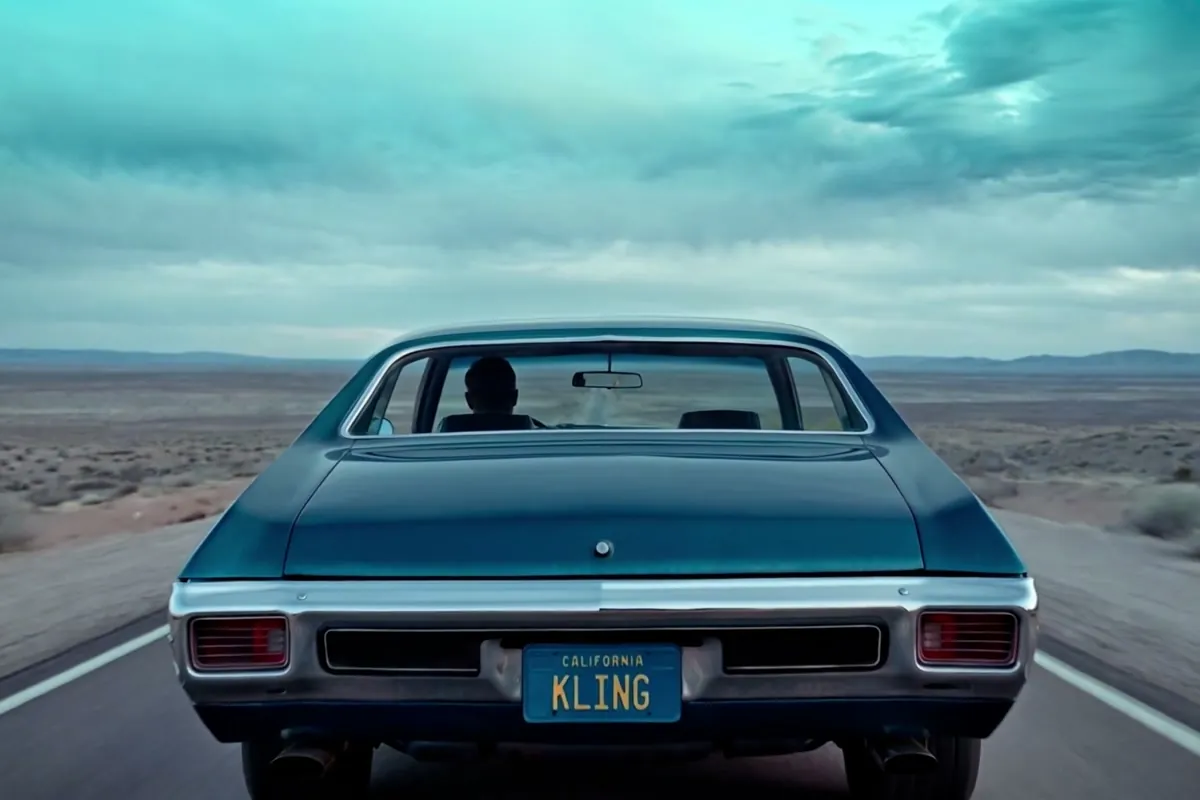
Wan 2.7
Thinking-mode video generation with synced audio, up to 1080p
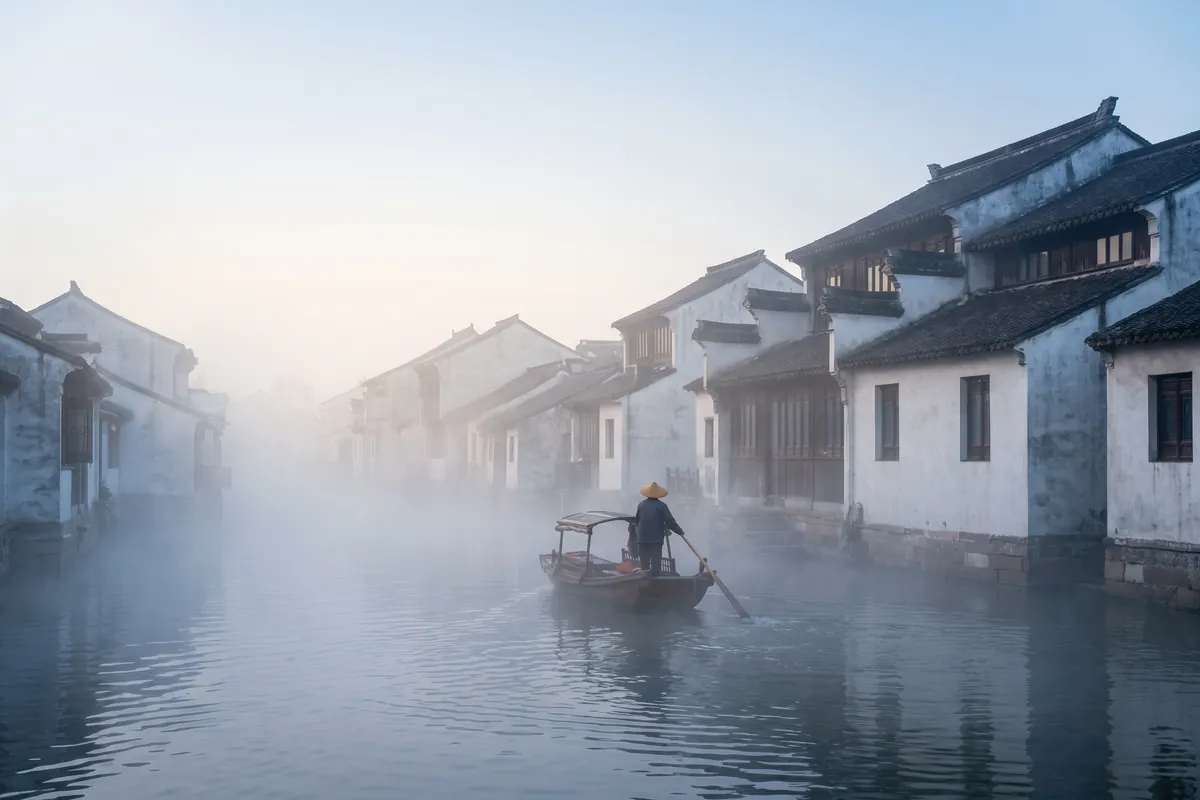
Grok Imagine Video
Turns images into cinematic clips with synced audio, by xAI

GPT Image 2.5
OpenAI's newest image model — sharper detail, faster edits
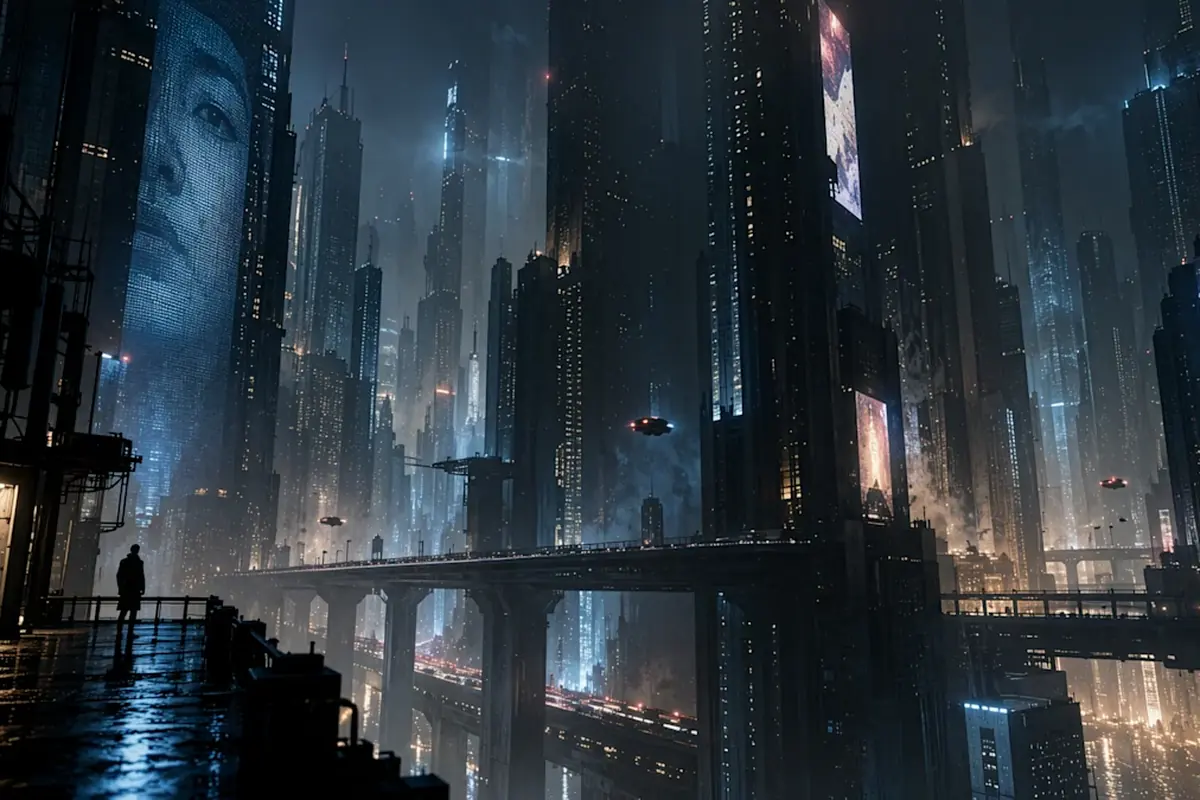
Nano Banana Pro
Reasoning-powered generation and editing with 4K output
GPT Image 2
Text-rich visuals and clean product shots

Seedream 5.0 Pro
Pro-grade images with layer editing and multilingual text